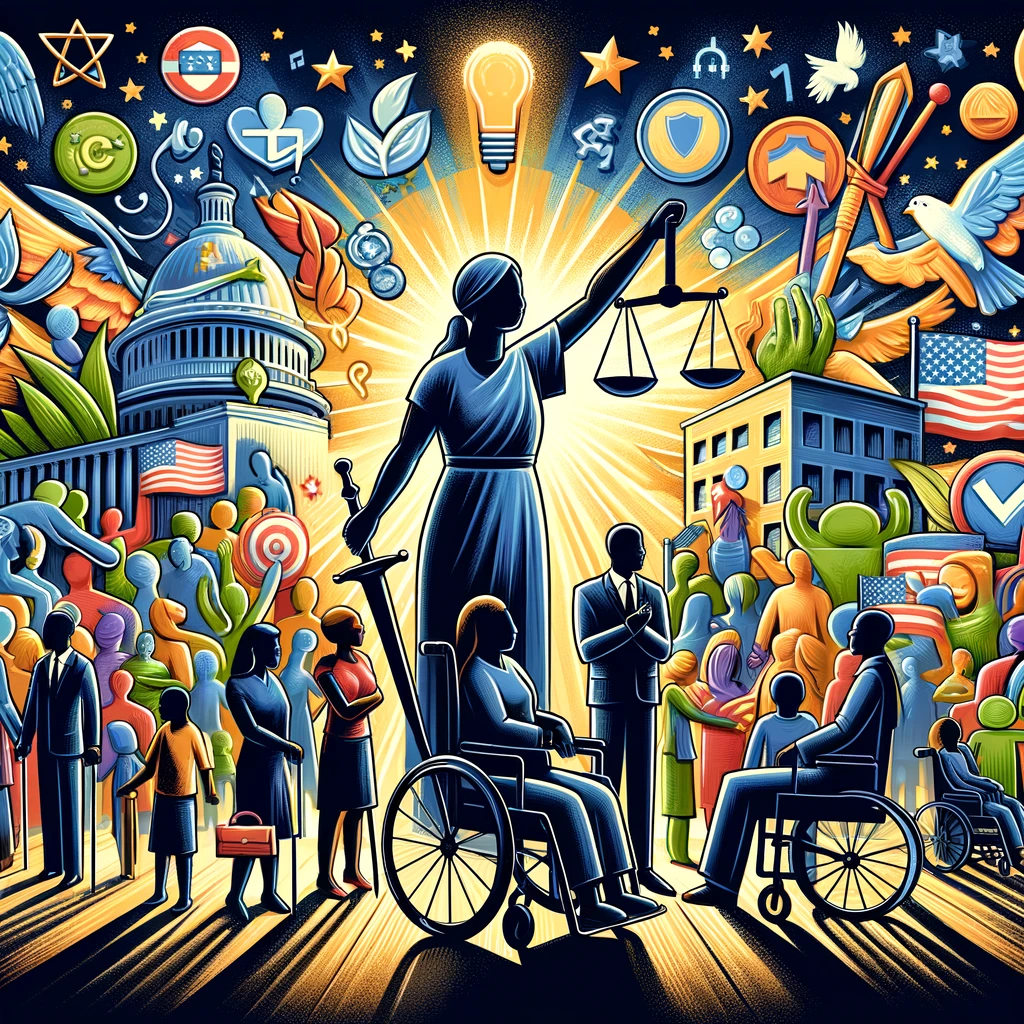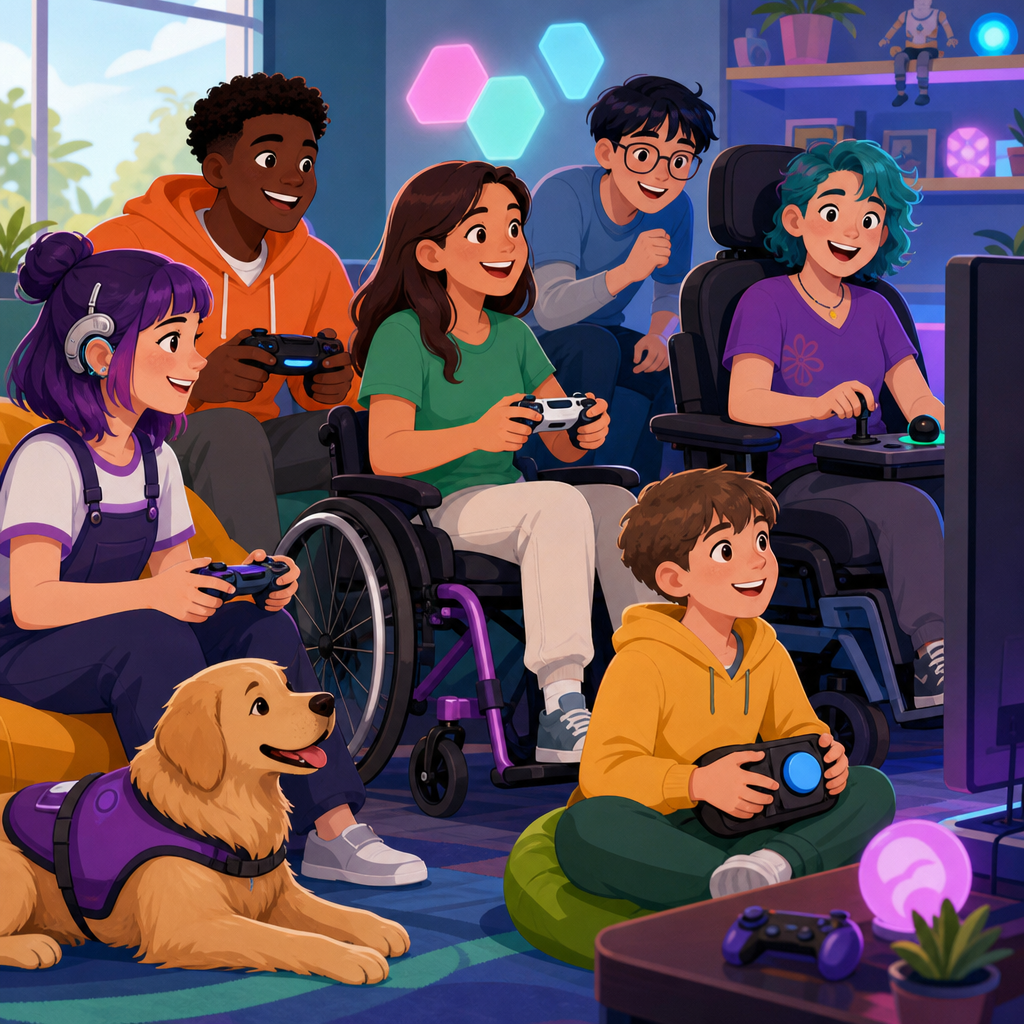
Accessible gaming has moved from a niche design concern to a central rights issue, and that shift matters because games are now a major part of social life, education, work culture, and civic participation. When players cannot use a controller, read interface text, hear critical audio cues, or process fast visual prompts, exclusion is not merely inconvenient; it can implicate disability rights, equal access, and the obligations that organizations owe under the Americans with Disabilities Act. In practice, accessible gaming means designing hardware, software, services, and community spaces so people with disabilities can play with comparable independence, dignity, and enjoyment. Inclusive entertainment is the broader goal: not just making a game technically usable, but ensuring players can participate in multiplayer communities, tournaments, streaming platforms, learning environments, and customer support systems without avoidable barriers.
I have worked with digital accessibility reviews where gaming features failed for reasons that had nothing to do with game mechanics and everything to do with neglected fundamentals: unreadable menus, no remapping, captcha barriers in account creation, inaccessible anti-cheat dialogs, and event venues with poor wheelchair access. Those failures are fixable. They also sit at the intersection of law, design standards, procurement practices, and disability culture. For readers exploring ADA rights, gaming offers a clear case study in how accessibility obligations extend beyond ramps and doorways into software interfaces, communication methods, and public accommodations delivered through hybrid digital and physical experiences. This hub article explains that landscape, defines the key legal and technical concepts, and maps the focused explorations that readers need to understand how rights protections apply across games, platforms, events, and services.
Why Accessible Gaming Belongs in ADA Rights Conversations
The ADA is often associated with buildings, parking spaces, and service counters, but its core purpose is broader: to prevent discrimination and expand equal participation in public life. Gaming intersects with that purpose in several ways. Physical retail stores, esports arenas, conventions, arcades, university gaming labs, and entertainment venues may fall under public accommodation rules. Employers running game-related workplaces must address reasonable accommodation. State and local government programs using games for education or recreation face public-sector accessibility duties. Digital platforms complicate the analysis, yet they do not erase the underlying expectation that disabled people should not be shut out of services offered to the public.
For many players, games are social infrastructure. A disabled teenager may use cooperative games to maintain friendships. A veteran with mobility limitations may rely on adaptive controllers to participate in online communities. A blind player may need menu narration and navigational audio to access the same purchased content other users can enjoy immediately. When these features are missing, the barrier affects communication, culture, and well-being, not just leisure. That is why rights-based analysis is important. It reframes accessibility from an optional enhancement into a question of equal access, effective communication, reasonable modification, and non-discriminatory design choices.
Focused explorations of ADA rights in gaming usually begin with a practical question: what kind of entity is involved? A console manufacturer, a game publisher, a streaming service, a tournament organizer, and a public university esports program may face different legal duties. Another key question is where the barrier occurs. Is it in hardware, software, website checkout, voice chat moderation, event seating, or customer support? Rights analysis depends on those details. The strongest accessibility programs recognize that players experience one ecosystem, not isolated components, so compliance and usability must be addressed across the entire player journey.
Core Accessibility Barriers in Games, Hardware, and Services
The most common barriers fit into recurring categories. Motor barriers arise when games demand simultaneous button presses, tight timing windows, stick precision, or sustained holds without offering remapping, toggle options, or alternative input support. Visual barriers appear when text is too small, contrast is poor, color alone conveys meaning, menus are not screen-reader friendly, or essential information is embedded in uncaptioned cinematics. Auditory barriers include missing subtitles, absent speaker labels, no visual indicators for directional sound, and inaccessible voice chat moderation tools. Cognitive barriers involve cluttered interfaces, confusing onboarding, complex language, inflexible timers, and inconsistent iconography. Vestibular barriers can be triggered by motion blur, camera shake, field-of-view restrictions, and flashing effects.
These issues are not theoretical. I have seen otherwise polished titles become unplayable because hold-to-confirm could not be changed, because subtitles omitted crucial ambient dialogue, or because inventory systems lacked focus indicators for assistive technology. Hardware can compound the problem. Standard controllers often assume grip strength, reach, and dexterity patterns that many players do not have. Without platform-level support for switch inputs, remapping, sensitivity controls, and external devices, even accessible game software may remain out of reach. Services create another layer of risk. If a player can navigate gameplay but cannot complete account verification, purchase downloadable content, or contact support accessibly, equal participation still fails.
| Barrier Area | Common Problem | Inclusive Design Response |
|---|---|---|
| Motor access | Unremappable controls and rapid inputs | Full remapping, toggle options, adjustable timing, alternative devices |
| Visual access | Small text and poor contrast | Scalable text, high contrast modes, screen reader support |
| Auditory access | Missing subtitles and sound-only cues | Closed captions, visual indicators, transcript support |
| Cognitive access | Dense menus and forced time pressure | Clear language, simplified layouts, adjustable timers, tutorials |
| Physical venues | Inaccessible seating or stations | Wheelchair spaces, adaptable desks, clear paths, assistive listening |
| Account services | Checkout or support barriers | Accessible forms, keyboard navigation, captioned help channels |
What ADA Analysis Looks Like in Gaming Settings
ADA analysis in gaming is fact specific, but several concepts appear repeatedly. Public accommodations must provide equal access to goods and services, make reasonable modifications when necessary, and ensure effective communication unless doing so would fundamentally alter the nature of the offering or create an undue burden. In plain terms, a venue hosting a tournament may need accessible routes, seating, restrooms, and communication aids. A business offering customer support for a gaming service may need accessible communication channels. A university esports lab may need to ensure students with disabilities can participate through adapted equipment, policy changes, or auxiliary aids.
Digital-only games sit in a more complex area because courts have not always applied accessibility rules to websites and apps in identical ways, and legal standards continue to evolve. Still, organizations that treat digital accessibility as optional are making a serious mistake. Settlements, state laws, procurement requirements, and consumer protection risks all point in the same direction: accessible digital experiences reduce legal exposure and serve more users. The Web Content Accessibility Guidelines, especially WCAG 2.1 and 2.2, are not game design rulebooks, but they are widely used benchmarks for websites, launchers, account portals, support pages, and many interface elements surrounding gameplay.
A focused ADA rights exploration should also distinguish between accommodation and design. Accommodation responds to an individual need, such as allowing a modified controller setup at an event. Accessible design reduces the need for case-by-case fixes by building options into the product from the start. In my experience, organizations that rely only on accommodation end up inconsistent and reactive. Organizations that integrate accessibility requirements into product specifications, QA testing, vendor contracts, and event planning perform better legally and operationally. They also create fewer moments where disabled users must repeatedly ask for basic access.
Inclusive Innovation: Hardware, Software, and Community Practices
Recent innovations show what good accessibility looks like when companies commit resources early. Microsoft’s Xbox Adaptive Controller changed the market by treating alternative input as a mainstream platform feature rather than an afterthought. Sony’s Access controller expanded that approach with modular hardware choices for PlayStation users. On the software side, games such as The Last of Us Part II demonstrated how extensive presets, navigation assistance, high-contrast modes, text-to-speech, speech-to-vibration, and traversal options can serve players with different disabilities simultaneously. These releases matter because they prove accessibility at scale is achievable in commercial entertainment, not only in experimental projects.
Strong practice goes beyond marquee features. It includes caption systems that identify speakers and sound effects, difficulty settings separated from accessibility settings, camera and motion controls that can be reduced or disabled, and tutorials that can be replayed without penalty. It also includes community governance. Voice chat reporting, text moderation, and anti-harassment policies are disability issues when players using speech differences, AAC tools, or assistive communication face disproportionate scrutiny or abuse. Event organizers likewise need inclusive registration forms, clear accommodation request processes, and staff trained to handle disability-related questions respectfully and consistently.
Another important innovation is disabled-player involvement in development. The most reliable programs use accessibility consultants, disabled playtesters, bug triage categories for access blockers, and public documentation describing available features before launch. That transparency helps players make informed purchasing decisions. It also reflects mature governance. Accessibility statements, product roadmaps, and support articles should explain what works, what remains limited, and how users can request help. Overpromising damages trust. Precise disclosure builds it, especially when organizations update features after launch and respond to feedback with measurable changes rather than generic commitments.
The Hub Topics Readers Should Explore Next
As a hub within Rights and Protections, this page should direct readers to the major ADA-focused questions that arise across inclusive entertainment. One cluster concerns physical access in gaming spaces: arcades, conventions, esports venues, gaming cafés, college labs, and retail demonstrations. Readers should examine seating, route width, counter height, service animal policies, assistive listening, emergency procedures, and staff training. Another cluster concerns digital access: storefronts, websites, launchers, mobile companion apps, cloud gaming interfaces, and in-game menus. Here, the key issues are keyboard access, captioning, contrast, focus order, readable error messages, and compatibility with screen readers or alternative input tools.
A third cluster covers communication rights and moderation. Players need to know when an organization must provide effective communication, what auxiliary aids may be relevant, and how inaccessible support channels can undermine access even when gameplay is partially usable. A fourth cluster addresses accommodation requests in tournaments, schools, libraries, and workplaces tied to gaming. This includes deadlines, documentation practices, privacy concerns, and what makes a request reasonable. A fifth cluster looks at procurement and vendor management. If a school district, public library, or municipal recreation program buys gaming equipment or software, accessibility requirements should appear in purchasing criteria, contracts, and acceptance testing.
Readers should also explore complaint pathways and evidence preservation. When access fails, specifics matter: screenshots, videos, support tickets, date-stamped correspondence, venue photos, witness names, and records of requested modifications. Those materials help in internal escalation, disability office review, platform complaints, or legal consultation. Finally, any serious hub on accessible gaming should connect rights with design maturity. The goal is not endless disputes after harm occurs. The goal is a predictable system where standards, testing, and disability input prevent exclusion before launch, before ticket sales, and before a player is forced to argue for access that should already exist.
How Organizations Can Build Defensible, Player-Centered Accessibility Programs
Effective accessibility programs in gaming are operational, not symbolic. Start with policy: define accessibility requirements for products, events, websites, and customer support. Map those requirements to recognized standards where applicable, including WCAG for web content and platform-specific accessibility guidance for software and hardware. Next, embed accessibility into procurement and development lifecycles. User stories should include disabled-player scenarios. Design reviews should check text scalability, input flexibility, and communication alternatives. QA should test with screen readers, switches, remapped controls, captions, and keyboard-only navigation. Event planning checklists should cover paths of travel, seating dispersion, quiet rooms, lighting, interpreters when needed, and accommodation workflows.
Measurement is equally important. Teams should track access defects, time to remediation, accommodation response times, and feature adoption rates. Public-facing accessibility information should be updated as features change. Training must reach frontline staff, moderators, support agents, and event crews, not just specialists. In my work, the biggest operational gains usually come from routine practices: adding accessibility acceptance criteria, requiring vendors to document conformance, and involving disabled testers before launch instead of after complaints. Those steps reduce rework and improve player trust.
Accessible gaming is ultimately about civil participation. When entertainment becomes a primary site of friendship, identity, education, and work opportunity, access cannot be treated as optional polish. The clearest takeaway for readers in this ADA rights hub is simple: evaluate the full gaming ecosystem, understand where legal duties attach, and insist on both reasonable accommodation and accessible design. If you manage a platform, venue, school, library, or game-related business, audit your barriers now, document corrective actions, and build inclusive entertainment into every decision that shapes how people play.
Frequently Asked Questions
Why is accessible gaming increasingly viewed as a rights issue rather than just a design preference?
Accessible gaming is now widely understood as a rights issue because games are no longer a niche hobby limited to entertainment alone. They are part of how people socialize, learn, collaborate, compete, and participate in modern culture. For many players, games function as community spaces, educational tools, creative platforms, and even professional environments through streaming, esports, and workplace social events. When a game cannot be played by someone who has limited mobility, low vision, blindness, deafness, cognitive disabilities, or other access needs, the impact goes beyond frustration. It can mean exclusion from meaningful social and cultural participation.
This shift in perspective matters because disability access is not simply about optional convenience features. It is about whether people have equitable access to experiences that are increasingly central to daily life. In that sense, inaccessible design can raise questions about fairness, inclusion, and legal responsibility, especially when games are offered by organizations that serve the public or are used in educational, employment, or civic settings. The conversation has expanded from “Wouldn’t it be nice to add accessibility?” to “Who is being left out, and what obligations exist to prevent that exclusion?” That is why accessible gaming is now often discussed alongside broader disability rights principles, including equal opportunity, effective communication, and participation on comparable terms.
What are the most important accessibility features in modern games?
The most important accessibility features are the ones that remove barriers across a wide range of disabilities rather than serving only one narrow use case. Strong controller remapping is one of the most valuable features because it allows players to adapt inputs to their physical needs, alternative controllers, and comfort. Customizable subtitles and captions are also essential, especially when they include speaker identification, sound effect descriptions, and adjustable size, color, and background contrast. For players with low vision or blindness, scalable text, high-contrast interfaces, screen reader support, menu narration, and clear visual hierarchy can make the difference between a playable and unplayable experience.
Audio and visual cue flexibility is equally important. If critical information is delivered only through sound, Deaf and hard-of-hearing players may be excluded. If it appears only as brief visual prompts, blind, low-vision, or cognitively disabled players may be blocked. The best games provide redundant communication through multiple channels, such as visual indicators for audio events and audio narration for visual content. Other high-impact features include difficulty customization, aim assist, timing adjustments, reduced button mashing requirements, toggle instead of hold options, motion sensitivity controls, colorblind-friendly design, and the ability to slow gameplay where appropriate. These features are not just quality-of-life extras; they often determine whether a player can meaningfully access the game at all.
How do innovations in inclusive gaming improve the experience for all players, not just disabled players?
Inclusive gaming innovations often benefit a much broader audience than their labels might suggest. This is sometimes called the “curb-cut effect,” where design choices created to improve access for disabled people end up helping everyone. Subtitles are a classic example. They support Deaf and hard-of-hearing players, but they also help players in noisy environments, people playing in shared spaces, multilingual users, and anyone trying to follow complex dialogue. Remappable controls help players with mobility impairments, yet they are also useful for competitive players, left-handed players, people recovering from temporary injuries, and users switching between devices or input methods.
The same pattern applies across many accessibility features. Adjustable difficulty and customizable timing windows can help players with cognitive disabilities, but they also support beginners, older adults, and busy players who want a less punishing experience. Clearer menus, better contrast, and larger text improve usability for low-vision players while also reducing fatigue for everyone. Even features like pausing during certain gameplay segments, reducing visual clutter, or simplifying interface navigation can make games more inviting and less stressful across the board. In practice, accessible design tends to produce games that are more flexible, more readable, more comfortable, and more user-centered. That is why inclusive innovation is increasingly recognized as smart design, not just special accommodation.
What role does the Americans with Disabilities Act play in accessible gaming?
The Americans with Disabilities Act, or ADA, is a major part of the legal and policy conversation around accessible gaming because it establishes broad principles against disability-based exclusion in many areas of public life. While how the ADA applies can depend on the setting, platform, service model, and facts involved, the core idea is highly relevant: organizations may have obligations to ensure disabled people can access goods, services, programs, or activities on an equal basis. As gaming expands into online services, educational platforms, public-facing digital spaces, and workplace or school environments, accessibility concerns are increasingly evaluated through the lens of equal access and reasonable inclusion.
For example, if a game or gaming-related service is used in a school program, community program, company event, or public accommodation context, accessibility may not be a side issue. It may be part of legal compliance and risk management. Even when legal standards are still evolving in some digital contexts, organizations should not assume they are free to ignore accessibility. Courts, regulators, advocates, and consumers increasingly expect digital experiences to be usable by people with disabilities. The practical takeaway is that game developers, publishers, educational institutions, and businesses should treat accessibility as both a design imperative and a potential compliance issue. Building accessibility in from the start is typically more effective, less expensive, and less risky than trying to retrofit a product after complaints or legal challenges arise.
How can game developers and organizations make accessibility a core part of development instead of an afterthought?
The most effective way to make accessibility a core part of development is to integrate it into every stage of the product lifecycle. That starts with planning. Teams should define accessibility goals early, assign ownership, budget for implementation, and treat access features as standard product requirements rather than optional stretch items. During design, developers should consider a wide range of user needs, including motor, sensory, cognitive, speech, and neurodivergent access needs. Using established accessibility guidance, internal checklists, and inclusive design frameworks can help teams avoid predictable barriers before they become embedded in the game’s systems and interface.
Just as important, developers should involve disabled players directly in research, playtesting, and quality assurance. Lived experience reveals barriers that technical reviews alone often miss. Accessibility testing should cover menus, onboarding, gameplay, communication systems, monetization flows, and post-launch updates. Documentation also matters. Clear accessibility information on store pages and support sites helps players understand whether a game meets their needs before they buy it. For organizations using games in schools, events, or workplaces, accessibility should also inform procurement and platform selection. In the long term, the strongest accessibility programs are built on culture, not just features. When teams understand that inclusion improves both user experience and equitable participation, accessibility becomes part of how they define quality itself.