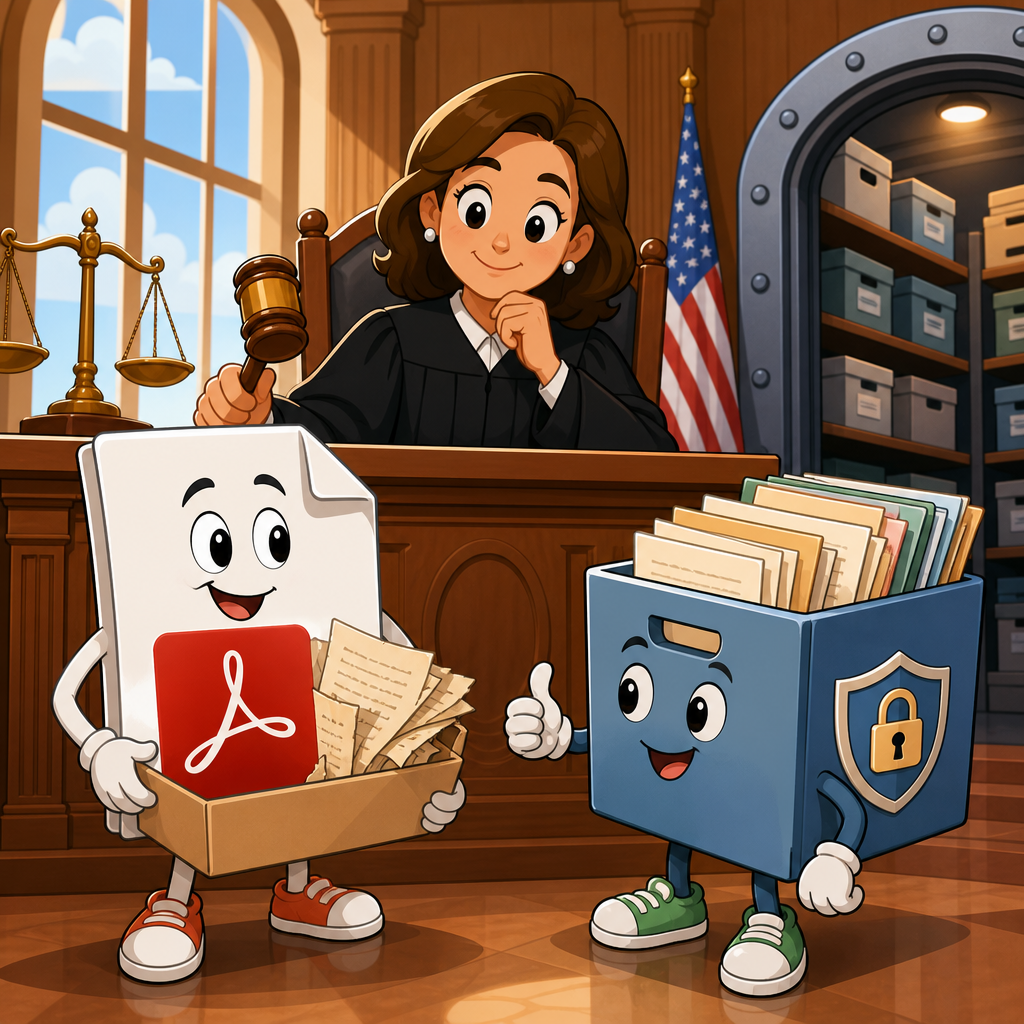
Courts are increasingly treating legacy PDFs and archived documents as live digital content when they remain available to the public, a shift with major consequences for organizations managing accessibility risk under the Americans with Disabilities Act. In practical terms, a legacy PDF is an older portable document format file created before current accessibility expectations were routinely applied, often from scanned paper records, outdated authoring software, or image-based exports. Archived documents are materials a business, university, hospital, court, or government body keeps online for historical, compliance, or reference purposes, even if they are no longer updated. The legal question is straightforward: if a disabled user can still reach the file through a website, mobile portal, learning platform, or document repository, must that file be accessible? Recent cases, settlements, and enforcement activity show that many courts and regulators are leaning toward yes.
This matters because inaccessible documents create obvious barriers for screen reader users, keyboard-only users, people with low vision who need proper text structure for magnification, and users with cognitive disabilities who rely on clear headings and navigation. I have worked on audits where organizations assumed a ten-year-old scanned handbook was legally safer than a newly posted webpage, only to learn that plaintiffs and investigators view both as part of the same digital service. A PDF without tags, selectable text, bookmarks, language settings, alt text, or logical reading order can block access to admissions forms, policy notices, benefit summaries, clinical instructions, and legal rights information. Courts are not examining these files in the abstract. They are asking whether real users can obtain information, complete transactions, and participate equally. That focus is driving emerging challenges and recent ADA legal developments across education, healthcare, employment, retail, and the public sector.
As a hub article within Legal Cases and Precedents, this page explains how courts are analyzing legacy PDFs and archives, why old files still trigger modern liability, what recent ADA legal developments suggest for future litigation, and what organizations should do now. It also clarifies where judges draw distinctions among static records, active service materials, and historical archives. Understanding those distinctions helps legal, compliance, and digital teams prioritize remediation instead of treating every document issue as identical.
Why legacy PDFs are still creating ADA exposure
Courts generally start with function, not file age. If a document delivers essential information or supports a service, judges are more likely to treat it as part of the user experience covered by disability law. That principle appears repeatedly in website accessibility disputes, Department of Justice statements, Office for Civil Rights resolutions, and state-level enforcement. A tax form, patient packet, student handbook, product warranty, transportation schedule, or benefits notice may sit in PDF form, but legally it still performs the role of a digital doorway. If that doorway is blocked, an accessibility claim becomes easier to frame.
One recurring problem is the scanned-image PDF. These files look readable to sighted users but contain no machine-readable text unless optical character recognition is applied correctly. Even where OCR exists, poor recognition quality can render names, deadlines, dosage instructions, or policy language unreliable. Another frequent defect is absent semantic tagging. Without tags, assistive technologies cannot identify headings, lists, table cells, link purpose, or reading sequence. In court-facing terms, the issue is not technical perfection. It is whether disabled users face a materially different, slower, or less effective path to the same information.
Recent ADA legal developments also show that organizations cannot rely on a broad “archive” label when documents still serve present-day needs. Universities often keep degree requirements, accommodation policies, and financial aid notices in old repositories. Hospitals preserve discharge instructions, consent forms, and billing explanations. Employers maintain benefit guides and leave policies. When those files are linked from current pages or returned in search results, plaintiffs argue that the materials are operational, not merely historical. That argument has gained traction because access barriers do not become harmless just because the file originated years ago.
How courts distinguish active content from true archives
The strongest defense usually arises when a document is genuinely archival in both purpose and presentation. A true archive is typically segregated, labeled clearly as historical, not needed for current transactions, and accompanied by accessible alternatives for any information that still matters today. By contrast, a so-called archive that contains current board minutes, open enrollment details, active permit instructions, or still-binding policy terms will rarely be treated as dormant. Courts look at context: where the file is linked, whether users are expected to rely on it, whether the same content exists in accessible web format, and how burdensome alternative access would be for disabled users.
I have seen this distinction become decisive during remediation planning. An organization may host thousands of old PDFs, but only a fraction drive legal risk because they remain embedded in core journeys such as application, payment, enrollment, treatment, or complaint submission. Courts are increasingly receptive to that kind of prioritization analysis when it is honest and documented. They are less receptive when archive status is asserted after a complaint, without retention rules, indexing logic, or user-facing notice. In other words, archives must be real operational categories, not litigation labels.
| Document type | How courts and regulators often view it | Typical risk level |
|---|---|---|
| Current forms, notices, handbooks, instructions | Active service content essential to access | High |
| Older PDFs linked from current navigation or search | Functionally active despite age | High |
| Historical reports kept in a separate archive with accessible summaries | Closer to passive reference material | Moderate |
| Scanned records available only on request with prompt accessible alternatives | Fact-specific, depends on delay and burden | Moderate |
| Unindexed legacy files removed from public pathways | Lower exposure if not needed for services | Low |
What recent ADA legal developments are signaling
Recent ADA legal developments point toward broader accountability for digital documents, even where case law still varies by jurisdiction. The Department of Justice has consistently taken the position that inaccessible online services can violate the ADA, and settlements regularly include document remediation obligations alongside website fixes. Public entities now face even clearer expectations after the Department’s 2024 digital accessibility rule under Title II, which expressly addresses web content and mobile applications using technical standards centered on WCAG 2.1 Level AA. While that rule applies to state and local governments rather than private businesses, courts and private plaintiffs pay close attention to it because it signals the federal baseline for what accessible digital content should look like.
Education has been especially important in shaping the landscape. OCR resolutions with colleges and school systems have repeatedly addressed inaccessible PDFs in library materials, course packets, admissions documents, grievance procedures, and student services. Healthcare matters have followed a similar path, with inaccessible intake forms, after-visit summaries, and policy documents drawing scrutiny because delays can affect treatment, billing, and informed consent. In commercial cases, plaintiffs often challenge coupons, manuals, return policies, loyalty terms, and product instructions that exist only in PDF. These examples matter because they show the same legal reasoning crossing sectors: if the file is part of the service, accessibility is part of compliance.
Another signal is how quickly judges move past arguments that telephone assistance cures digital barriers. Courts increasingly ask whether the alternative offers equal privacy, independence, timeliness, and convenience. A blind user who must call for a document that others download instantly does not receive an equal experience. That logic makes legacy PDFs harder to defend when they contain rights notices, deadlines, or detailed instructions.
Technical defects courts find persuasive
Not every accessibility issue carries the same litigation weight. The most persuasive defects are those that directly prevent comprehension or task completion. Untagged PDFs are a common foundation because they interfere with structural navigation. Missing headings force screen reader users to read linearly through long files. Bad reading order scrambles multi-column layouts, footnotes, and sidebars. Image-only scans hide text entirely. Tables without proper headers can make fee schedules, medication charts, or eligibility criteria unintelligible. Missing form labels block completion of applications and consent documents. Broken bookmarks matter in long policies because they prevent efficient navigation comparable to what sighted users get from visual scanning.
Courts and experts also look for process evidence, not just isolated defects. Was the document generated from Word styles and exported with tags, or flattened from a print workflow? Was Adobe Acrobat Pro used to set reading order, titles, language, and alt text? Did the organization validate with PAC, Acrobat Accessibility Checker, axe DevTools for linked pages, JAWS, NVDA, or VoiceOver? Was there human review after automated testing? When defendants can show a mature document accessibility program, they are better positioned on reasonableness even if legacy files remain in queue. When there is no inventory, no standard, and no ownership, plaintiffs can frame the problem as systemic indifference rather than incidental oversight.
Practical litigation patterns across sectors
In higher education, legacy PDFs often become central because institutions publish years of catalogs, accommodation procedures, disciplinary codes, and scholarship materials. A student may need an archived prerequisite rule to resolve a transfer dispute or graduation issue, making “historical” status irrelevant in practice. In healthcare, older policy documents can still govern patient rights, financial assistance, or clinical follow-up, so inaccessible archives can affect both care and compliance. In employment settings, archived benefit summaries, leave forms, and training materials often remain relevant to current workers and applicants. For retailers and financial firms, old agreements and product terms become important when customers need proof of warranties, fees, or disclosures.
Government and court systems present especially visible examples. Agencies frequently maintain vast PDF libraries of ordinances, permits, meeting packets, and enforcement notices. If those documents are the primary record of public rights and obligations, accessibility barriers can implicate both disability law and due process concerns. Courts evaluating these disputes often focus on whether a person with a disability can obtain the same legal information without delay, embarrassment, or dependence on staff. That is one reason remediation deadlines in settlements often prioritize high-value public documents first, then phase older archives over time.
Across these sectors, the emerging challenge is scale. Organizations may hold tens of thousands or millions of files created over decades. Courts understand that immediate perfection is unrealistic, but they increasingly expect risk-based planning, documented timelines, and prompt fixes for mission-critical materials. Doing nothing is the weakest position.
What organizations should do before a claim arrives
The most effective response starts with classification, not mass panic. Build a document inventory and sort files by legal and operational importance: transactional, rights-affecting, educational, informational, and historical. Then map each group to remediation strategy. High-risk files should be remediated to WCAG-aligned PDF standards or converted into accessible HTML, which is often easier to maintain and usually provides a better experience on mobile and assistive technology. Medium-risk archives may justify staged remediation, especially if accessible summaries or request channels are added. Low-value duplicates should be removed from public view if retention rules allow.
Policy matters as much as repair. Adopt accessible authoring workflows in Microsoft Word, Google Docs, InDesign, and Acrobat so new barriers stop multiplying. Train content owners to use heading styles, meaningful link text, alt text, simple table structures, and export settings that preserve tags. Establish procurement rules for vendors producing statements, brochures, or reports. Keep records of audits, complaints, fixes, and exceptions. In litigation, those records help demonstrate good-faith compliance efforts and make settlement negotiations far more manageable.
The key takeaway from recent ADA legal developments is clear: courts are not giving legacy PDFs a free pass simply because they are old. They are asking whether archived documents still function as part of a service, whether users with disabilities can access them independently, and whether the organization has taken reasonable, documented steps to prevent and remediate barriers. For legal, compliance, and digital teams, the best path is to treat document accessibility as a governance issue, not a one-time cleanup project. Audit what is public, prioritize what affects rights and transactions, convert what should be web content, and remediate the files that must remain PDFs. If your organization sits on years of digital archives, now is the time to review them before a plaintiff, regulator, student, patient, employee, or customer does.
Frequently Asked Questions
What do courts mean when they treat legacy PDFs and archived documents as “live” digital content?
When courts treat legacy PDFs and archived documents as “live” digital content, they are focusing less on when the file was created and more on whether it is still being made available to the public through a website, portal, or other online system. In other words, a document does not become legally insignificant simply because it is old, stored in an archive section, or originally created before modern accessibility standards were widely understood. If users can still reach it, download it, rely on it, or use it to interact with an organization, courts may view it as part of the organization’s present-day digital offering.
That distinction matters because many organizations historically assumed that older files were exempt from current accessibility expectations. Courts are increasingly questioning that assumption. If a legacy PDF contains important information about policies, benefits, programs, applications, product details, public notices, compliance materials, or historical records that users are expected to access, then its age alone may not shield an organization from scrutiny under the Americans with Disabilities Act. The practical legal question is often whether the document remains part of the user experience and whether barriers in that document interfere with equal access.
This shift reflects the broader reality of how websites function. From a user’s perspective, a file linked on a public page is still part of the organization’s digital environment, whether it was posted yesterday or ten years ago. A scanned, image-only PDF with no text layer, no headings, no tags, and no reading order can create the same accessibility barriers today that it would in a newly published file. Courts are increasingly recognizing that ongoing public availability can amount to ongoing digital publication, especially when the content still serves a real purpose.
Why are older PDFs and archived files creating so much ADA accessibility risk for organizations?
Older PDFs and archived files create significant ADA risk because they are often among the least accessible assets in an organization’s digital inventory. Many were generated from scanned paper records, legacy enterprise systems, or outdated authoring workflows that did not produce structured, screen-reader-friendly files. As a result, these documents may be unreadable for people who use assistive technology, difficult to navigate by keyboard, missing alternative text for images, lacking meaningful headings, or presented in a way that prevents users from understanding forms, tables, or instructions.
The risk increases when these files are not merely historical artifacts but continue to perform active business or public-facing functions. For example, if archived documents include employee handbooks, patient forms, academic policies, municipal notices, insurance explanations, financial disclosures, product manuals, or customer service materials, an inaccessible file can become the basis for a claim that users with disabilities are being denied equal access to information or services. Courts and plaintiffs are often less persuaded by labels like “legacy” or “archived” if the documents still matter in practice.
Another reason the risk is growing is volume. Many organizations have accumulated years or decades of PDFs, often spread across multiple departments and platforms. That means accessibility issues can be widespread, hard to track, and easy to overlook during routine compliance reviews. A company may remediate its main webpages while leaving thousands of inaccessible downloadable files available in document libraries, subdomains, investor pages, HR portals, or support centers. In litigation or demand-letter contexts, those neglected repositories can become a focal point.
Finally, archived document risk is not just technical. It is operational and governance-related. Organizations that do not know what documents they have, why they remain online, who owns them, or whether they still serve a business purpose are at a disadvantage. Courts increasingly expect that if an organization chooses to keep content public, it should have a defensible approach to accessibility, prioritization, and remediation. A passive “it has always been there” explanation is becoming less reliable as a legal defense.
Does placing a document in an archive section reduce legal exposure if the PDF is inaccessible?
Not necessarily. Simply moving a document into an “archive,” “resources,” or “historical documents” section does not automatically reduce legal exposure if the file remains publicly accessible and continues to provide information users may need. Courts tend to look at substance over labeling. If a user can still find the document through navigation, search, external search engines, internal links, or direct URLs, and if the content still has relevance, the organization may still be responsible for the accessibility barriers it presents.
The legal analysis often turns on practical accessibility and actual use. If the archived PDF contains information that helps a person apply for a service, understand rights, review obligations, complete a transaction, or obtain benefits, the document may still be viewed as part of the organization’s current digital offering. Even if the file is old, a person with a disability who cannot access it may argue that the archive label does not change the real-world barrier. Courts are increasingly receptive to that common-sense view.
That said, context does matter. A genuinely dormant record with little or no continuing public function may present a different risk profile from a frequently accessed document that remains central to public interaction. But organizations should be careful about assuming that “archived” equals “exempt.” If the document is indexed, linked, promoted, or still relied upon internally or externally, the archive designation may offer little protection. In some cases, calling content archived while still presenting it as available and useful can even undermine the argument that it is outside the scope of accessibility obligations.
A more defensible approach is to assess whether archived materials should remain public at all, whether they can be replaced with accessible HTML or remediated PDFs, and whether clear content-retention and accessibility policies support those decisions. The strongest position usually comes from intentional management, not from a naming convention.
What types of legacy PDF issues are most likely to attract attention in litigation or compliance reviews?
The most common issues are the ones that directly block meaningful access for users with disabilities. Image-only PDFs are a leading example. These are often created from scans of paper documents and contain no readable text layer, which means screen readers cannot interpret the content. A user may be presented with what looks like a complete document visually, but assistive technology may detect little or nothing useful. That kind of failure is easy to understand and frequently cited because it creates a clear access barrier.
Other high-risk issues include missing tags, broken heading structure, improper reading order, unlabeled form fields, inaccessible tables, poor color contrast, and the absence of alternative text for meaningful images, charts, and diagrams. Documents that are technically text-based but still unstructured can be almost as unusable as scanned files. If a screen reader announces content in the wrong order, skips critical elements, or presents a long wall of undifferentiated text, users may not be able to complete the task the document is meant to support.
Forms and transactional documents are especially sensitive. If a legacy PDF is used to apply for employment, benefits, permits, education, healthcare services, or financial products, inaccessible design can become much more than an inconvenience. It can look like a direct barrier to participation. Similarly, policy documents, legal notices, billing explanations, safety instructions, and customer disclosures can draw attention because they contain information users may reasonably need to understand their rights and obligations.
Courts and reviewers may also pay attention to systemic patterns. A single inaccessible file can be a problem, but a large collection of inaccessible documents may suggest an organization lacks adequate governance, testing, or remediation practices. That can shape how a court or opposing party views the seriousness of the issue. In practice, the biggest concern is often not one defective PDF, but evidence that the organization has allowed entire repositories of public-facing documents to remain inaccessible without a clear plan to address them.
How should organizations respond if they discover large numbers of legacy or archived PDFs on their public website?
The best response is a structured, risk-based plan rather than a rushed, document-by-document reaction. First, organizations should inventory what is actually online. Many do not have a complete list of public PDFs across all domains, subdomains, departments, and content libraries. Without that baseline, it is difficult to prioritize remediation or make legally defensible decisions. An inventory should identify where files are located, what they contain, how often they are accessed, whether they support key services, and who is responsible for them.
Next, organizations should categorize documents by business importance and accessibility risk. High-priority materials usually include forms, policies, notices, instructions, benefits information, application materials, customer-facing disclosures, and any document essential to accessing goods, services, programs, or employment. Those files should be remediated or replaced first. In many cases, converting important content into accessible HTML pages is more sustainable than trying to preserve every function in PDF format. For some materials, a properly remediated PDF remains appropriate, but the decision should be intentional.
Organizations should also evaluate whether certain archived files still need to remain public. If a document no longer serves a legitimate current purpose, removing it from public access may be more sensible than attempting full remediation. That decision should be guided by legal retention obligations, operational needs, public records considerations, and customer or user expectations. The key is not to delete indiscriminately, but to reduce unnecessary exposure while preserving what must remain available.
Just as important, organizations should improve governance going forward. That means creating standards for accessible document creation, defining ownership for digital files, implementing


