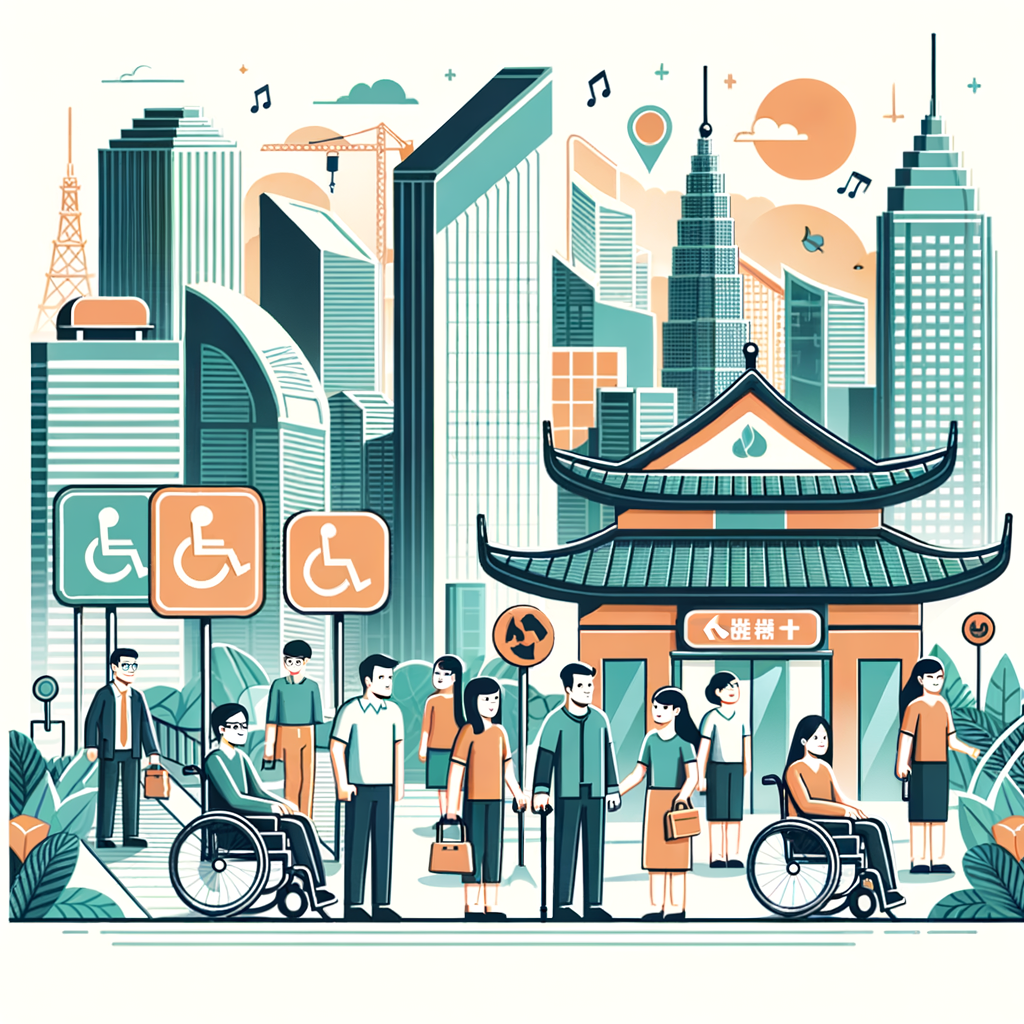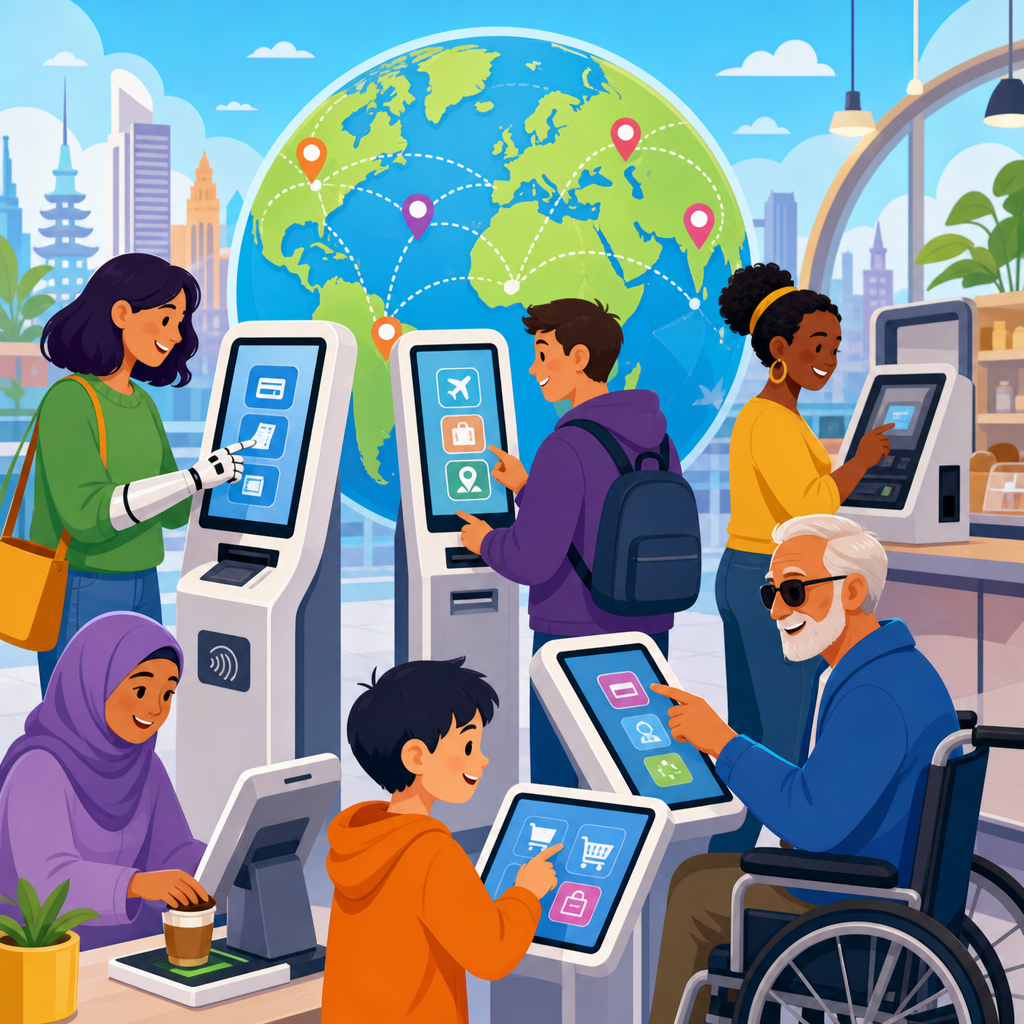
The coming global push for accessible self-service technology is no longer a niche compliance issue; it is becoming a defining test of whether digital transformation serves everyone. Self-service technology includes kiosks, ticket machines, airport check-in terminals, retail self-checkout stations, banking ATMs, hotel check-in screens, food ordering tablets, and app-based service flows that replace staff interaction. Accessibility means these tools can be used by people with disabilities, including people who are blind or low vision, Deaf or hard of hearing, neurodivergent users, people with limited dexterity, wheelchair users, and people with cognitive or speech-related disabilities. Disability rights provide the legal and ethical framework behind that expectation, establishing that equal access is not optional when essential services move to automated systems.
I have worked on accessibility reviews for kiosks, mobile booking tools, and public-facing terminals, and one pattern appears everywhere: organizations adopt self-service to reduce friction, labor costs, and wait times, then discover that a sleek interface can still exclude millions of users. A touchscreen mounted too high, a checkout flow with no audio output, or a payment process that times out before a person with motor limitations can finish all turn convenience into a barrier. These are not edge cases. The World Health Organization estimates that more than 1.3 billion people live with significant disability, making inaccessible design a global business, legal, and human rights problem.
This matters because self-service technology increasingly controls access to transportation, finance, healthcare, government services, hospitality, and everyday retail. When the only practical path to a ticket, prescription pickup, meal order, or hotel room is automated, accessibility becomes inseparable from participation in society. The future of global accessibility and disability rights will be shaped in part by how countries regulate these systems, how manufacturers build them, and how operators maintain them after deployment. This article serves as the hub for that wider conversation, mapping the legal pressure, design standards, technical requirements, market forces, and implementation challenges that will define the next decade.
Across regions, the direction is clear: accessible self-service technology is moving from best practice to baseline expectation. Governments are modernizing disability law, procurement rules are getting stricter, and courts are increasingly willing to treat inaccessible digital systems as discriminatory when they gate access to physical services. At the same time, standards bodies and advocacy organizations are clarifying what good looks like. Businesses that understand this shift early can create systems that are more usable for everyone, reduce retrofit costs, and strengthen customer trust. Those that delay will face avoidable complaints, reputational damage, and expensive redesigns under legal pressure.
Why self-service accessibility is becoming a global policy priority
Several forces are converging. First, public and private services are automating faster than regulatory systems usually move. Second, disability rights frameworks worldwide are expanding from physical premises to digital and hybrid environments. Third, aging populations are increasing demand for interfaces that support low vision, hearing loss, reduced reach, slower processing speed, and limited fine motor control. Fourth, international travel and cross-border commerce mean users increasingly expect consistent access standards wherever they go. An inaccessible airport kiosk in one country is no longer a local annoyance; it is part of a global service chain failure.
Policymakers are responding because self-service systems have become critical infrastructure in daily life. In transport, inaccessible ticketing can block mobility. In healthcare, inaccessible patient check-in can delay treatment. In banking, inaccessible ATMs and branch kiosks can restrict financial independence. In quick-service restaurants and supermarkets, inaccessible ordering and checkout can remove privacy and autonomy by forcing customers to ask for assistance. Disability advocates have argued for years that independence is not achieved when help is available only if someone asks; it is achieved when systems are designed to be usable without special intervention.
The international perspective also matters because legal models travel. The Americans with Disabilities Act influenced arguments about digital equality in the United States. The European Accessibility Act is setting a broad market expectation across EU member states for accessible products and services. The UN Convention on the Rights of Persons with Disabilities has given advocates and lawmakers a common rights-based language globally. Once one major market tightens accessibility expectations for self-service products, manufacturers often standardize upward rather than build separate, less accessible variants for other regions.
The legal and standards landscape shaping the next decade
The global push for accessible self-service technology will be driven by a mix of law, technical standards, and procurement requirements. In the United States, ADA obligations, Section 504, and Section 508 influence how public entities, federally connected programs, and many businesses think about equal access. In Europe, the European Accessibility Act is especially important because it reaches a range of consumer-facing products and services, including certain self-service terminals. EN 301 549 has become a central technical reference in European public procurement for ICT accessibility. Internationally, ISO 9241-171 offers software accessibility guidance, while the Web Content Accessibility Guidelines remain a key benchmark for screen-based interaction patterns, even when adapted beyond browsers.
In practice, organizations rarely comply by citing one standard alone. A kiosk program for an airline, for example, may need to consider WCAG-aligned screen design, hardware reach ranges, tactile controls, headphone jack access, text-to-speech output, color contrast, timeout adjustment, and clear recovery from payment errors. A public transit ticket machine may also require physical clear floor space and operable parts within usable reach for wheelchair users, plus multilingual content and plain-language prompts that support cognitive accessibility. Accessibility is therefore both digital and industrial design work, not simply a software checklist.
| Area | What accessible self-service usually requires | Common failure |
|---|---|---|
| Physical hardware | Reachable height, clear floor space, tactile keys, usable card and receipt slots | Touchscreen mounted too high for seated users |
| Visual interface | High contrast, scalable text, plain language, visible focus states | Low-contrast promotional screens that hide key actions |
| Nonvisual access | Audio guidance, screen reader logic, headphone jack, privacy-preserving output | No independent path for blind users to complete checkout |
| Motor access | Large touch targets, enough time, alternatives to gestures, forgiving error recovery | Short timeouts that cancel transactions mid-process |
| Service continuity | Staff backup, maintenance checks, accessible support escalation | Accessible features disabled and never tested after updates |
The strongest accessibility programs tie these requirements to procurement contracts, user testing, and maintenance obligations. That matters because many failures appear after installation, not at launch. I have seen kiosks that passed a design review but became inaccessible when a payment vendor changed the on-screen keyboard, when the audio port was blocked by the enclosure, or when a software update removed compatibility with assistive technology mode. Sustainable compliance depends on governance, regression testing, and clear ownership.
What accessible self-service technology looks like in the real world
Accessible self-service technology is defined by independent use, not by the presence of a help button. In airports, a usable check-in kiosk should offer a tactilely discoverable way to start audio guidance, a private headphone connection, speech that mirrors on-screen content, and navigation that does not require sight. It should permit extra time, announce seat-selection changes clearly, and make passport scanning or document verification operable for users with limited dexterity. If bag-tag printing requires tearing labels from a hard-to-reach slot, the experience is still partially inaccessible even if the software is well designed.
In retail, self-checkout systems show why accessibility must cover the full journey. A customer may be able to browse items independently but fail at payment because the card reader angle causes glare, the receipt printer is out of reach, or security prompts appear only as visual pop-ups. Good systems synchronize spoken guidance with every step, provide tactile landmarks, keep product lookup simple, and allow easy staff intervention without taking control away from the user. The goal is respectful support, not forced dependency.
Banking provides one of the clearest examples of progress. Many modern ATMs now include speech output through a headphone jack, tactile keypads, and more structured workflows than earlier generations. Yet problems remain. Some accessible ATM features are inconsistent across branches, and mobile app integrations can create new barriers if cash access, cardless withdrawal, or identity verification relies on inaccessible authentication steps. The lesson is that accessibility cannot be isolated to the terminal; it must extend through the surrounding service ecosystem.
Hospitality and healthcare are next major frontiers. Hotel self-check-in promises shorter lines, but inaccessible room selection, digital key setup, or ID capture can leave guests stranded at the front desk anyway. In clinics, self-check-in stations often introduce privacy concerns when users must request help entering medical information. A well-designed system supports adjustable reading levels, clear error prevention, multilingual communication, and multiple input modes while preserving confidentiality. That combination is difficult, but it is achievable when teams design for realistic user needs from the start.
How disability rights, demographics, and economics are aligning
The future of global accessibility and disability rights is not being driven by law alone. Demographic and economic trends are reinforcing the same direction. Populations are aging in Europe, North America, East Asia, and many middle-income countries, increasing the number of users who benefit from larger text, better audio, simpler flows, and forgiving timing. These features are often associated with disability accommodation, but in practice they improve mainstream usability. A parent holding a child, a traveler using a kiosk in bright sunlight, or a customer unfamiliar with the local language may benefit from the exact same design decisions.
There is also a clear business case. Accessible self-service reduces abandonment, improves throughput, lowers the need for ad hoc staff intervention, and expands the addressable customer base. In my experience, companies often discover their highest-friction service points only after accessibility testing. For example, a retailer may assume the main issue is color contrast, then learn that receipt confirmation language is ambiguous, bagging alerts create cognitive overload, and age-verification prompts dead-end the transaction. Fixing these issues helps disabled users first, but it also reduces queue delays and customer frustration for everyone else.
Global brands are especially exposed because inconsistency across markets creates operational risk. If one country requires accessible ordering kiosks and another does not, the brand still has incentive to standardize a compliant design architecture. That lowers training costs, simplifies vendor management, and strengthens product quality. Investors and insurers are also paying more attention to accessibility as part of governance and operational resilience. An inaccessible self-service estate can generate litigation, regulator scrutiny, remediation expense, and public criticism at scale.
What organizations should do now to prepare
Organizations should start by treating accessible self-service technology as a product and service strategy issue, not a last-minute compliance review. The most effective programs begin with an inventory of customer-facing terminals, digital workflows, and assisted-service dependencies. From there, teams can map which experiences are essential, which standards apply in each jurisdiction, and where barriers are most likely to occur. Accessibility requirements should be written into RFPs, vendor scorecards, design systems, and acceptance testing criteria before procurement decisions are finalized.
User research is indispensable. Lab testing with accessibility specialists is useful, but it does not replace moderated sessions with blind users, wheelchair users, Deaf users, people with limited dexterity, and users with cognitive disabilities. Real-world testing reveals environmental issues such as glare, crowd noise, queue pressure, and privacy concerns that are easy to miss in controlled demos. Staff training matters as well. Even the best kiosk can fail a customer if frontline employees do not know how to enable audio mode, adjust settings, or provide support without undermining independence.
Maintenance and accountability are where mature programs separate themselves from symbolic ones. Teams should monitor uptime for accessibility features, test after every software release, document exceptions, and establish a fast path for remediation. They should also connect self-service accessibility to broader digital accessibility governance, because kiosks, mobile apps, websites, call centers, and in-person service all interact. For readers exploring the international perspective further, the key follow-up topics are regional law, procurement strategy, transport accessibility, banking innovation, public sector obligations, assistive technology compatibility, and the role of disability advocacy in enforcement.
The coming global push for accessible self-service technology will reshape how organizations design automated customer experiences. The central lesson is simple: as essential services move to kiosks, terminals, and digital-first workflows, accessibility becomes a condition of equal participation, not a premium feature. Laws are tightening, standards are maturing, and public expectations are rising across markets. Companies and public agencies that act now can build systems that are legally safer, operationally stronger, and far more usable in everyday life.
This hub on the future of global accessibility and disability rights shows why the issue extends beyond any single device or country. Accessible self-service depends on durable standards, inclusive procurement, rigorous testing, reliable maintenance, and direct involvement from disabled users. It also depends on leadership recognizing that independence, privacy, and dignity are design outcomes. When those outcomes are built in, self-service technology fulfills its promise. When they are ignored, automation simply scales exclusion.
The next step is practical: audit your self-service ecosystem, identify barriers in high-impact journeys, and make accessibility a nonnegotiable requirement in every new deployment. Organizations that move first will not just avoid risk; they will deliver better service to a wider public and help define a more inclusive global standard.
Frequently Asked Questions
Why is accessible self-service technology becoming such a major global issue now?
Accessible self-service technology is moving to the center of public and commercial planning because self-service is no longer optional or limited to a few industries. It now shapes how people check in at airports, pay for groceries, access government services, use banking tools, order food, navigate hotels, and complete basic everyday tasks that once involved a staff member. As organizations accelerate digital transformation, they are replacing human-assisted interactions with kiosks, touchscreens, mobile workflows, and automated service points. That shift creates convenience for many users, but it also creates new barriers when accessibility is not built in from the beginning.
The global urgency comes from a combination of legal, demographic, economic, and ethical pressure. Governments in many regions are strengthening disability rights enforcement, procurement rules, and digital accessibility expectations. At the same time, populations are aging, which means more users experience vision, hearing, mobility, cognitive, or dexterity-related challenges even if they do not identify as disabled. Businesses are also recognizing that inaccessible self-service creates customer frustration, abandoned transactions, reputational damage, and operational inefficiency when staff must step in to help with systems that were supposed to streamline service.
Perhaps most importantly, accessible self-service has become a test of whether digital transformation is genuinely inclusive. If a person cannot independently use a check-in terminal, buy a ticket, pay at a self-checkout station, or complete a service flow in an app, then the technology is not delivering equal access. That is why the global push is intensifying: accessibility is no longer seen as a niche technical requirement, but as a baseline expectation for modern service design.
What counts as accessible self-service technology in real-world settings?
Accessible self-service technology refers to any automated or semi-automated service tool that can be independently used by the widest possible range of people, including individuals with disabilities. In practice, that includes physical systems such as airport kiosks, transit ticket machines, ATMs, retail self-checkout units, hotel check-in terminals, restaurant ordering screens, pharmacy pickup systems, and healthcare registration devices. It also includes digital experiences such as mobile check-in apps, QR-code ordering systems, online appointment flows, payment interfaces, and other app-based or web-based service pathways that replace direct staff interaction.
Accessibility in these systems means more than simply making text larger or adding one assistive feature. A truly accessible self-service experience is designed to support multiple ways of interacting. For users who are blind or have low vision, that may include screen reader compatibility, audio guidance, tactile controls, high contrast visuals, and adjustable text size. For users who are deaf or hard of hearing, it may include visual cues, captioned instructions, and non-audio confirmations. For users with mobility or dexterity impairments, it can require reachable hardware, sufficient knee clearance, responsive interfaces that do not depend on fine motor precision, and alternatives to gestures like swiping or dragging. For users with cognitive disabilities, clear language, consistent layouts, simple instructions, and error recovery are especially important.
Real-world accessibility also depends on the environment around the technology. A kiosk may have accessible software but still fail users if it is mounted too high, placed in a narrow area, exposed to glare, or timed in a way that pressures users who need more time. In other words, accessible self-service is not just about software compliance or hardware dimensions in isolation. It is about the complete user journey, from approaching the device to completing the task with dignity, privacy, and independence.
What are the biggest accessibility barriers found in kiosks, ATMs, self-checkout stations, and app-based service flows?
The most common barriers tend to appear where speed and standardization were prioritized over inclusive design. In physical self-service systems, one major problem is touchscreen-only interaction. If there is no tactile keypad, headphone jack, speech output, or other non-visual interaction method, a blind user may not be able to use the device at all. Another common issue is poor physical placement. Screens may be too high, card readers may be out of reach, or the machine may be positioned where wheelchair users cannot approach it comfortably. Time limits are also a serious barrier, especially for users with mobility, cognitive, or communication-related disabilities who need more time to complete tasks.
Visual design problems are equally widespread. Small text, low contrast, cluttered layouts, and confusing button hierarchies can make self-service systems difficult for users with low vision, dyslexia, brain injury, or limited digital confidence. Audio-only prompts can exclude deaf and hard-of-hearing users, while interfaces that rely on color alone can create problems for users with color vision differences. In many systems, error messages are vague, and there is no easy way to go back, ask for help, or restart without losing progress, which can turn a minor mistake into a failed transaction.
App-based service flows introduce a different but related set of barriers. Poor compatibility with screen readers, unlabeled buttons, inaccessible CAPTCHAs, motion-heavy interfaces, complex authentication steps, and inconsistent navigation can all block users from completing routine tasks. Even something as simple as scanning a QR code to begin an order can exclude users if there is no accessible alternative. The broader pattern is clear: barriers arise when teams assume all users see, hear, read, move, and process information in the same way. Accessible self-service requires planning for variation, not designing around a narrow “average” user.
How can organizations prepare for the coming push toward accessibility in self-service technology?
Organizations should begin by treating accessibility as a strategic design and operational priority rather than a late-stage compliance checkbox. The most effective first step is to audit current self-service experiences across both physical and digital channels. That means evaluating kiosks, terminals, payment systems, mobile apps, web flows, signage, support processes, and the surrounding environment. A strong audit looks not only at technical standards, but also at real user experience: can people with different disabilities complete tasks independently, privately, and without unreasonable delay?
From there, organizations should build accessibility into procurement, product development, testing, and maintenance. Vendors should be required to demonstrate accessibility capabilities, not merely claim them. Design teams should use recognized standards and best practices, but they should also conduct usability testing with people who have disabilities, because compliance alone does not guarantee a usable experience. Accessibility should be addressed at every stage, including interface design, hardware placement, language clarity, timeout settings, audio support, staff escalation paths, and software updates. If accessibility is not included in contracts, quality assurance, and release processes, it often disappears when deadlines tighten.
Training is another crucial piece. Staff need to understand how accessible systems work, how to assist users respectfully when needed, and how to recognize when a self-service workflow is failing customers. Organizations should also create clear feedback channels so accessibility problems can be reported and fixed quickly. The companies and public agencies that will be best positioned for the global shift are the ones that move early, invest in inclusive design expertise, and recognize that accessibility improves resilience, trust, and service quality for everyone, not just for a specific user group.
Is accessible self-service technology mainly about compliance, or does it offer broader business and social value?
It absolutely offers broader value. Compliance matters, and organizations should take legal obligations seriously, but reducing accessibility to a legal checkbox misses the larger opportunity. Accessible self-service improves customer experience, expands market reach, reduces friction, and supports brand credibility. When people can independently complete transactions without confusion or embarrassment, they are more likely to return, complete purchases, and trust the organization behind the service. Inaccessible systems, by contrast, create abandonment, staff intervention costs, negative public attention, and possible exclusion of loyal customers who simply need a better-designed experience.
There is also a strong operational argument. Self-service technology is often introduced to improve efficiency, but it does not deliver that benefit when large numbers of users need employee assistance just to navigate basic steps. Accessibility can reduce those bottlenecks by making systems easier to use for a wide range of people, including older adults, non-native speakers, first-time users, and customers in stressful or noisy environments. Features such as clearer layouts, better contrast, multiple input methods, plain language, and forgiving workflows are often examples of inclusive design that help nearly everyone.
On the social side, accessible self-service technology supports independence, privacy, and equal participation. That is especially important in settings like banking, healthcare, transportation, hospitality, and government services, where being forced to rely on another person can compromise dignity or confidentiality. The broader business and social case is simple: as self-service becomes a default mode of access, accessibility becomes part of whether people are fully included in modern life. Organizations that understand this will not just avoid risk; they will build stronger, more trusted, and more future-ready service systems.