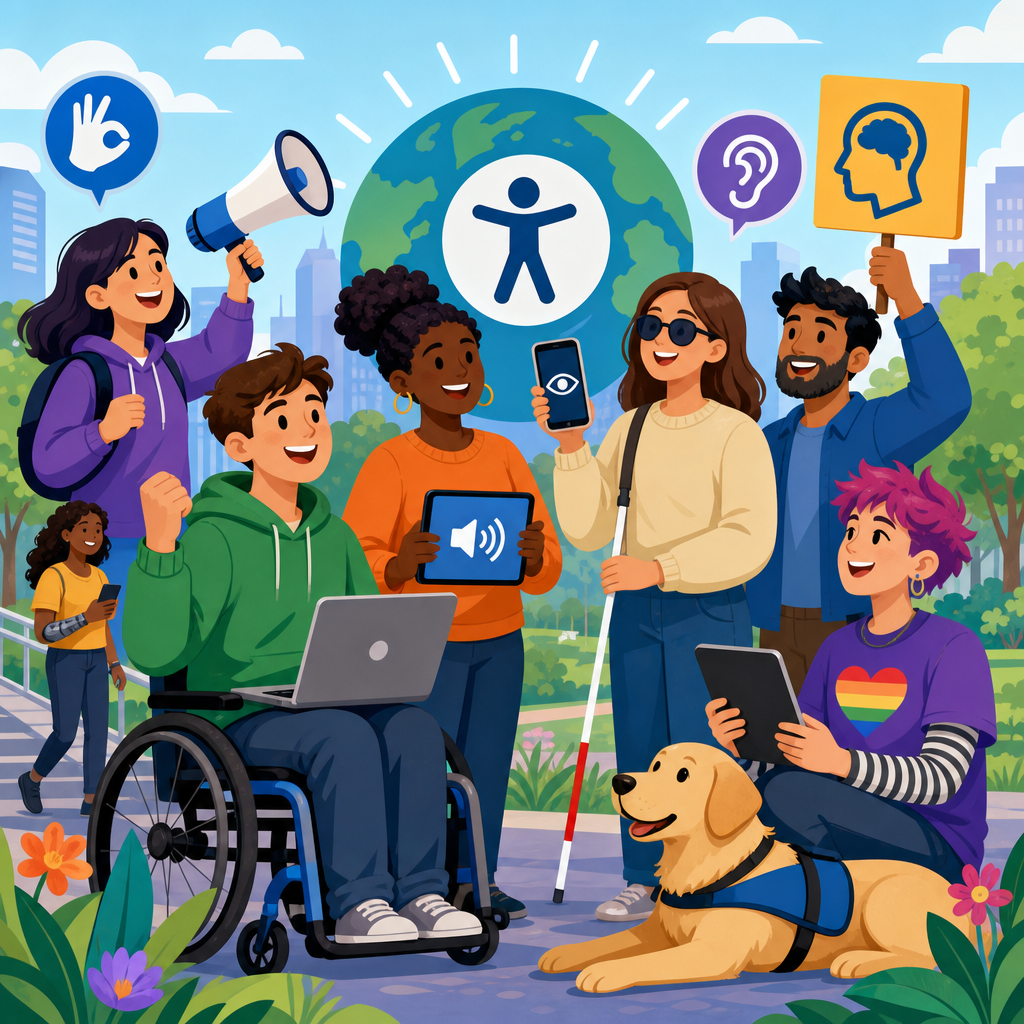
Accessible technology is the design, development, and deployment of digital tools that people with disabilities can perceive, understand, navigate, and use effectively. Raising awareness about accessible technology matters because access to communication, education, work, healthcare, banking, and civic life now depends on websites, apps, devices, and digital services. When those systems are inaccessible, exclusion is not accidental inconvenience; it becomes a barrier to equal participation. I have seen teams spend months polishing features that looked impressive in demos but failed basic keyboard navigation, lacked captions, or broke with screen readers. Awareness campaigns and advocacy close that gap by translating legal requirements, lived experience, and practical design methods into action that organizations can actually implement.
In this field, a few key terms are essential. Accessibility means products and environments are usable by people with a wide range of abilities, including people who are blind, low vision, Deaf, hard of hearing, neurodivergent, or have mobility, speech, or cognitive disabilities. Assistive technology refers to tools such as screen readers, refreshable Braille displays, voice control software, hearing aids, switch devices, and screen magnifiers that help users interact with technology. Inclusive design is the practice of considering diverse users from the start rather than retrofitting later. Universal design aims for products and environments that work for the broadest range of people possible. Digital accessibility standards, especially the Web Content Accessibility Guidelines, provide testable success criteria that guide websites, documents, software, and mobile experiences.
This hub page explains the basics of technology and accessibility while focusing on campaigns and advocacy that raise awareness and drive change. That includes public education, disability-led storytelling, policy work, procurement rules, employee training, and community partnerships. It also includes the practical realities behind awareness: captions cost time, remediation requires budgets, audits uncover uncomfortable truths, and compliance alone does not guarantee usability. Still, the benefits are concrete. Better accessibility improves customer reach, strengthens search visibility, reduces legal risk, supports aging populations, and often improves usability for everyone. Clear headings, larger tap targets, transcripts, plain language, and predictable navigation help far more users than many organizations expect.
For a sub-pillar hub under Technology and Accessibility, the goal is breadth with enough detail to orient readers before they move into deeper articles on web accessibility, assistive technology, inclusive product design, procurement, testing, laws, and advocacy strategy. If you want the simplest summary, it is this: accessible technology is a civil rights issue, a design discipline, an engineering requirement, and a communication responsibility. Awareness campaigns succeed when they move accessibility out of a niche compliance conversation and into everyday decisions about content, code, purchasing, hiring, and leadership priorities.
What accessible technology includes in practice
Accessible technology is broader than websites with alt text. It includes mobile apps with screen reader labels, software that supports keyboard-only use, videos with accurate captions and transcripts, PDFs tagged for assistive technology, kiosks with tactile controls and audio output, smart home devices with voice and visual feedback, and collaboration tools that support live captioning. In enterprise settings, it also includes HR portals, payroll systems, procurement platforms, learning management systems, and internal dashboards. Many organizations focus on public websites first, but inaccessible internal systems can block employees from doing their jobs, requesting leave, completing training, or joining meetings.
The baseline reference point for digital accessibility is WCAG, currently used worldwide in policies and contracts. The POUR principles summarize what accessible experiences require: content must be perceivable, operable, understandable, and robust. Perceivable means information is available through more than one sensory channel, such as captions for audio and text alternatives for images. Operable means users can interact through keyboards, switches, voice input, or touch without impossible gestures or time limits. Understandable means content is clear, predictable, and readable. Robust means content works with assistive technologies and across browsers and devices. When I audit products, most failures map back to one of these principles.
Awareness campaigns are important because many barriers remain invisible to people who do not encounter them personally. A product manager may not realize that an unlabeled icon button is silent to VoiceOver. A marketer may upload a video without captions because they assume autoplay visuals are enough. A procurement team may buy software based on price and features without asking for an accessibility conformance report. Advocacy makes those blind spots visible and actionable.
Why awareness and advocacy change outcomes
Awareness alone does not fix inaccessible technology, but it creates the conditions for change. Effective advocacy connects disability rights to business processes, public accountability, and user outcomes. The best campaigns do three things at once: they humanize the issue through real stories, explain the standards and solutions in plain language, and assign responsibility to the people who can approve budgets or change workflows. Disability advocates have long shown that personal testimony moves attention, while standards and procurement requirements move institutions.
Real-world examples show this pattern. Captioning advocacy transformed video expectations across education, media, and workplaces. Accessibility statements on university and government sites became more common as public scrutiny and litigation increased. Major technology companies now publish accessibility features and developer guidance because customer demand, advocacy pressure, and regulatory expectations made silence untenable. Microsoft, Apple, Google, and Adobe all maintain accessibility documentation, not simply as brand messaging, but because users and enterprise buyers need compatibility information they can trust.
Campaigns work best when they target a specific behavior. “Raise awareness” is too vague to measure. Better goals include requiring captions for all public video, adding accessibility criteria to every software purchase, training content teams on plain language and heading structure, or establishing disabled user testing before release. In practice, I have found that one concrete workflow change often accomplishes more than a broad awareness month poster campaign. Advocacy becomes durable when it is tied to policy, budget, procurement, and publishing rules.
Core barriers people face across digital experiences
Understanding common barriers is the foundation of any accessible technology campaign. For blind users, barriers include images without alternative text, form fields without labels, pop-ups that trap keyboard focus, and documents that screen readers cannot parse. For Deaf and hard of hearing users, missing captions, poor transcript quality, and audio-only alerts create exclusion. For users with mobility disabilities, tiny touch targets, drag-and-drop only interfaces, complex gestures, and timed interactions can make tasks impossible. For users with cognitive disabilities, dense text, inconsistent navigation, flashing distractions, unclear instructions, and unexplained errors increase cognitive load and abandonment.
These issues appear in ordinary tasks. Booking a medical appointment may fail because the calendar widget is not keyboard accessible. Applying for a job may stall because the résumé upload tool is unlabeled. Joining a webinar may be difficult when captions are absent or automatic captions are too inaccurate for technical language. Completing online banking may become risky if focus order is confusing and error messages are vague. None of these are edge cases. Disability is common; the World Health Organization estimates that around 16 percent of the global population lives with significant disability. Aging, temporary injuries, fatigue, and situational limitations expand the affected audience even further.
| Barrier | Who it affects | Typical example | Practical fix |
|---|---|---|---|
| Missing text alternatives | Blind and low-vision users | Product image button announced as “unlabeled” | Add meaningful alt text and accessible names |
| No captions or transcripts | Deaf and hard-of-hearing users | Training video with speech only | Provide accurate captions and downloadable transcript |
| Keyboard traps | Keyboard, switch, and screen reader users | Modal window cannot be exited without mouse | Manage focus and support Escape or close button |
| Complex language and inconsistent layout | Users with cognitive disabilities | Dense instructions and shifting navigation | Use plain language and predictable patterns |
How campaigns raise awareness effectively
The strongest accessible technology campaigns are disability-led, specific, and repeatable. Disability-led means people with lived experience shape the message, appear in materials, review outputs, and are compensated for their expertise. Specific means the campaign explains what needs to change, by whom, and by when. Repeatable means the effort is not a one-week burst; it becomes a cadence through onboarding, design reviews, procurement templates, editorial calendars, and annual reporting.
Internal campaigns often start with training, but training alone is not enough. Designers need component libraries that meet contrast and focus requirements. Developers need acceptance criteria, linting, and testing tools such as axe DevTools, WAVE, Lighthouse, Accessibility Insights, and screen reader checks with NVDA, JAWS, VoiceOver, or TalkBack. Content teams need publishing checklists for headings, links, alt text, tables, and transcripts. Procurement teams need Voluntary Product Accessibility Templates and contract language that requires remediation timelines. Support teams need a way to report barriers and route them to the right owners.
External awareness campaigns use public stories, social media, events, and partnerships. Global Accessibility Awareness Day has become a useful focal point because it prompts demos, audits, blog series, and executive commitments. Still, the best organizations do not treat awareness days as isolated events. They use them to announce measurable actions: an accessibility roadmap, a testing program with disabled participants, or a deadline for captioning legacy content. Campaign credibility rises sharply when organizations publish progress and acknowledge gaps rather than claiming perfection.
Advocacy channels: policy, procurement, education, and community
Advocacy for accessible technology works through several channels at once. Policy sets the baseline. In the United States, the Americans with Disabilities Act, Section 504, and Section 508 shape expectations for digital access, especially in public services, education, and federal procurement. In Europe, the European Accessibility Act and EN 301 549 influence products and services across markets. These rules matter because they convert accessibility from optional goodwill into enforceable obligation. Awareness campaigns often succeed when they explain the practical meaning of these laws for everyday teams.
Procurement is one of the most powerful, and underused, levers. If buyers require accessibility documentation, testing evidence, and remediation commitments before signing contracts, vendors respond quickly. I have seen years of stalled progress accelerate once procurement teams added accessibility review gates. Education is another channel. Universities, bootcamps, and corporate learning programs can normalize accessibility by teaching semantic HTML, captioning, color contrast, usability testing, and disability etiquette as standard practice rather than specialist knowledge.
Community advocacy remains essential because institutions often move only after sustained pressure. Disability organizations, parent groups, student advocates, and employee resource groups surface problems that metrics miss. They also frame accessibility as participation and dignity, not just technical conformance. The most durable progress happens when community voices and technical teams collaborate: users describe barriers, specialists translate them into requirements, and leaders fund the fix.
Building an accessible technology program from awareness to action
Organizations that want lasting results need a structured program. Start with leadership ownership, a published policy, and a clear standard such as WCAG 2.2 AA where applicable. Inventory high-impact assets: websites, mobile apps, PDFs, videos, kiosks, customer support channels, and internal systems. Audit them using both automated tools and manual testing. Prioritize critical user journeys such as login, checkout, application submission, appointment booking, and account management. Then build accessibility into design systems, definition of done, QA, vendor review, and content operations.
Measure what matters. Useful metrics include percentage of videos captioned, number of critical issues on top journeys, remediation time for reported barriers, training completion by role, accessibility defects caught before release, and participation of disabled users in research. Avoid vanity metrics such as the number of awareness posts published without downstream change. A mature program treats accessibility issues like security or privacy defects: triaged, assigned, fixed, verified, and prevented from recurring.
This hub should help readers navigate the broader Technology and Accessibility landscape. From here, deeper articles can explore web accessibility basics, mobile accessibility patterns, assistive technology compatibility, accessible document design, procurement checklists, legal obligations, user testing methods, and campaign planning. The central lesson is straightforward. Awareness is the entry point, advocacy is the pressure mechanism, and operational discipline is what makes technology truly accessible. If you lead content, design, engineering, procurement, or policy, choose one barrier you can remove this quarter, set a measurable target, and start there.
Frequently Asked Questions
What is accessible technology, and why is awareness about it so important?
Accessible technology refers to websites, apps, software, devices, and digital services that are designed so people with disabilities can use them effectively, independently, and with dignity. That includes people who are blind or have low vision, are Deaf or hard of hearing, have mobility limitations, cognitive disabilities, speech disabilities, neurodivergence, or a combination of needs. In practice, accessible technology may include screen reader compatibility, keyboard navigation, captions, transcripts, color contrast, resizable text, clear layouts, voice input support, and predictable interactions that do not create unnecessary barriers.
Awareness matters because digital access is no longer optional. Everyday life now depends on technology for education, employment, healthcare, banking, shopping, transportation, government services, and social connection. When digital tools are inaccessible, people are excluded from essential parts of life. That exclusion is not a minor inconvenience; it can limit independence, reduce opportunity, and prevent equal participation in society. Awareness campaigns help people understand that accessibility is not a niche feature or a charitable add-on. It is a basic requirement for fairness, usability, and inclusion.
Raising awareness also helps shift the conversation from reactive fixes to proactive design. When organizations understand accessibility early, they are more likely to build inclusive systems from the beginning instead of retrofitting them later at greater cost and effort. Awareness creates cultural change inside companies, schools, nonprofits, and public agencies by showing that accessible technology benefits everyone, improves user experience, supports compliance obligations, and reflects a serious commitment to equity.
What do campaigns and advocacy efforts for accessible technology usually involve?
Campaigns and advocacy efforts typically combine education, storytelling, public engagement, and policy influence to make accessibility a visible priority. Some campaigns focus on informing the public about the barriers people with disabilities face when using websites, mobile apps, kiosks, or digital documents. Others target business leaders, developers, designers, educators, or government officials with practical guidance on how to improve accessibility in their own systems. Effective advocacy often bridges the gap between technical standards and real human impact.
A strong campaign may include awareness events, social media outreach, webinars, community workshops, case studies, accessibility audits, public pledges, and collaboration with disability advocates. It may also highlight lived experiences, because personal stories often make the consequences of inaccessible technology easier to understand. For example, hearing directly from a job seeker who could not complete an online application, or a patient who could not access healthcare information without captions or screen reader support, can be more persuasive than abstract statistics alone.
Advocacy can also extend to standards, procurement rules, and legislation. Organizations may push for adoption of recognized accessibility guidelines, request stronger enforcement, or encourage institutions to require accessibility from vendors before purchasing technology. In this way, campaigns do more than raise awareness at a surface level. They create pressure, accountability, and momentum for lasting change across design, development, purchasing, and policy decisions.
Who should be involved in promoting accessible technology?
Promoting accessible technology is a shared responsibility. Disability advocates and people with lived experience should be at the center, because they best understand the barriers that inaccessible systems create and the practical changes that make technology more usable. Their involvement should not be symbolic. They should help shape priorities, messaging, testing, and decision-making so advocacy reflects real needs instead of assumptions.
At the same time, awareness and action must extend beyond the disability community. Business leaders, product managers, designers, developers, content creators, educators, healthcare organizations, policymakers, procurement teams, and customer service staff all influence whether digital systems are inclusive or exclusionary. If accessibility is treated as the sole job of a specialist, progress tends to be limited. When it becomes part of organizational culture, it has a far greater chance of being built into strategy, budgets, workflows, and quality assurance.
Media professionals, researchers, nonprofits, schools, and industry groups also play an important role by amplifying accurate information and sharing best practices. Families, caregivers, and allies can help broaden public understanding as well. The most effective awareness efforts are collaborative: they elevate disabled voices, engage decision-makers, and equip technical teams with practical steps to improve digital access. In short, everyone who designs, buys, manages, teaches, or communicates through technology has a role in advancing accessibility.
How can organizations raise awareness internally and turn that awareness into real accessibility improvements?
Organizations can start by making accessibility visible as a leadership priority rather than an isolated technical issue. Internal awareness often begins with training that explains what accessible technology is, why it matters, and how inaccessible systems affect customers, employees, students, patients, or constituents. The strongest training goes beyond checklists. It connects accessibility to the organization’s mission, legal responsibilities, brand reputation, and commitment to inclusion, while also showing teams what good accessible design looks like in practice.
However, awareness alone is not enough. To turn knowledge into action, organizations need clear policies, measurable goals, and accountability. That can include adopting accessibility standards, assigning roles and responsibilities, integrating accessibility into procurement requirements, adding accessibility checkpoints to design and development workflows, and testing products with assistive technologies and disabled users. Internal champions can help maintain momentum, but sustainable progress usually depends on system-level changes rather than individual enthusiasm alone.
It is also important to measure outcomes. Organizations should review websites, apps, documents, and digital platforms regularly, identify common barriers, prioritize fixes, and communicate progress transparently. Celebrating improvements can reinforce awareness, but honesty about remaining gaps builds trust. The most credible organizations treat accessibility as an ongoing practice of listening, improving, and adapting, not as a one-time campaign. When awareness is paired with policy, training, inclusive design, and continuous review, it becomes a practical driver of meaningful change.
What makes an accessible technology awareness campaign effective and credible?
An effective and credible campaign is grounded in authenticity, accuracy, and action. First, it centers the experiences and expertise of people with disabilities rather than speaking about them from a distance. Campaigns are more persuasive when they involve disabled leaders, creators, testers, and advocates in visible and substantive ways. This helps ensure the message reflects real barriers and real solutions, not generic promises.
Second, effective campaigns balance emotional impact with practical guidance. It is important to explain why inaccessible technology causes harm, but it is equally important to show organizations what they can do next. That means offering concrete recommendations such as using captions, improving keyboard access, writing clear headings, testing with screen readers, choosing accessible platforms, and including accessibility in procurement and content publishing processes. A campaign that inspires concern without offering a path forward may raise attention briefly but fail to create lasting improvement.
Third, credibility depends on consistency. Organizations that promote accessibility should make sure their own websites, event materials, videos, PDFs, and digital communications are accessible. If an awareness campaign about inclusion is itself difficult to use, the message loses trust immediately. Finally, effective campaigns define success in measurable terms, whether that means policy adoption, staff training completion, accessibility fixes, better vendor requirements, or stronger public engagement. The best advocacy does not stop at awareness; it turns awareness into standards, resources, and lasting access for everyone.


