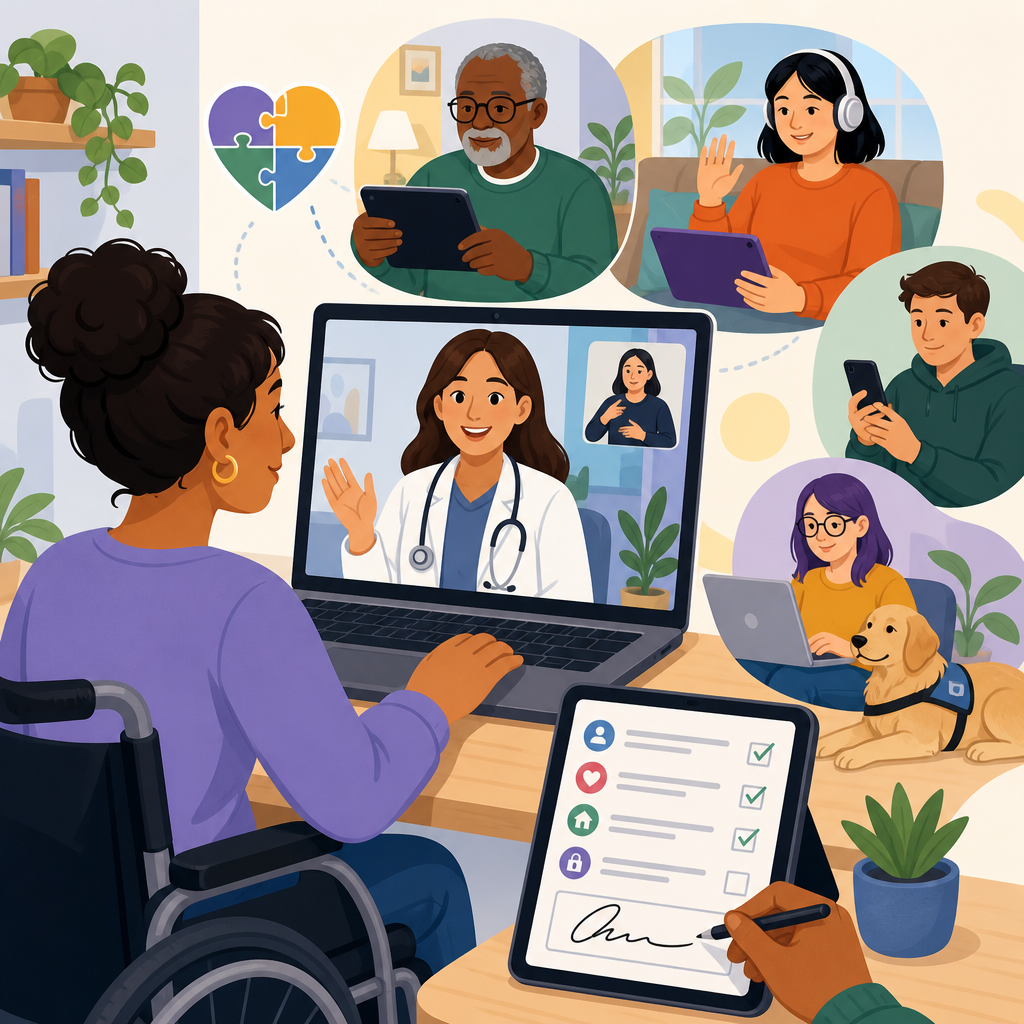
Inclusive design for telehealth intake and remote consent determines whether digital care is usable at the exact moment patients need help most. In healthcare operations, intake means the forms, identity checks, insurance steps, symptom questions, and disclosures a patient completes before seeing a clinician. Remote consent is the process of informing a patient about treatment, privacy, risks, alternatives, recording, billing, and data use, then documenting a valid agreement without requiring an in-person signature. When these workflows are inaccessible, patients miss appointments, submit incomplete histories, misunderstand their choices, or abandon care entirely. I have seen this repeatedly in virtual care rollouts: a clinic invests in video visits, yet completion rates fall because the intake portal times out, the consent language is unreadable, or the electronic signature tool fails with a screen reader. Inclusive design fixes those points of failure by building for disability, language diversity, aging, low bandwidth, mobile-only access, cognitive load, and temporary impairments from the start. This matters far beyond compliance. Better telehealth intake improves patient safety, reduces registration errors, shortens call-center escalations, and raises conversion from scheduling to completed visit. Better remote consent strengthens informed decision-making and lowers legal risk because the patient can actually understand what they are agreeing to. As a hub within technology and accessibility, this topic also connects to captioning, plain-language content, identity verification, digital forms, AI assistance, assistive technology testing, and accessibility governance. Healthcare organizations that treat intake and consent as inclusive product design, not paperwork, deliver measurably better care access.
Why inclusive telehealth intake and consent are foundational
Telehealth begins before the camera turns on. The true front door is the scheduling confirmation, reminder message, patient portal login, demographic form, medical history questionnaire, device test, and consent package. If any part creates friction, patients arrive late, join without critical information on file, or never reach the clinician. Inclusive design addresses this systemically. It asks whether a blind patient can navigate every form field with a screen reader, whether a deaf patient can review a video consent with captions and transcript, whether a patient with dyslexia can understand a sixth-grade reading level summary, and whether a rural patient on a prepaid phone can finish the workflow on unstable bandwidth.
The baseline standards are clear. WCAG 2.2 provides the most widely used accessibility benchmark for web and mobile interfaces. Section 1557 of the Affordable Care Act affects nondiscrimination in health programs, while the Americans with Disabilities Act shapes expectations for equal access. HIPAA influences privacy and security, but secure does not automatically mean accessible. In practice, I have found many teams satisfy encryption and identity requirements while missing keyboard focus order, form labels, error recovery, and language access. That gap turns a legally defensible process into a practically unusable one.
Remote consent deserves special care because consent is not just a click. It requires capacity, comprehension, voluntariness, and documentation. In telehealth, that means presenting information in multiple formats, verifying understanding when risk is material, allowing questions, and recording the final choice in an audit trail. The most effective organizations separate essential disclosures from secondary legal text, use layered notices, and provide plain-language summaries with expandable detail. Patients complete them faster and understand them better.
Design principles that make digital health workflows usable
Inclusive telehealth intake starts with structure. Every field needs a programmatic label, clear purpose, and mobile-friendly input type. Date pickers must allow manual entry because many calendar widgets fail for keyboard and screen reader users. Error messages should appear next to the field, explain the problem in plain terms, and preserve previously entered data. Progress indicators reduce uncertainty, especially for users with cognitive disabilities. Session timeouts need warnings and simple renewal, because many patients require more time to read, dictate responses, or gather medications and insurance cards.
Language and readability matter as much as interface code. Consent text often mixes clinical, legal, and technical terms in ways that overwhelm patients. Better patterns include short sections, active voice, familiar verbs, concrete examples, and headings phrased as questions such as “What are the risks of a video visit?” or “Who can see my information?” For multilingual populations, translation alone is not enough. Patients also need culturally appropriate examples, mirrored navigation, and interpreter access integrated into the workflow rather than buried in support pages.
Teams should design for assistive technologies and constrained environments simultaneously. VoiceOver, NVDA, JAWS, Dragon, switch devices, browser zoom at 200 percent, and high-contrast modes reveal different issues. So do older Android phones, Safari on iPhone, and low-bandwidth connections. In one deployment I worked on, replacing a heavy PDF consent packet with responsive web pages cut mobile abandonment sharply because pinch-zoom, scrolling, and download failures disappeared. The patient did not care that the file format changed; they cared that the task became possible.
Common barriers in telehealth intake and how to remove them
The most common barrier is inaccessible form design. Placeholder text used as the only label disappears when typing and is often not announced reliably by assistive technology. Captcha tools can block blind users, people with cognitive disabilities, and anyone on weak connections. Identity verification that requires a perfect image of a driver’s license excludes users with tremors, low camera quality, or no government ID at hand. E-signature widgets may trap keyboard focus or require a mouse-drawn signature when a typed affirmation would satisfy policy.
Another barrier is fragmented workflow. A patient may start in an SMS reminder, jump to a portal, get redirected to a third-party consent tool, then return to a video platform. Each handoff increases risk. Single-sign-on, consistent page titles, and embedded consent modules reduce confusion. So does persistent help: a visible phone number, chat option, interpreter request, and save-and-return feature. Accessibility is not only the interface; it is also the support model surrounding the interface.
Privacy can become a barrier when handled inflexibly. Some patients cannot safely receive detailed reminders on a shared device. Others need a trusted caregiver present to complete intake. Inclusive systems offer communication preferences, discreet notifications, and documented proxy access with appropriate safeguards. They also explain why data is requested. Patients are more willing to provide race, ethnicity, disability, or preferred language information when the form states how it improves care coordination and access services.
| Barrier | Patient impact | Inclusive solution |
|---|---|---|
| Unlabeled fields and poor keyboard support | Screen reader users cannot complete intake accurately | Use semantic labels, logical tab order, visible focus, and tested error states |
| PDF consent packet on mobile | Zooming, scrolling, and signature steps cause abandonment | Convert to responsive web consent with plain-language sections and accessible signature options |
| Image-based ID verification only | Users with tremors, low vision, or weak cameras fail identity checks | Provide fallback verification such as knowledge-based questions or staffed review |
| Long legal text without summaries | Patients click through without understanding risks or choices | Use layered notices, plain-language summaries, and comprehension checks for high-risk care |
| Third-party tool redirects | Patients get lost between portal, consent, and visit links | Unify flows with single-sign-on, consistent navigation, and save-and-return |
Remote consent that is informed, accessible, and defensible
A valid remote consent process does four jobs: informs the patient, confirms understanding, captures the decision, and preserves evidence. The strongest approach is layered consent. Start with a concise summary covering what the service is, key risks, expected benefits, alternatives, privacy limits, billing implications, and how to withdraw consent. Then let patients expand sections for full detail. This mirrors how people actually read online and reduces the false choice between legal completeness and usability.
For routine telehealth visits, a checkbox plus timestamp may be sufficient when supported by clear language and policy. For higher-risk interventions, organizations should add comprehension prompts, verbal confirmation, or clinician attestation. For example, remote behavioral health, pediatric care involving guardians, reproductive health, and recording-sensitive specialties often need more explicit workflows. Audit logs should capture version history, language presented, accessibility accommodations used when relevant, IP or device metadata where appropriate, and whether a caregiver or interpreter participated.
Accessibility features improve legal defensibility because they show the patient had a fair chance to understand. Offer text resizing, transcripts for audio or video explanations, screen-reader compatible controls, and alternatives to stylus signatures. Avoid forcing patients to consent to unrelated marketing or broad data-sharing terms as a condition of care. Granular choices build trust and align better with modern privacy expectations. When a patient declines optional permissions, care access should continue unless the permission is genuinely necessary for treatment.
Technology choices, testing methods, and operational governance
Choosing technology for telehealth intake and remote consent requires product scrutiny beyond feature lists. Ask vendors for a current VPAT, but do not stop there. A VPAT is useful evidence, not proof of usability. Request keyboard-only demos, screen-reader walkthroughs, mobile testing results, and details about WCAG 2.2 remediation practices. Review whether the platform supports accessible document generation, API-based data exchange, customizable reading levels, multilingual content management, and granular consent records that flow into the EHR.
Operationally, the best teams assign ownership across compliance, patient access, clinical operations, design, security, and engineering. They maintain an accessibility backlog, run regression testing before releases, and monitor funnel metrics by device type, language, and accommodation need. I recommend tracking start rate, completion rate, average time to complete, field-level error frequency, timeout frequency, interpreter requests, call-center rescue rate, and consent revocation patterns. These reveal whether the workflow is merely available or genuinely usable.
Real-world testing must include disabled participants and edge conditions. Automated scanners such as axe, WAVE, and Lighthouse catch only part of the problem. Manual testing with assistive technology and moderated patient sessions expose the failures that matter most, such as ambiguous labels, confusing legal copy, and broken focus after modal dialogs. Governance should require severity-based remediation timelines, procurement language for accessibility, and content review standards for plain language. Inclusive design succeeds when it is built into purchasing, content operations, and release management, not left to a final QA pass.
Innovative solutions across technology and accessibility
Innovation in this space is practical, not flashy. Good examples include conversational intake that lets patients answer by voice or text while preserving structured data; adaptive forms that hide irrelevant questions to reduce burden; and consent modules that present plain-language summaries first, then personalize examples based on visit type. Electronic health record integrations can prefill demographics and medication history, reducing repetitive entry and error rates. Accessibility gains are even stronger when patients can choose their channel: portal, text message link, email, or assisted completion by phone.
AI can help, but only with controls. Speech-to-text can support patients with mobility impairments, while translation tools can speed draft content for human review. Summarization can generate patient-friendly consent previews, and computer vision can improve document capture. Yet healthcare teams should never rely on AI alone for consent comprehension, medical translation, or identity verification decisions. Human oversight, bias testing, and fallback paths are mandatory. The goal is not to automate vulnerable patients into silence; it is to widen access while preserving autonomy.
This hub connects naturally to broader technology and accessibility work: accessible patient portals, captioned telehealth video, remote interpreting, device loan programs, plain-language knowledge bases, digital identity alternatives, and inclusive analytics. The organizations making the most progress treat these as one ecosystem. They know the best telehealth platform still fails if reminder messages are unreadable, if portal passwords reset through inaccessible email flows, or if consent records cannot be surfaced to clinicians at the point of care. Inclusive design for telehealth intake and remote consent is therefore both a specific workflow discipline and a strategic model for accessible digital health delivery.
Telehealth access improves when intake and consent are designed for real patient conditions rather than ideal users. The essential practices are straightforward: build accessible forms, write consent in plain language, support multiple languages and assistive technologies, provide alternatives for identity checks and signatures, and test with disabled users on real devices. When organizations do this well, they reduce no-shows, prevent documentation gaps, improve patient understanding, and strengthen compliance without adding friction.
The biggest lesson from implementation is that accessibility problems are rarely isolated bugs. They are signs of weak content design, fragmented vendor choices, and governance that treats inclusion as optional. Fixing those foundations produces benefits across the entire technology and accessibility portfolio, from scheduling to follow-up care. It also creates better data quality for clinicians and better evidence trails for legal and operational teams. Most importantly, it respects the patient’s time, autonomy, and right to participate in care decisions.
Use this article as the starting hub for your technology and accessibility strategy. Audit your telehealth intake and remote consent flow end to end, measure completion barriers, and prioritize the changes that make care easier to access for every patient.
Frequently Asked Questions
What does inclusive design mean in telehealth intake and remote consent?
Inclusive design in telehealth intake and remote consent means building digital healthcare processes that work for the widest possible range of patients, especially in moments of stress, illness, low bandwidth, limited time, or reduced capacity. In practice, that includes creating forms, identity verification steps, insurance collection, symptom questionnaires, privacy notices, and consent workflows that patients can understand and complete regardless of age, disability, language preference, digital literacy, device type, or cognitive load. Instead of expecting patients to adapt to a rigid system, inclusive design adapts the system to real patient circumstances.
For telehealth intake, this often means simplifying question flow, using plain language, reducing unnecessary fields, supporting screen readers and keyboard navigation, offering mobile-friendly layouts, and allowing patients to save progress. For remote consent, it means presenting information about treatment, risks, alternatives, privacy, billing, recording, and data use in formats patients can actually absorb and act on. That may include layered explanations, translated content, captions, readable typography, and clear opportunities to ask questions before agreeing.
The reason this matters so much is that telehealth often happens at the exact moment patients need care most urgently. If intake is confusing or consent is inaccessible, the result is not just inconvenience. It can delay treatment, increase abandonment, create compliance risks, undermine patient trust, and widen disparities in access to care. Inclusive design helps organizations improve both usability and validity by making it more likely that patients can successfully complete required steps and that their consent is truly informed.
Why is inclusive telehealth intake so important for patient access and healthcare operations?
Inclusive telehealth intake directly affects whether patients can reach care efficiently and whether healthcare teams can operate smoothly. Intake is not a minor administrative step. It is the digital front door to the clinical encounter. When forms are difficult to navigate, instructions are unclear, or workflows assume every patient has strong reading skills, fast internet, perfect vision, and high digital confidence, many people drop off before they ever meet a clinician. That creates barriers to care for patients and avoidable operational friction for providers.
From the patient perspective, inaccessible intake can increase anxiety and frustration at a vulnerable time. A person who is managing pain, caregiving responsibilities, language barriers, limited dexterity, or an older smartphone may struggle to complete identity checks, upload insurance cards, answer medical history questions, or acknowledge disclosures. Even small usability problems can become major obstacles when a patient is sick or under pressure. Inclusive design reduces that friction by making processes shorter, clearer, more forgiving, and more flexible.
From an operational perspective, better intake design reduces incomplete registrations, last-minute support calls, scheduling delays, claim issues, and repeated data entry. It can also improve data quality by helping patients understand what is being asked and why. When remote consent is built inclusively, organizations are more likely to capture valid documentation and less likely to face disputes about whether a patient actually understood the information presented. In short, inclusive intake is not only a patient experience issue. It is also a performance, compliance, revenue cycle, and risk management issue.
What are the most important accessibility and usability features for remote consent workflows?
The most important features are the ones that help patients understand information, navigate the experience independently, and provide agreement in a way that is both legally sound and practically usable. A strong remote consent workflow typically starts with plain-language explanations of what the patient is consenting to, why consent is needed, what the benefits and risks are, what alternatives exist, how privacy and data use are handled, whether sessions may be recorded, and what billing implications may apply. Patients should not have to decode dense legal or clinical language just to proceed.
Accessibility features should include compatibility with screen readers, full keyboard navigation, sufficient color contrast, resizable text, descriptive headings, logical tab order, meaningful error messages, and form labels that are properly associated with fields. Multimedia explanations should include captions and, where appropriate, transcripts. Mobile responsiveness is essential because many patients complete telehealth steps on phones rather than desktop computers. It is also helpful to use progress indicators, short sections, clear calls to action, and confirmation screens so patients know where they are in the process and what happens next.
Usability also depends on comprehension support. Layered consent design can be particularly effective: present the key points first, then allow patients to expand sections for additional detail. Confirm understanding with short, plain-language prompts rather than relying only on a checkbox at the end. Offer options to pause, revisit, print, download, or receive consent information by email or text. Include a clear path for questions, such as a support number, chat option, or clinician follow-up. The goal is not simply to collect a signature. The goal is to document informed, accessible, and patient-centered agreement.
How can healthcare organizations make telehealth intake and consent more inclusive for patients with disabilities, limited English proficiency, or low digital literacy?
Organizations should begin by assuming that patients will arrive with a wide range of abilities, communication needs, and technical comfort levels. Designing for that diversity from the start is far more effective than trying to retrofit accommodations later. For patients with disabilities, this means following recognized accessibility standards, testing with assistive technologies, and ensuring that forms, identity verification, and signature steps can be completed without relying on vision, hearing, fine motor precision, or complex gestures. It also means avoiding timeouts that are too short, CAPTCHAs that are inaccessible, and file upload requirements that create unnecessary barriers.
For patients with limited English proficiency, inclusive design should go beyond machine-translated snippets. Key intake and consent content should be professionally translated into the languages most relevant to the patient population, and language selection should be easy to find at the beginning of the process. Important disclosures, instructions, and support channels should be available in those languages as well. In many settings, interpretation support during the consent process may also be necessary so patients can ask questions and receive clarifications before agreeing.
For patients with low digital literacy, simplicity matters more than sophistication. Use straightforward navigation, familiar labels, one-task-per-screen layouts when possible, and clear examples for fields such as date of birth, insurance ID, or medication lists. Avoid overwhelming users with long paragraphs, unexplained acronyms, or multiple competing actions on the same screen. Provide reassuring feedback when a step is completed, make errors easy to fix, and offer alternatives such as staff-assisted completion, telephone support, text-based links, or pre-visit outreach. The most inclusive systems recognize that successful access sometimes requires human support in addition to good interface design.
How can providers balance compliance, informed consent, and a patient-friendly telehealth experience?
Balancing compliance with usability starts by recognizing that legal completeness and patient comprehension are not opposites. In fact, they support each other. A consent process is stronger when patients can clearly understand what they are agreeing to and when organizations can document that the information was presented accessibly and accepted appropriately. Problems arise when compliance content is treated as a wall of text to be displayed rather than a communication process to be understood. A patient-friendly experience should still capture required disclosures, but it should do so in a structured, readable, and navigable way.
One practical approach is to separate essential decision-making information from supporting detail. Present the core points upfront in plain language, then provide expandable sections or linked materials for patients who want more depth. Clearly identify topics such as treatment scope, privacy practices, telehealth limitations, emergency procedures, recording policies, data sharing, and financial responsibility. Use confirmation prompts to reinforce understanding where appropriate, and make it easy for patients to ask questions before finalizing consent. Maintain clear records of what version of the consent content was shown, when it was acknowledged, and how agreement was captured.
Healthcare organizations should also collaborate across legal, clinical, compliance, operations, UX, accessibility, and patient experience teams when designing these workflows. That cross-functional approach helps prevent a system that is technically compliant but practically unusable. Regular testing with real patients is essential, especially patients who use assistive technology, speak different languages, or rely on mobile devices. The best balance comes from treating inclusive design as a quality and safety strategy, not just a design preference. When intake and remote consent are easier to understand and complete, organizations can improve access, strengthen trust, reduce risk, and support better telehealth outcomes.


