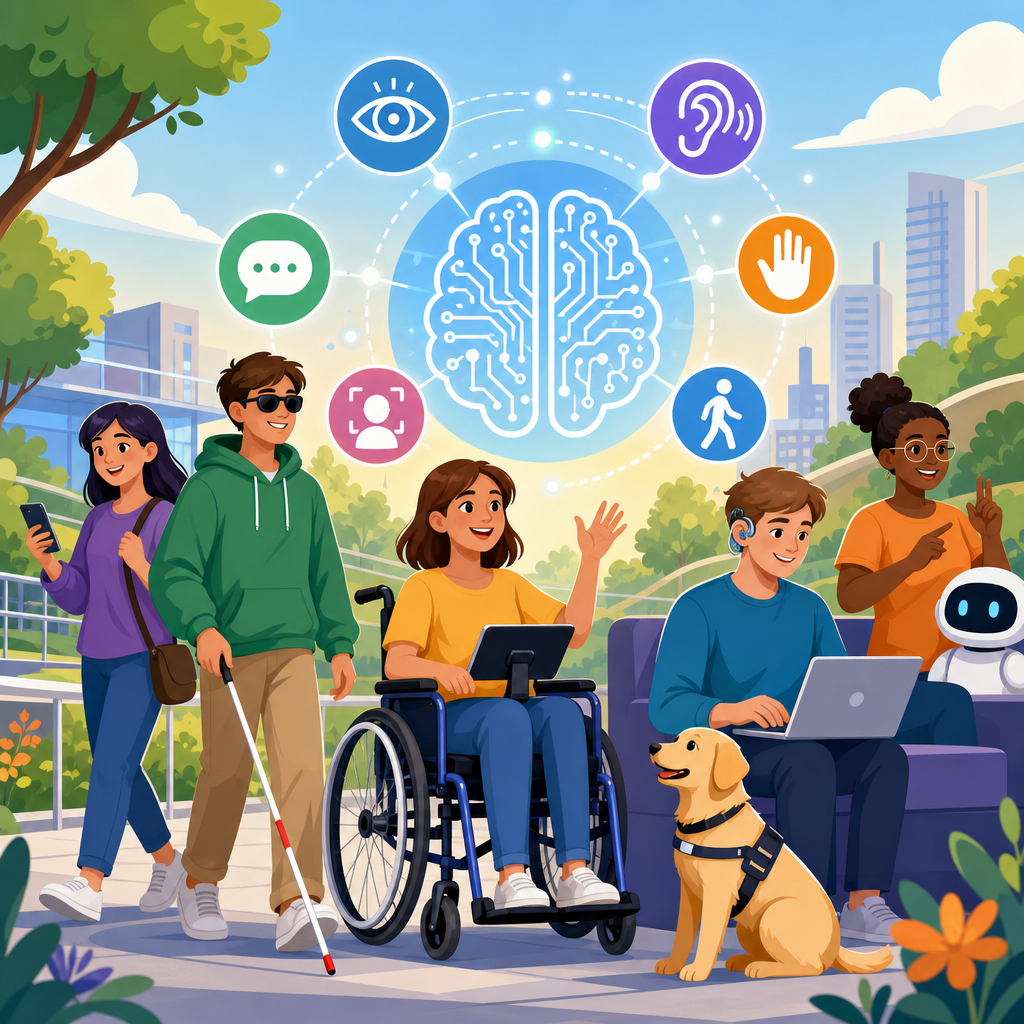
AI and machine learning are reshaping accessible technology by turning long-standing barriers into solvable design problems. In practice, that means software and devices can now interpret speech, describe images, predict user intent, adapt interfaces, and support communication in ways that were expensive or impossible a decade ago. Accessible technology refers to digital and physical tools designed so people with disabilities can perceive, understand, navigate, and interact with them effectively. Implementing accessible technology is the operational work of selecting standards, building inclusive features, testing with assistive technology, and maintaining usability over time. Advancing it means moving beyond compliance toward systems that learn, personalize, and expand independence.
This matters because accessibility is both a civil right and a quality benchmark. The World Health Organization estimates that more than 1.3 billion people live with significant disability, and temporary or situational impairments affect many more. In my work reviewing product teams, the strongest accessibility programs treat AI as an accelerator, not a shortcut. They use machine learning to improve captions, reading support, voice control, personalization, and image understanding, while still grounding decisions in standards such as WCAG, platform accessibility APIs, and human-centered testing. A hub page on implementing and advancing accessible technology must therefore connect strategy, technical methods, governance, and real-world outcomes. That broader view helps teams build systems that are usable, explainable, and sustainable.
At its best, AI-driven accessibility reduces friction at the exact moment a person needs support. A commuter with low vision can hear a scene description from a smartphone camera. A deaf student can follow near real-time captions in class. A person with dyslexia can simplify reading level, change spacing, and hear text spoken naturally. A user with limited dexterity can navigate by voice, switch access, or predictive input. These are not abstract innovations. They are implementation choices involving data quality, model design, device performance, privacy controls, and inclusive product management. Understanding those choices is essential for any organization working on technology and accessibility.
What AI Accessibility Solutions Actually Include
AI and machine learning accessibility solutions are systems that detect patterns from data and use those patterns to improve access. The most common categories are speech recognition, text-to-speech, computer vision, natural language processing, predictive input, recommendation systems for personalization, and anomaly detection for usability issues. Speech recognition powers voice control and captioning. Text-to-speech supports screen readers, reading assistants, and communication devices. Computer vision can identify objects, read text from images through OCR, and describe scenes. Natural language processing enables summarization, translation, plain-language rewriting, and chat interfaces that help users complete tasks.
In implementation work, it helps to separate assistive features from accessibility infrastructure. Assistive features are user-facing capabilities such as automatic captions or image descriptions. Accessibility infrastructure is the layer underneath: semantic markup, ARIA used correctly, keyboard support, focus management, alt text workflows, and compatibility with screen readers like JAWS, NVDA, and VoiceOver. Machine learning cannot compensate for broken fundamentals. If a checkout form lacks proper labels, no model will make it reliably accessible across devices and contexts. The most effective teams build robust infrastructure first, then layer AI where it offers measurable gains.
One practical example is live captioning. Teams often assume the model is the product, but the full solution includes microphone handling, noise suppression, speaker identification, punctuation restoration, latency tuning, transcript review, and export options. Another example is image description. A strong system combines OCR, object detection, and confidence scoring, then lets a human author edit text for high-value content. The lesson is consistent: implementing accessible technology requires systems thinking, not feature checklists.
Core Use Cases in Implementing and Advancing Accessible Technology
The highest-impact use cases usually align with sensory, cognitive, speech, and motor access needs. For users who are blind or have low vision, AI supports scene description, currency recognition, object finding, OCR for printed materials, chart summarization, and navigation assistance. Microsoft Seeing AI and Google Lookout are well-known examples. Their utility comes from combining device cameras, computer vision models, and careful audio feedback design. Accuracy matters, but so do timing, battery use, and confidence thresholds. A description that arrives too late is often no help at all.
For deaf and hard-of-hearing users, the most visible advances are automatic speech recognition for captions, meeting transcripts, and media subtitling. Zoom, Microsoft Teams, Google Meet, and YouTube have normalized AI-generated captions, but quality still varies by accent, domain vocabulary, overlapping speakers, and background noise. In sectors like healthcare, law, and education, many teams pair automated captions with human review or CART services for critical events. That hybrid approach acknowledges a core truth: accessibility solutions must be reliable in high-stakes contexts, not merely convenient.
For people with cognitive disabilities, dyslexia, aphasia, autism, ADHD, or memory-related challenges, machine learning can provide reading support, language simplification, predictive reminders, adaptive pacing, and guided task flows. These features work best when they are optional and adjustable. I have seen products fail when they forced a simplified mode that stripped away needed detail. Accessibility is not one mode for one group. It is controlled flexibility based on user preference. That same principle applies to motor accessibility, where AI can improve speech commands, error correction, gaze input, switch scanning optimization, and predictive text to reduce physical effort.
| Use case | Primary AI method | Who it helps | Implementation note |
|---|---|---|---|
| Live captions | Automatic speech recognition | Deaf and hard-of-hearing users | Monitor latency, jargon accuracy, and speaker separation |
| Image description | Computer vision and OCR | Blind and low-vision users | Show confidence and allow human editing for important content |
| Reading support | Text-to-speech and NLP | Users with dyslexia or cognitive disabilities | Offer speed, voice, spacing, and simplification controls |
| Voice navigation | Speech recognition and intent models | Users with motor impairments | Support confirmation, undo, and offline fallback where possible |
| Personalized interface adjustments | Recommendation models | Users with varied access preferences | Require transparent settings and easy override |
Standards, Design Systems, and Technical Foundations
Accessible technology implementation should start with established standards. WCAG 2.2 remains the central reference for web content, while EN 301 549 is influential in procurement and public-sector requirements. On mobile, teams need to understand platform accessibility services and APIs on iOS and Android, including semantic roles, labels, traits, and event announcements. For desktop software, Microsoft UI Automation, Apple Accessibility, and similar frameworks expose interface information to assistive tools. These are not optional details. If AI features are built on inaccessible components, usability breaks in predictable ways.
Design systems are where accessibility becomes repeatable. In mature organizations, buttons, forms, dialogs, tables, menus, and media components are already keyboard accessible, screen-reader tested, and documented with usage rules. That foundation reduces defects before machine learning features are added. It also creates cleaner data for training and evaluation. For example, a system that summarizes charts for low-vision users performs better when chart components already expose data labels, legends, and axis information consistently. Structured interfaces make assistive intelligence more accurate.
Implementation also depends on performance engineering. Many accessibility features must operate in real time or near real time. Live captions need low latency. Voice control needs fast intent resolution. On-device image analysis may be preferable when connectivity is poor or privacy is sensitive. Edge AI, model quantization, and efficient inference frameworks matter because users experience delay as access failure. I have repeatedly seen teams celebrate model accuracy while missing the bigger usability issue: a slower but slightly more accurate system can still be the worse accessible technology choice.
Data Quality, Bias, Privacy, and Trust
Machine learning systems inherit the strengths and weaknesses of their data. In accessibility, that means datasets must represent disabled users, diverse accents, communication patterns, assistive technology behaviors, and varied environmental conditions. A speech model trained mostly on standard broadcast English will underperform for users with speech disabilities or regional accents. A vision model trained on ideal lighting may fail in real homes, classrooms, or transit stations. Inclusive data collection is therefore a product requirement, not a research luxury.
Bias is not always dramatic, but it is often cumulative. If captions mishandle names, medical terms, or nonnative pronunciation, users lose meaning sentence by sentence. If a navigation assistant confuses curb cuts, crosswalk signals, or door signage, trust erodes quickly. Teams should measure subgroup performance, document known limitations, and set escalation paths for high-risk failures. Model cards, data sheets, and accessibility conformance reports are useful because they turn vague claims into testable statements. Clear documentation helps buyers, regulators, and internal stakeholders judge whether an AI accessibility solution is suitable for a specific environment.
Privacy deserves equal weight. Many accessibility tools process highly sensitive inputs: voice, video, location, health-related context, or communication data. Strong implementation choices include data minimization, on-device inference where feasible, explicit consent, short retention periods, and encryption in transit and at rest. Users should understand what is being captured, why it is needed, and how to turn it off. Accessibility and privacy are not competing values. For many disabled users, privacy protections are part of access because unwanted exposure can deter use entirely.
How Organizations Build, Test, and Maintain Accessible AI
Implementing and advancing accessible technology requires cross-functional ownership. Product managers define access outcomes, engineers build interoperable features, designers create adaptable interfaces, legal teams review risk, and accessibility specialists coordinate standards and testing. Most important, disabled users must be included throughout discovery, prototyping, validation, and post-launch review. In my experience, the fastest way to reduce waste is to test early with people who actually use screen readers, captions, switch devices, voice input, or cognitive support tools in daily life. They expose friction that automated scanners cannot detect.
Testing should combine static analysis, manual review, assistive technology compatibility checks, and model evaluation. For websites and applications, tools such as axe, WAVE, Lighthouse, and Accessibility Insights can catch many code-level issues, but they do not validate task completion. Teams still need keyboard-only walkthroughs, screen-reader testing, transcript audits, caption accuracy checks, plain-language review, and error recovery analysis. For AI features, evaluate precision, recall, latency, hallucination rates, and failure modes under realistic conditions. Measure whether the feature truly improves access, not just whether the model performs well in isolation.
Maintenance is where many programs struggle. Models drift, product interfaces change, and content types expand. A captioning system that worked on meetings may perform poorly on webinars with music or multilingual speakers. An image description model may degrade when a platform changes how images are compressed. Good governance includes versioning, monitoring, user feedback channels, incident response, and retraining plans. Accessible technology is not a launch event. It is an operational discipline supported by policy, budget, and accountability.
The Road Ahead for Technology and Accessibility
The future of AI and machine learning in accessibility is moving toward multimodal assistance, deeper personalization, and more embedded support across everyday products. Multimodal systems can combine speech, text, image, and context signals to help a user complete complex tasks, such as understanding a transit disruption, reading a posted notice, and rerouting with spoken guidance. Personalization will improve as systems learn user preferences for reading level, speech rate, contrast, caption style, or input method. The strongest products will make these adjustments transparent and reversible, not hidden inside opaque automation.
There are also meaningful advances in communication support. Better speech synthesis, voice banking, and augmentative and alternative communication tools are helping users preserve identity and communicate faster. In education and work, AI can support note generation, meeting summaries, and task scaffolding, but institutions should ensure these tools remain accurate, reviewable, and compatible with accommodation processes. Regulation will also shape progress. Procurement standards, disability rights law, and emerging AI governance rules are pushing vendors to document claims and reduce risk. That is good for the field because accessible technology works best when it is auditable, interoperable, and centered on human need.
For organizations building under the technology and accessibility umbrella, the main lesson is clear: start with solid accessibility engineering, then apply AI where it removes real barriers. Prioritize captions, description, reading support, voice interaction, and personalization based on user research. Test with disabled people, measure outcomes in realistic settings, and document limitations honestly. When teams do that, machine learning becomes more than automation. It becomes a practical way to implement and advance accessible technology at scale.
Accessibility leaders, product owners, and developers should use this hub as a starting point for deeper work on standards, assistive technology compatibility, inclusive design systems, data governance, and evaluation methods. The benefit is not only compliance or broader market reach, though both matter. The real benefit is better technology: clearer interfaces, more adaptable experiences, and products that respect how people actually live and work. Review your current tools, identify one barrier AI can reduce responsibly, and build the next iteration with accessibility as a core requirement.
Frequently Asked Questions
How are AI and machine learning improving accessibility in everyday technology?
AI and machine learning are improving accessibility by helping technology respond more intelligently to the real-world needs of people with disabilities. Instead of relying only on static settings or one-size-fits-all features, modern systems can analyze speech, recognize images, convert text to speech, generate captions, detect patterns in user behavior, and adapt interfaces in ways that make digital experiences easier to use. For example, voice assistants can help users navigate devices hands-free, computer vision tools can describe objects and scenes for blind or low-vision users, and speech recognition can support people with mobility impairments or those who communicate more easily by speaking than typing. These capabilities make technology more flexible, more responsive, and more practical across work, education, healthcare, and everyday life.
What makes AI especially important is that it turns accessibility from a manual accommodation into an active design capability. A decade ago, many assistive functions required expensive specialized hardware or significant human support. Today, machine learning models can be embedded into mainstream apps, operating systems, websites, and devices. That means accessibility features are becoming more widely available and more affordable. While these systems are not perfect, they are helping reduce barriers in navigation, communication, content consumption, and task completion, which is why AI is now seen as a major force in the future of inclusive technology.
What are some real examples of AI-powered accessibility solutions?
There are already many strong examples of AI-powered accessibility solutions in daily use. Automatic captioning and live transcription tools help deaf and hard-of-hearing users follow conversations, meetings, lectures, and video content in real time. Screen readers are becoming more capable when paired with AI that can interpret image content, summarize web page structure, and describe buttons or interface elements that were previously unclear. Predictive text and language generation tools can support people with dyslexia, cognitive disabilities, or communication-related disabilities by helping them write more clearly and efficiently. In the physical world, smart navigation apps can give turn-by-turn guidance with accessibility-aware routing for wheelchair users or more context-rich feedback for blind pedestrians.
Another important area is augmentative and alternative communication, often called AAC. AI can help communication devices learn a user’s patterns, predict intended words or phrases, and reduce the effort required to express thoughts. Adaptive interfaces are also a growing category. These systems can modify font size, contrast, layout, timing, or input methods based on a person’s needs and preferences. In customer service and education, AI chat systems can simplify information, support multilingual communication, and provide immediate assistance in formats that are easier to understand. The common thread is that AI helps technology interpret context and adjust outputs so more people can access information and participate independently.
Can AI make websites and digital content more accessible?
Yes, AI can play a valuable role in making websites and digital content more accessible, although it works best as part of a broader accessibility strategy rather than as a complete replacement for human judgment. AI tools can help identify missing alt text, detect low color contrast, flag possible heading structure issues, generate captions, transcribe audio, and suggest clearer language. For content teams and developers, this can dramatically reduce the time needed to find common accessibility problems and improve digital experiences at scale. On large websites with thousands of images, pages, and documents, machine learning can speed up remediation and help organizations prioritize what to fix first.
That said, accessibility is not just about checking boxes. AI-generated fixes still need review because context matters. An automatically generated image description might identify objects in a photo, but it may miss the purpose or meaning of the image in the page’s content. A tool may detect a layout issue but not understand whether a keyboard user can complete a complex form smoothly. The most effective approach combines AI assistance with accessibility standards, inclusive design practices, user testing, and expert evaluation. When used responsibly, AI can make accessibility work faster, more scalable, and more consistent, while human oversight ensures the result is genuinely usable.
What challenges or limitations should organizations consider when using AI for accessibility?
Organizations should be optimistic about AI for accessibility, but they also need to be realistic about its limitations. One of the biggest challenges is accuracy. Speech recognition may struggle with accents, speech differences, background noise, or assistive communication methods. Computer vision systems can misidentify objects, miss important details, or fail in low-quality visual conditions. Automated captions and descriptions can be helpful, but errors in a medical, legal, educational, or workplace setting can create confusion or exclusion instead of access. Accessibility features powered by AI should therefore be treated as assistive tools that require testing, quality control, and clear communication about their reliability.
There are also concerns around bias, privacy, and inclusion. Machine learning models are only as good as the data used to train them, and many datasets underrepresent disabled users or fail to reflect the full diversity of how people communicate and interact with technology. This can lead to weaker performance for the very groups the tools are supposed to support. Privacy is another major issue, especially when systems process voice, facial information, behavioral data, or health-related signals. Organizations need strong safeguards, transparent policies, and accessible consent practices. Most importantly, they should involve disabled users directly in design, testing, and decision-making. AI can support accessibility, but it should never be developed without the people who rely on accessible technology every day.
What does the future of AI and machine learning in accessibility look like?
The future of AI and machine learning in accessibility looks increasingly personalized, proactive, and integrated into mainstream technology. Rather than requiring users to search through settings menus or install separate tools, future systems will likely recognize preferences and accessibility needs more smoothly across devices and platforms. Interfaces may adapt in real time based on how someone reads, hears, speaks, moves, or processes information. AI could provide more accurate scene descriptions, stronger multilingual support, better summarization for complex content, and more natural communication tools for people who use AAC or other assistive methods. As models improve, accessibility features should feel less like add-ons and more like built-in intelligence that helps every user interact more effectively.
At the same time, the future will depend on responsible innovation. Better results will come from inclusive datasets, stronger regulation, transparent design, and continued collaboration between technologists, accessibility experts, and disabled communities. We are moving toward a world where AI can help remove barriers not only in websites and apps, but also in transportation, education, employment, public services, and smart environments. The real promise is not just convenience. It is greater independence, participation, and equity. If developed thoughtfully, AI and machine learning will continue to transform accessibility from a reactive accommodation model into a proactive foundation of better design for everyone.


