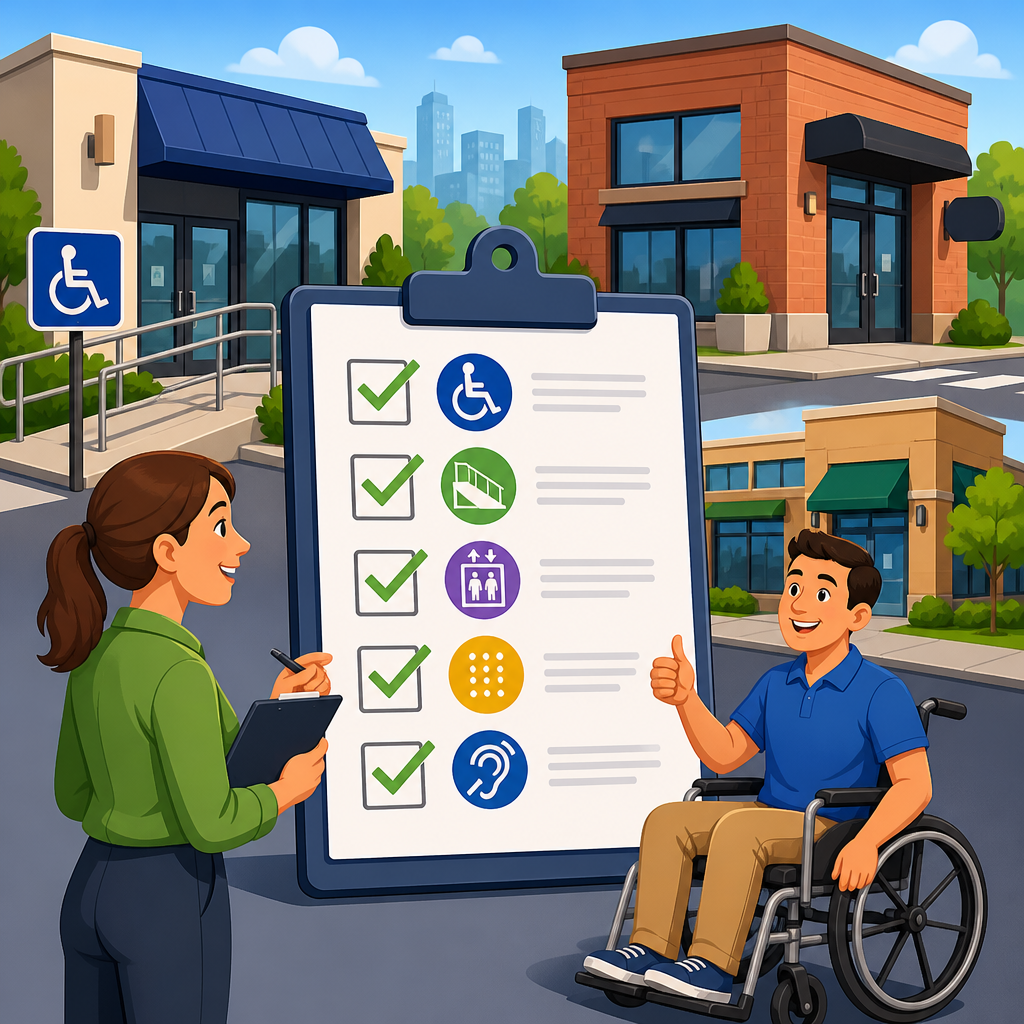
ADA compliance audits are the fastest way for multi-location organizations to find accessibility gaps before they become legal claims, customer complaints, or operational bottlenecks. In this context, an ADA compliance audit is a structured review of websites, mobile experiences, physical locations, customer service processes, and internal policies against accessibility requirements and recognized technical standards. For enterprises with dozens, hundreds, or thousands of sites, the challenge is scale: a single inaccessible booking flow, kiosk, entrance route, PDF, or hiring form can expose the entire brand to risk because customers experience one company, not isolated branches.
I have worked with distributed brands that assumed accessibility was handled because a corporate policy existed, only to discover that local teams used different vendors, legacy templates, and inconsistent remediation practices. That pattern is common. Multi-location organizations often inherit fragmented digital stacks, varying facility conditions, decentralized procurement, and uneven staff training. An effective audit checklist creates one repeatable system for evaluating every location while still accounting for differences in building age, lease obligations, service model, and technology footprint.
ADA compliance matters for three practical reasons. First, it reduces legal exposure under the Americans with Disabilities Act and related state laws. Second, it improves customer reach because accessible experiences support people with visual, auditory, motor, cognitive, and speech disabilities, along with aging users and people in temporary impairment situations. Third, it drives operational consistency. When accessibility is measured the same way across branches, leaders can prioritize fixes, compare vendors, allocate budgets, and document good-faith efforts.
For digital properties, most organizations use the Web Content Accessibility Guidelines, usually WCAG 2.1 AA or WCAG 2.2 AA, as the benchmark for conformance. For physical spaces, audits typically reference the 2010 ADA Standards for Accessible Design, applicable state building codes, and local requirements. The checklist below is designed as a hub framework for ADA audits and compliance tools across websites, apps, documents, facilities, communication channels, and governance.
Build the audit scope before reviewing any location
The first step in an ADA compliance audit checklist for multi-location organizations is defining scope with precision. Do not start by scanning a homepage or measuring a ramp in isolation. Start by listing every customer touchpoint and every location-dependent variation. In practice, that means inventorying brand websites, location pages, scheduling tools, checkout flows, mobile apps, kiosks, PDFs, email templates, call center scripts, store entrances, parking areas, restrooms, counters, fitting rooms, and emergency procedures. If a customer can encounter it, it belongs in scope.
For multi-location brands, a master location register is essential. I usually build one that includes address, ownership status, lease status, square footage, renovation date, CMS or platform used, third-party systems in use, and primary services delivered at that site. That register becomes the backbone of the audit because accessibility defects cluster around variables. Older leased sites often have built-environment constraints. Franchise-style digital publishing creates inconsistent location pages. Separate booking vendors produce uneven keyboard support and screen reader labeling.
Scoping should also identify what counts as a representative sample versus what requires full review. If 500 locations share one web template, you can test the template deeply and then verify implementation at sampled pages. If local managers upload their own PDFs, each document class may need review. The point is to match the audit method to the organization’s actual risk profile.
Use a layered checklist for digital accessibility
Digital accessibility audits should combine automated testing, manual testing, assistive technology testing, and code review. Automated tools catch recurring defects quickly, but they do not prove compliance. In enterprise programs, I typically use axe DevTools, WAVE, Lighthouse, Siteimprove, and platform-native crawlers to surface missing alt text, color contrast failures, empty buttons, duplicate IDs, and form labeling errors. Those findings are useful, but they are only the starting point.
Manual testing is where the most serious barriers appear. Every core journey should be tested with a keyboard alone: can a user navigate menus, open date pickers, complete booking or checkout, dismiss modals, and reach all controls without a mouse? Screen reader testing with NVDA, JAWS, and VoiceOver often reveals unlabeled icons, incorrect heading hierarchy, inaccessible custom widgets, and status messages that are never announced. On location pages specifically, common failures include inaccessible map embeds, store hours presented as images, poor focus order in accordions, and inaccessible appointment widgets.
Document accessibility belongs in the same checklist. Multi-location organizations publish menus, intake packets, employment applications, accommodation forms, and policy notices as PDFs. If those files are not tagged properly, lack reading order, or use scanned images without OCR, they block access just as effectively as a broken web form. Adobe Acrobat Accessibility Checker can help, but remediation often requires source-document fixes in Word, InDesign, or the originating system.
| Audit area | What to check | Common tool or method | Typical enterprise issue |
|---|---|---|---|
| Website templates | Headings, labels, focus order, contrast, responsive behavior | axe DevTools plus keyboard testing | Shared design system defect replicated across all locations |
| Location pages | Store hours, maps, CTAs, forms, local media uploads | Sample-based manual review | Inconsistent local content entry breaks accessibility |
| Booking or checkout | Error identification, date picker access, status messages | Screen reader and keyboard testing | Third-party widget blocks completion |
| Mobile apps | Touch targets, labels, orientation, dynamic text support | VoiceOver and TalkBack testing | Native components customized without accessibility names |
| PDFs and forms | Tags, reading order, field names, OCR, link text | Acrobat checker plus manual validation | Local teams upload inaccessible scans |
Audit physical locations with standardized field procedures
A physical ADA audit checklist for multi-location organizations should be repeatable enough that findings from Phoenix mean the same thing as findings from Boston. Standardization starts with field procedures. Auditors need consistent measurement methods, calibrated tools, photo documentation rules, and defect severity definitions. At minimum, field teams should evaluate accessible parking, passenger loading zones, route continuity, entrance access, door hardware, thresholds, sales or service counters, restrooms, seating, signage, fitting rooms where applicable, and emergency egress communication.
In retail and service environments, the accessible route is often the first failure point. I regularly see compliant parking stalls that lead to noncompliant curb transitions, cluttered vestibules, or heavy manual doors. Inside the space, temporary displays can narrow circulation paths below usable width even when original construction was acceptable. In healthcare and hospitality, counters are another recurring issue. A location may have one lowered section on paper, but it is obstructed by printers, plexiglass mounts, or payment terminals that negate practical access.
Older buildings and leased spaces require careful judgment. The ADA recognizes concepts such as barrier removal where readily achievable, and those obligations differ from new construction standards. That does not mean older sites can be ignored. It means the audit should document which issues are maintenance failures, which require capital work, and which involve landlord coordination. Good reports distinguish immediate operational fixes from long-range renovation items.
Evaluate communication, service delivery, and accommodation processes
Many organizations focus too narrowly on websites and buildings, but ADA compliance also depends on how staff communicate and respond to accommodation requests. A complete checklist should review call center workflows, chat scripts, relay service handling, captioning practices, interpreter request processes, and escalation paths for unresolved accessibility issues. If a customer calls a location to ask for an accessible appointment, can the employee answer accurately? If a guest requests auxiliary aids, does staff know the process, timeline, and who approves costs?
Service delivery audits should include mystery shopping and scenario testing. For example, ask whether a deaf customer can request live captioning for a webinar, whether a blind customer can receive forms in an accessible digital format, or whether a mobility-impaired customer can reserve an accessible room or service bay without being transferred repeatedly. These exercises expose policy gaps that technical scans never find.
Training quality matters as much as training completion. I have seen organizations boast ninety-eight percent completion rates while frontline teams still improvised inaccessible workarounds. Effective training is role-based. Facilities teams need maintenance and measurement guidance. Content teams need plain-language, alt-text, and heading-structure instruction. Developers need semantic HTML, ARIA, focus management, and test protocol training. Local managers need practical scripts for accommodation requests and complaint handling.
Assess governance, vendor risk, and remediation workflows
Accessibility failures at scale usually trace back to governance, not isolated mistakes. That is why every ADA audits and compliance tools program needs a governance review. Start by asking who owns accessibility enterprise-wide, who signs off on design and procurement, how issues are prioritized, and what evidence is retained. If ownership is split among legal, IT, facilities, marketing, and operations without a clear accountable leader, remediation stalls.
Vendor management deserves special scrutiny. Multi-location organizations rely heavily on third parties for scheduling, e-commerce, kiosks, digital signage, applicant tracking, telehealth, and point-of-sale systems. Contracts should require conformance targets, accessibility testing evidence, response times for defects, and cooperation during remediation. A VPAT can be a useful disclosure document, but it is not proof of accessibility and should never replace independent validation.
Remediation workflows should be centralized enough to track trends but flexible enough to route issues correctly. In mature programs, every finding is logged with asset type, location, severity, standard violated, responsible owner, target date, and validation status. This creates defensible documentation and allows leaders to distinguish systemic problems from one-off defects. If ten regions report the same inaccessible carousel, the fix belongs in the design system, not in ten separate local tickets.
Turn audit results into a scalable compliance roadmap
An audit checklist is only valuable if it leads to prioritized action. The best roadmaps rank findings by user impact, legal risk, effort, and replication across locations. A broken keyboard path in the primary booking flow is a top-tier issue because it blocks transaction completion for many users. A mislabeled decorative image on a low-traffic local page is still worth fixing, but it should not delay remediation of critical barriers.
For multi-location organizations, I recommend grouping remediation into four buckets: enterprise template fixes, location-specific digital fixes, operational process fixes, and built-environment capital items. That structure aligns budgeting with accountability. Corporate digital teams can resolve shared code defects once. Regional operations can correct signage, furniture placement, or local content entry issues. Facilities and real estate teams can plan larger physical upgrades according to lease cycles and risk exposure.
Progress measurement should be ongoing, not annual. Establish key metrics such as percentage of critical defects remediated, number of accessible templates deployed, document remediation backlog, accommodation response time, and percentage of locations audited within the review cycle. Re-test after fixes with the same methods used in the initial audit. Accessibility statements, internal policies, and complaint logs should also be refreshed as the program matures. The end goal is not a one-time pass; it is a durable operating model that makes every new location, webpage, campaign, and renovation more accessible by default.
A strong ADA compliance audit checklist for multi-location organizations does three things at once: it identifies barriers, creates consistency across distributed operations, and gives leadership a practical roadmap for remediation. The most effective audits do not stop at automated scans or isolated building reviews. They examine digital journeys, physical access, communication processes, training, governance, vendor dependencies, and evidence management as one connected system.
If you are building this program under a broader compliance and implementation initiative, treat this checklist as the hub for all ADA audits and compliance tools work. Every supporting effort fits beneath it: website accessibility testing, PDF remediation, mobile app reviews, facility surveys, accommodation workflow design, staff training, procurement standards, and remediation tracking. When those pieces are managed together, organizations move from reactive fixes to repeatable compliance operations.
The central benefit is simple: customers can access your services more easily, and your organization can prove it is addressing accessibility in a structured, defensible way. Start with a complete asset inventory, apply consistent audit methods, document every finding, and prioritize the fixes that remove the biggest barriers first. Then review the program regularly, because accessibility is not a one-time project. It is an operational standard that should scale with every location you open, acquire, or redesign.
Frequently Asked Questions
What is an ADA compliance audit for a multi-location organization, and what should it include?
An ADA compliance audit for a multi-location organization is a structured evaluation of how accessible the company is across every major customer and employee touchpoint. For enterprises operating many locations, this goes far beyond checking a single website page or reviewing one storefront entrance. A complete audit typically examines digital properties such as websites, mobile apps, online booking tools, payment flows, PDFs, and other customer-facing content, while also reviewing physical accessibility features at each location. That includes parking, entrances, paths of travel, service counters, restrooms, signage, seating, and other site-specific elements that may affect access.
In addition to digital and physical assets, a strong ADA compliance audit should include customer service processes and internal governance. That means reviewing policies for handling accommodation requests, staff training procedures, communication methods for customers with disabilities, call center scripts, complaint resolution workflows, procurement standards, and vendor accessibility requirements. For multi-location organizations, consistency is one of the biggest challenges, so the audit should also identify where standards are being applied unevenly from site to site. The best audits do not just produce a list of issues; they create a prioritized roadmap that helps organizations fix the most significant accessibility gaps first and build a repeatable compliance program at scale.
Why are ADA compliance audits especially important for organizations with multiple locations?
Multi-location organizations face a level of complexity that single-site businesses usually do not. Even when a company has strong intentions and a corporate accessibility policy, individual locations often operate with different layouts, renovation histories, staffing practices, vendors, and local processes. A location opened recently may reflect modern accessibility considerations, while an older site may still contain barriers that create legal exposure or frustrate customers. The same inconsistency can appear in digital systems if local teams manage separate landing pages, menus, forms, promotions, or third-party integrations. An ADA compliance audit helps uncover those gaps before they become expensive claims, reputational damage, or operational disruptions.
These audits are also important because accessibility problems rarely stay isolated. A recurring issue at one site often signals a system-wide weakness in design standards, training, maintenance, or oversight. For example, if multiple locations have inaccessible service counters or digital appointment tools that cannot be used with assistive technology, the organization may need a broader policy or technology fix rather than a one-off correction. In that sense, the audit is not just about risk reduction. It is also a management tool that helps enterprise leaders understand whether accessibility is being governed consistently across the business. That insight is critical when an organization needs to prioritize resources, standardize remediation plans, and demonstrate a good-faith effort to improve access across a large footprint.
What are the most common accessibility issues found during an ADA compliance audit checklist review?
Some of the most common findings in a multi-location ADA compliance audit involve inconsistency and preventable oversights. On the digital side, organizations often discover missing image alternative text, low color contrast, keyboard navigation failures, unlabeled form fields, inaccessible PDFs, video content without captions, pop-ups that interfere with screen readers, and third-party widgets that do not meet recognized accessibility standards. Multi-location businesses also frequently run into problems with location finder tools, online ordering platforms, appointment scheduling systems, store-specific pages, and mobile experiences that were added over time without accessibility review.
At physical locations, common issues include insufficient accessible parking, improper signage, narrow or obstructed routes, steep ramps, heavy doors, inaccessible restrooms, service counters at the wrong height, poor queue management, and temporary barriers created by furniture placement or merchandising displays. Customer service problems are also common and often overlooked. These can include staff who are not trained to respond appropriately to accommodation requests, inconsistent service animal policies, inaccessible communication methods for customers who are deaf or hard of hearing, and complaint handling procedures that do not account for disability-related concerns. In many organizations, the biggest finding is not one dramatic violation but a pattern of small failures across many sites. That pattern is exactly what makes a detailed checklist and enterprise-wide audit process so valuable.
How often should a multi-location organization perform an ADA compliance audit?
There is no single audit schedule that fits every organization, but multi-location businesses should treat ADA compliance audits as an ongoing program rather than a one-time event. A strong baseline audit is usually the first step, especially if the organization has never completed a system-wide review or has grown through acquisitions, remodels, or rapid expansion. After that, most enterprises benefit from a recurring audit cycle that includes periodic digital testing, scheduled physical site inspections, and targeted reviews whenever major changes are introduced. Those changes might include a website redesign, a new mobile app feature, a rollout of self-service kiosks, a new reservation system, updated store prototypes, or revised customer service procedures.
Many organizations pair annual or semiannual enterprise reviews with more frequent monitoring in high-risk areas. For example, websites and mobile platforms may need continuous or quarterly testing because content changes so often, while physical sites might be audited on a rotating schedule based on age, volume, complaint history, or renovation plans. Internal policies, training programs, and vendor controls should also be revisited regularly to make sure accessibility is being maintained and not drifting over time. The key principle is that accessibility is dynamic. New content, new tools, and routine operational changes can all introduce barriers. A reliable audit cadence helps organizations catch those issues early, document progress, and maintain momentum instead of reacting only after a complaint or legal demand appears.
What should an organization do after completing an ADA compliance audit checklist?
Once the audit is complete, the next step is to turn findings into a practical, prioritized remediation plan. That means organizing issues by severity, legal risk, customer impact, frequency, and ease of correction. Multi-location organizations should identify which problems can be fixed centrally, such as website templates, digital components, policy updates, procurement rules, or enterprise training modules, and which require location-specific action, such as parking restriping, restroom upgrades, signage replacement, or counter modifications. The most effective post-audit plans assign clear ownership, deadlines, budgets, and reporting structures so accessibility work does not stall between departments or locations.
It is also important to use the audit findings to strengthen governance. Organizations should update internal standards, create escalation paths for accessibility issues, train frontline teams and managers, and establish documentation practices that show what was found, what was fixed, and what remains in progress. If third-party vendors support websites, kiosks, apps, call center tools, or facility maintenance, their responsibilities should be reviewed as part of remediation as well. For large enterprises, the goal is not only to correct current barriers but to build systems that prevent the same issues from recurring. In other words, the audit checklist should lead to a repeatable accessibility program that improves compliance, supports customers and employees with disabilities, and reduces long-term legal and operational risk across every location.





