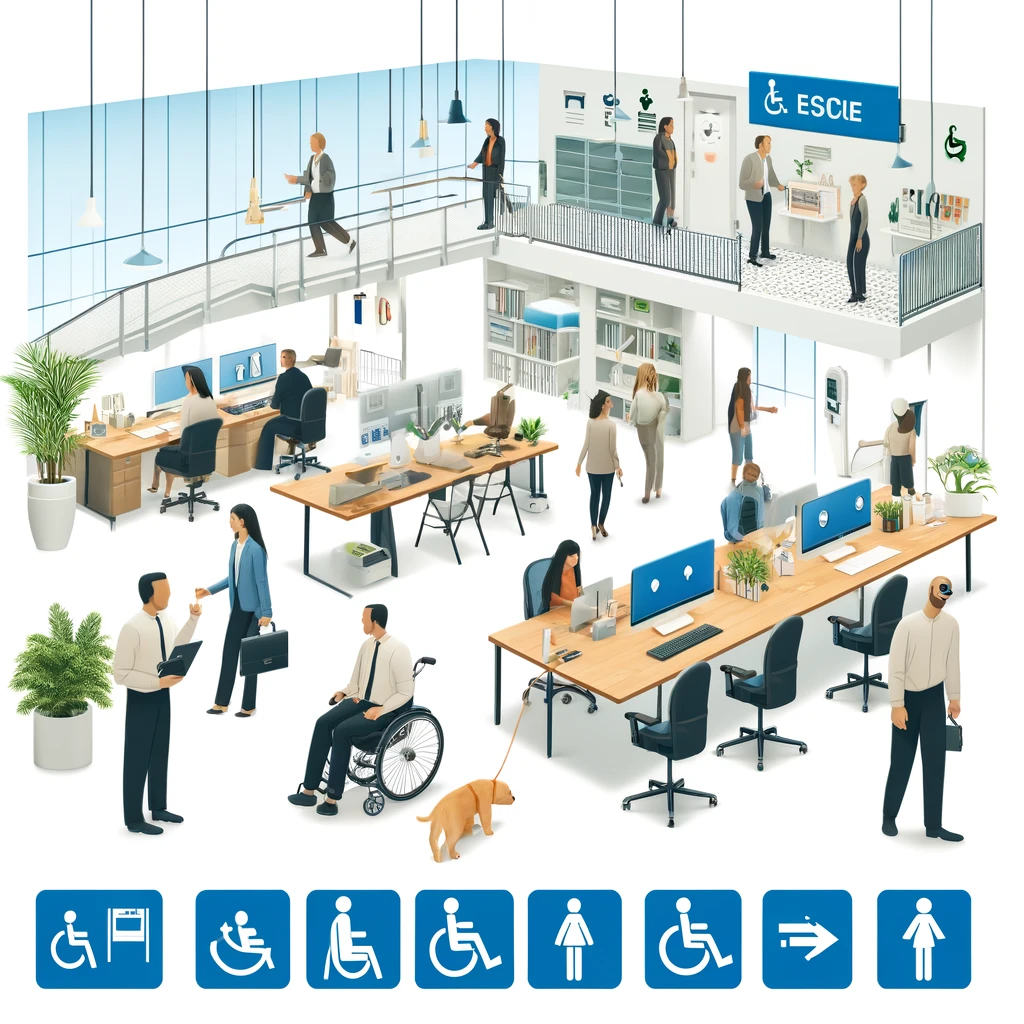
Compliance by design means building accessibility requirements into the earliest moments of project intake, before scope, budget, design direction, or vendor choices harden into expensive constraints. In practice, that means every request for a new website, app, campaign, procurement, or content workflow is screened for accessibility obligations at the same time teams review security, privacy, legal risk, and delivery timelines. I have seen the difference firsthand: when accessibility enters after design approval, teams negotiate exceptions; when it enters during intake, teams plan for it as a normal delivery condition.
Accessibility, in this context, refers to designing and maintaining digital products so people with disabilities can perceive, understand, navigate, and operate them. The most widely used technical benchmark is the Web Content Accessibility Guidelines, currently WCAG 2.2, organized around perceivable, operable, understandable, and robust requirements. Compliance is broader than a checklist. It also includes procurement language, governance, documentation, testing evidence, remediation processes, training, and accountability. Project intake is the formal gate where work is proposed, triaged, prioritized, staffed, and approved. Embedding accessibility there turns compliance from reactive remediation into operational discipline.
This matters because accessibility risk rarely begins with a single coding error. It usually starts upstream with vague requirements, inaccessible templates, rushed procurement, missing content standards, or no clear owner for acceptance criteria. Regulators and courts increasingly expect organizations to demonstrate a repeatable process, not just isolated fixes. Internal stakeholders also need a framework that balances user needs, legal exposure, delivery speed, and budget control. As a hub for advanced compliance strategies and case studies, this article explains how mature teams structure intake, which controls belong at each decision point, and what real implementations reveal about cost, timelines, and governance.
A well-designed intake model answers practical questions early. Does the project create or alter a user journey? Which standards apply: WCAG 2.2 AA, Section 508, EN 301 549, ADA-informed risk controls, or contractual obligations? Will third-party software, video, PDFs, kiosks, or mobile components be included? What testing evidence is required before launch? Which exceptions must be approved by legal, security, procurement, or an accessibility lead? When those questions are embedded into forms, review meetings, and approval workflows, accessibility stops being a side initiative and becomes a measurable delivery requirement.
Why intake is the highest-leverage control point
The earliest governance checkpoint is where organizations can prevent noncompliance most efficiently. By intake, a project still has flexible requirements, negotiable vendor terms, and editable timelines. After development begins, every accessibility gap competes with sunk cost, release pressure, and stakeholder fatigue. In my work, the strongest predictor of smoother audits has not been a perfect design system alone; it has been whether the intake process required accessibility scope, testing method, and ownership before funding approval.
There are three reasons intake carries such leverage. First, it shapes resourcing. If a request identifies captioning, accessible design review, assistive technology testing, or remediation support upfront, budget holders can allocate funds before teams are constrained. Second, it defines acceptance criteria. A project brief that states “must meet WCAG 2.2 AA for all new templates and key user journeys” creates a very different delivery culture than one that says “consider accessibility where feasible.” Third, intake creates evidence. If regulators, auditors, or executive sponsors ask how accessibility was managed, documented intake decisions provide a defensible record.
High-maturity organizations treat intake as a control environment. They use mandatory accessibility questions, risk scoring, standard contract clauses, links to internal policies, and escalation paths for high-impact launches. They also distinguish between project types. A marketing microsite may need rapid content guidance and template review, while an enterprise software procurement may require a VPAT, security assessment, live assistive technology demonstration, and remediation commitments in the contract. One intake form rarely fits all cases, but one governance model can.
Core components of an accessibility-first intake process
An effective intake framework starts with classification. Every request should be tagged by channel, audience, technology, and change type: new build, enhancement, content refresh, procurement, campaign, document production, or platform migration. That classification determines the minimum controls. For example, a net-new authenticated workflow that handles benefits enrollment deserves stricter review than a static announcement page, because the impact of exclusion is higher and the interaction model is more complex.
The next component is applicability mapping. Intake should identify which obligations attach to the work. Public sector teams may map to Section 508 and EN 301 549. Private sector teams may use WCAG 2.2 AA as the baseline aligned to legal risk management under the ADA and state law. Global organizations often maintain a standards matrix by market, product type, and contractual commitment. This sounds bureaucratic, but it saves time by ending recurring debates about which benchmark applies.
Third, intake must define deliverables and evidence. Mature teams require explicit outputs such as accessible wireframes, semantic component use, color contrast validation, keyboard interaction notes, caption files, accessible document templates, or a prelaunch audit. Evidence should be proportionate. A low-risk content update may only need editorial checks, while a complex application may require manual testing with NVDA, JAWS, VoiceOver, keyboard-only review, and automated scans from tools like axe DevTools or WAVE.
| Project type | Minimum intake controls | Typical evidence before launch |
|---|---|---|
| Marketing site or campaign | Template review, content standards, media caption plan | Automated scan, keyboard test, alt text and contrast review |
| Web application enhancement | User journey mapping, component inventory, accessibility acceptance criteria | Manual audit of changed flows, screen reader spot checks, defect log |
| Software procurement | VPAT request, contract clause, vendor remediation commitment | Product demo, independent validation, documented exceptions |
| Document or PDF program | Template selection, author training, publishing workflow review | Tagged PDF check, reading order review, form-field validation |
The final component is governance. Someone must own approval, exception review, and escalation. In some organizations that is a central accessibility office; in others it is a distributed model with trained product, design, QA, and procurement leads. The structure matters less than clarity. If nobody can stop a noncompliant launch or require remediation funding, the intake process is decorative rather than operational.
Advanced compliance strategies that move beyond checklists
Basic checklists catch obvious issues, but advanced programs design controls around risk patterns. One effective strategy is tiered review. Rather than sending every request to the same queue, organizations assign review intensity based on public exposure, transaction criticality, disability impact, and technology novelty. A customer login redesign, for instance, receives more scrutiny than a blog archive update because authentication barriers can block access to essential services and create immediate legal and reputational risk.
Another advanced strategy is using design systems as compliance infrastructure. Intake should ask whether the project uses approved accessible components or introduces new patterns. Teams that build on vetted buttons, forms, dialogs, and navigation reduce defect rates dramatically because they are not reinventing interaction behavior. However, I have also seen teams overestimate design system coverage. Intake must still identify edge cases such as complex data tables, drag-and-drop interactions, charting libraries, or embedded third-party widgets that sit outside standard components.
Procurement is another decisive lever. Many serious failures originate in purchased platforms that were selected without accessibility criteria, then defended as business critical after contracts were signed. Strong intake rules require a VPAT, but they do not stop there. They evaluate the document’s credibility, check product version alignment, request a live walkthrough with keyboard and screen reader use, and insert remediation deadlines into the contract. A vendor claim without validation is not due diligence.
Mature organizations also connect intake with defect management. If prior audits show repeated failures in forms, modal dialogs, or PDF workflows, intake should trigger preventive controls in those areas. This is where compliance becomes a learning system. Audit findings, support tickets, user complaints, and litigation patterns should influence future intake questions. The best programs do not just fix issues; they redesign the approval process so the same issue is less likely to recur.
Case studies: what implementation looks like in practice
Consider a higher education institution migrating dozens of departmental sites into a shared content platform. At first, accessibility review happened only before launch, producing long defect lists and delayed go-live dates. The institution changed course by adding accessibility fields to intake: content type, document volume, video inventory, approved template use, and required training for site owners. Projects with high PDF or media volume were routed to specialists early. Within two release cycles, remediation tickets dropped because inaccessible assets were identified before migration, not after publication.
A healthcare provider offers another instructive case. The organization was rolling out a patient portal enhancement for appointment scheduling and lab results. Because the portal involved essential tasks, intake required WCAG 2.2 AA conformance goals, keyboard path mapping, plain-language content review, and testing on mobile screen readers. The delivery team also had to document accessibility acceptance criteria for each story in Jira. The result was not perfection, but defects surfaced during sprint testing instead of postlaunch complaint handling, saving both time and patient frustration.
In a global retail company, the turning point came through procurement. Regional teams were buying promotional tools independently, many with inaccessible pop-ups and checkout overlays. Leadership centralized intake for customer-facing tools and required procurement review, VPAT analysis, and legal signoff for exceptions. Vendors that could not show a credible remediation roadmap were disqualified. Over the next year, the company reduced duplicate tool sprawl and raised the baseline quality of its digital stack. Accessibility improved because buying decisions improved.
Government programs often provide the clearest lesson in documentation. One agency I worked with created an intake scorecard tied to Section 508 obligations, release severity, and citizen impact. If a project affected a high-volume service, the team had to produce test evidence, exception records, and a remediation plan before authority to operate. That documentation discipline was valuable far beyond compliance. It clarified ownership, reduced disagreement during launches, and gave leadership a portfolio view of accessibility risk across programs.
How to operationalize the hub across governance, tooling, and training
To make this subtopic actionable, treat it as a hub connecting policy, procurement, design, engineering, content, QA, and support. Start by standardizing intake questions and linking them to decision trees, sample acceptance criteria, vendor review guides, and testing playbooks. A requester should be able to move from “I need a new feature” to the exact controls required for that feature type without waiting for ad hoc interpretation.
Tooling should support the workflow rather than replace judgment. Intake platforms such as ServiceNow, Jira Service Management, or Asana forms can enforce required fields, route high-risk requests, and attach evidence. Automated scanning in CI pipelines can catch regressions, but manual review remains essential for reading order, focus management, error identification, and screen reader behavior. Dashboards should show not only defect counts but also upstream indicators such as percentage of projects with accessibility acceptance criteria at intake and percentage of procurements reviewed before contract signature.
Training is the third pillar. Requesters need plain-language guidance on when accessibility applies. Product managers need examples of measurable requirements. Designers need fluency in component states, contrast, focus order, and zoom behavior. Developers need working knowledge of semantic markup, ARIA limits, and testing with assistive technology. Procurement and legal teams need confidence reading VPATs and contract clauses. The goal is not to make every role an accessibility specialist. It is to ensure every role can act competently at its own decision point.
Conclusion
Embedding accessibility into project intake is the most practical way to achieve compliance by design. It moves decisions to the point where scope, budget, vendor selection, and acceptance criteria are still flexible. It also creates the records organizations need to demonstrate a repeatable, defensible process. The strongest programs classify projects, map applicable standards, define evidence, and assign clear governance rather than relying on late-stage heroics.
Advanced compliance strategies succeed because they connect intake to real operational levers: risk scoring, design systems, procurement controls, audit feedback, and role-based training. The case studies in education, healthcare, retail, and government show the same pattern. When accessibility is embedded early, teams reduce remediation churn, improve launch quality, and protect users from exclusion in critical journeys. When it is added late, cost rises and accountability blurs.
Use this hub as the starting point for your broader compliance and implementation work. Review your intake form, identify missing accessibility questions, define approval thresholds, and connect each project type to required evidence. A small change at intake can prevent major failures later. Start with the next project request, and make accessibility a condition of entry, not a postscript.
Frequently Asked Questions
What does “compliance by design” mean in the context of accessibility and project intake?
Compliance by design means treating accessibility as a starting requirement rather than a late-stage review item. In project intake, that translates into asking accessibility questions at the same time a team evaluates scope, timeline, budget, security, privacy, legal exposure, and technical feasibility. Instead of waiting until designs are approved, vendors are selected, or content is already in production, organizations define accessibility obligations before those decisions become difficult or expensive to change.
In practical terms, this approach adds accessibility checkpoints to the forms, approvals, procurement steps, and planning conversations that happen when a new website, application, campaign, document workflow, or software request is first proposed. Teams identify who the users are, what standards apply, whether the deliverable is public-facing or internal, what assistive technology compatibility is required, and what testing or remediation resources need to be budgeted. That early visibility allows project owners to make informed decisions instead of reacting to compliance gaps later.
The value is both operational and strategic. When accessibility enters after launch planning is already underway, teams often discover that templates, design systems, timelines, and contracts do not support compliant delivery. That creates rework, delay, and avoidable risk. By contrast, embedding accessibility into intake makes it part of the project’s foundation. It helps teams set realistic expectations, assign responsibility earlier, reduce downstream remediation costs, and create a repeatable process that scales across departments.
Why is it so important to embed accessibility requirements at the very beginning of a project?
Early intake is the point where organizations still have the most flexibility and the lowest cost of change. Once scope is locked, budgets are approved, creative direction is chosen, and procurement decisions are made, accessibility gaps become harder to correct. A team may realize too late that a selected platform cannot support keyboard navigation, that a vendor did not commit to conformance standards, or that a campaign timeline left no room for captioning, testing, or remediation. These are not small issues; they can affect launch dates, contract performance, legal exposure, and user trust.
Embedding accessibility at the beginning prevents that pattern. It ensures that requirements are visible before commitments are made. Project sponsors can account for accessible design, accessible development, plain-language content, testing with assistive technologies, document remediation, training, and quality assurance from the start. Procurement teams can include accessibility language in RFPs and contracts. Designers can work from accessible components. Content teams can prepare workflows that support alt text, headings, transcripts, and reading order. Because expectations are established early, accessibility stops being treated as an exception and starts functioning as a normal delivery requirement.
There is also a governance benefit. Intake is where organizations standardize decision-making. If accessibility is built into that gateway, it becomes much more consistent across business units and project types. That consistency helps leaders monitor risk, track compliance obligations, and create accountability without relying on individual champions to remember what to ask. In short, early integration makes accessibility more manageable, more measurable, and much more likely to succeed.
What accessibility questions should be built into a project intake process?
A strong intake process should ask enough questions to identify obligations, risks, and resource needs without overwhelming requesters. At a minimum, teams should determine what is being created, who will use it, whether it is public-facing or internal, what platforms or content types are involved, and whether legal or policy standards apply. For example, a request for a new website, mobile app, marketing campaign, learning module, software purchase, or PDF-heavy content workflow each raises different accessibility considerations, so the intake process should be structured to surface those differences early.
Common questions include: Will the project produce web pages, apps, forms, videos, documents, or interactive tools? Will users include employees, customers, students, patients, or members of the public? Is the deliverable required to conform to a specific accessibility standard such as WCAG? Will third-party vendors, platforms, or plugins be used, and if so, has their accessibility been evaluated? Does the budget include testing, remediation, captioning, transcription, or document tagging? Are accessible templates or design system components available? Who owns accessibility review and sign-off before launch?
Well-designed intake also asks operational questions. Does the timeline allow for accessibility testing? Are there high-risk features such as dynamic interfaces, authentication flows, complex data tables, maps, or multimedia? Will procurement need accessibility contract language or a VPAT review? Will the team need training before work begins? These questions do more than collect information; they trigger action. They help route the project to the right reviewers, set expectations for deliverables, and ensure accessibility is not left to chance. The goal is not bureaucracy for its own sake, but a practical screening process that catches issues while they are still easy to address.
How can organizations make accessibility part of intake without slowing projects down?
The key is to make accessibility a standard part of existing intake and governance workflows rather than a separate process layered on top. Organizations are usually already reviewing projects for security, privacy, legal, branding, funding, and technical alignment. Accessibility should sit alongside those reviews, using the same forms, approval paths, and risk categories where possible. When teams integrate a concise set of targeted accessibility questions into current intake tools, they improve decision-making without creating a parallel administrative burden.
Efficiency also comes from using clear triage rules. Not every project needs the same level of review. A simple update to existing content may require basic content checks and template compliance, while a new enterprise platform or customer-facing application may need procurement review, design consultation, technical standards, and formal testing. Tiering projects by risk and complexity helps organizations focus deeper accessibility effort where it matters most. That keeps the process practical and avoids treating every request as though it has identical exposure.
Another important factor is enablement. Intake works best when requesters are given straightforward guidance, examples, and defaults. Accessible design system components, approved templates, standard contract clauses, content checklists, and role-based training reduce friction because teams do not have to reinvent requirements each time. Instead of slowing delivery, this kind of preparation often speeds it up. Teams spend less time reacting to surprises, remediating preventable issues, or negotiating expectations late in the project. Done well, accessibility in intake is not a bottleneck; it is a way to reduce waste and improve delivery confidence.
Who should be responsible for accessibility during project intake and throughout delivery?
Accessibility should have shared ownership, but it should never be ownerless. During intake, responsibility typically starts with the project requester and the intake or governance team. The requester provides enough information to identify what is being built and who it serves, while the intake process routes the project through the right checkpoints. From there, accessibility responsibility should be distributed across the people making key decisions: product owners define requirements, procurement teams address vendor obligations, designers choose accessible patterns, developers implement accessible code, content teams create usable materials, QA teams test for issues, and leadership sets expectations and accountability.
That said, shared responsibility still requires clear oversight. Many organizations benefit from naming an accessibility lead, program owner, or center of excellence that supports intake decisions, advises teams, and helps interpret standards. This group does not need to do all the work directly, but it should maintain the framework: intake questions, escalation criteria, policy guidance, training resources, review models, and metrics. Without that kind of stewardship, accessibility can become inconsistent, especially across departments with different maturity levels and delivery methods.
The most effective model is one where accessibility is embedded into normal roles but supported by centralized expertise. That approach avoids two common failures: assuming one specialist can fix everything, or assuming everyone will handle accessibility correctly without guidance. Intake is where those expectations should become explicit. Projects should leave intake with identified obligations, named owners, and a realistic plan for review, testing, and sign-off. When responsibility is defined early and reinforced throughout delivery, accessibility is far more likely to be implemented well and sustained over time.