
Educators across the globe are increasingly recognizing the importance of accessibility in technology, especially within the educational setting. In an era where digital platforms are an integral part of everyday learning, it’s essential to ensure that these tools are accessible to students of all abilities. The Americans with Disabilities Act (ADA) was enacted to guarantee that people with disabilities enjoy the same rights and opportunities as everyone else, and its principles extend into the realm of education and technology.
With the rapid integration of technology in classrooms, teachers and educational institutions face the challenge of making their technology inclusive. This is where training and workshops on accessible technology come into play. They provide educators with the knowledge, tools, and resources they need to effectively integrate accessible technologies in their teaching strategies. These workshops are critical because they help bridge the gap between the legal requirements of the ADA and the practical implementation of accessibility in educational environments.
The purpose of this article is to delve into the significance of accessible technology training for educators, the components of a successful workshop, and the resources available for professional development in this area. By understanding these elements, educators can better support their students and create an inclusive educational atmosphere that adheres to ADA guidelines.
Understanding the Need for Accessible Technology
Accessible technology is not just a legal requirement; it is a moral imperative. The ADA mandates that technology in educational settings be accessible to all students, ensuring that those with disabilities have the same opportunities for learning and success as their peers. Accessibility in technology can encompass a wide range of tools and practices, from screen readers and voice recognition software to alternative input devices and captioning services.
The necessity for accessible technology becomes apparent when considering the diverse needs of students. Disabilities can range from physical impairments, such as limited mobility or vision, to neurodiverse conditions like autism or dyslexia. Without accessible technology, these students may find themselves at a significant disadvantage, leading to gaps in learning and achievement. Thus, accessible technology is pivotal in promoting an inclusive and equitable educational environment.
Educators play a crucial role in this process. They must possess a firm understanding of the diverse requirements of their students, as well as the tools available to meet these needs. This requires ongoing training and professional development to stay abreast of the latest advancements in accessible technology and best practices for implementing these tools effectively in the classroom.
Components of an Effective Workshop on Accessible Technology
Effective workshops on accessible technology for educators need to encompass several key components. First and foremost, they must provide a strong foundational understanding of the ADA and its implications for technology in the classroom. This includes an exploration of the legal requirements and the types of disabilities that need to be accommodated.
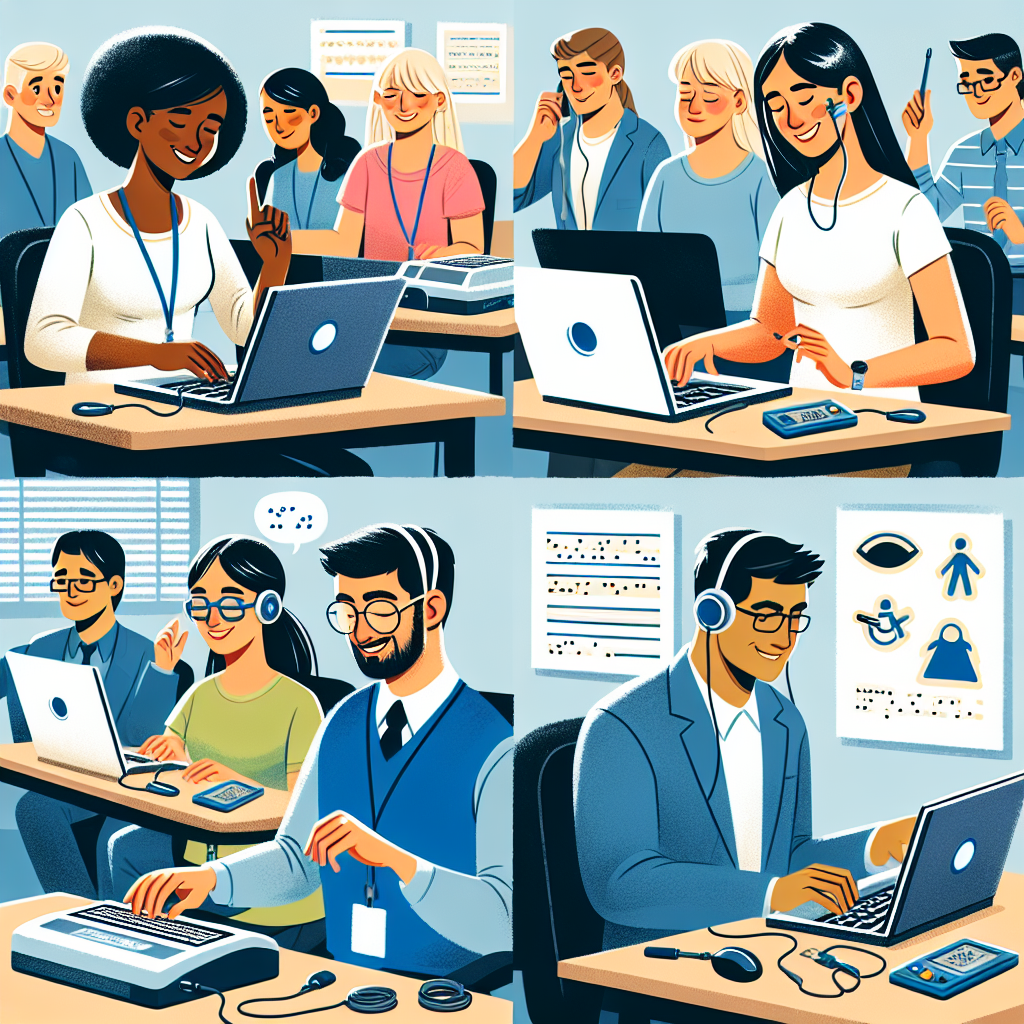
Secondly, these workshops should offer hands-on training with the latest accessible technology tools. Educators learning the theoretical aspects of accessibility must also gain practical experience in using the technology. This includes familiarizing themselves with screen readers, alternative input devices, and software that enhances accessibility.
Additionally, workshops should provide case studies and real-life examples of successful implementation of accessible technology. This can include testimonials from educators who have effectively incorporated these tools into their teaching methods and witnessed positive outcomes firsthand. Such examples help illustrate the tangible benefits of accessible technology and offer inspiration and actionable insights for participants.
Best Practices for Implementing Accessible Technology in the Classroom
Implementing accessible technology in the classroom is not a one-size-fits-all approach. Educators must tailor their strategies to meet the specific needs of their students. However, there are several best practices that can guide this process.
First, educators should conduct regular assessments of their students’ needs and the accessibility of their current technology. This involves seeking feedback from students and continually evaluating the effectiveness of the tools being used. Identifying gaps in accessibility early on allows for timely adjustments and improvements.
Second, collaboration with support staff and specialists is essential. Educators can benefit from the expertise of professionals such as occupational therapists, speech-language pathologists, and assistive technology specialists. These experts can provide valuable insights and recommendations for optimizing technology use in the classroom.
Finally, fostering an inclusive culture within the classroom is paramount. Educators should encourage a supportive and accepting environment where students feel comfortable using assistive technology and discussing their needs. By promoting transparency and understanding, educators can create a more inclusive and accommodating educational experience for all students.
Available Resources and Organizations for Educator Support
Numerous resources and organizations exist to support educators in their efforts to integrate accessible technology in the classroom. These entities offer training sessions, workshops, and a plethora of materials to help educators stay informed and equipped with the latest accessibility tools.
One such organization is CAST (Center for Applied Special Technology), which provides extensive resources on Universal Design for Learning (UDL). UDL is an educational framework that aims to accommodate diverse learners by utilizing various teaching methods and technologies. CAST offers professional development opportunities and practical guides on implementing UDL and accessible technology.
The National Center on Accessible Educational Materials (AEM) is another valuable resource. It offers resources and technical assistance for educators seeking to implement accessible instructional materials and technologies. AEM’s comprehensive library includes guidelines, best practices, and case studies that are invaluable for educators committed to accessibility.
Additionally, the International Society for Technology in Education (ISTE) offers a variety of professional development opportunities focused on inclusive technology. ISTE’s conferences, online courses, and webinars provide educators with the latest insights and strategies for leveraging technology to support all learners.
The Role of Continuous Professional Development
Continuous professional development is critical for educators who aim to stay proficient in the use of accessible technology. The landscape of technology is ever-evolving, with new tools and advancements constantly emerging. Educators must engage in ongoing learning to remain effective and meet the needs of their students.
Participating in regular training sessions and workshops ensures that educators are up-to-date with the latest developments in accessible technology. Additionally, being part of professional networks and communities, such as those offered by ISTE and other organizations, can provide educators with a support system and access to shared knowledge.
Online courses and certifications are another avenue for professional growth. Many educational institutions and organizations offer specialized programs in accessibility and assistive technology. These courses often provide a thorough understanding of accessibility standards and hands-on training with the latest technology.
The commitment to continuous professional development not only enhances educators’ skills but also demonstrates a dedication to providing an inclusive learning environment. By staying informed and adaptable, educators can better serve their students and uphold the principles of the ADA.
Conclusion
Training and workshops on accessible technology are essential in empowering educators to create inclusive learning environments that comply with the Americans with Disabilities Act. As technology continues to shape the educational landscape, it is imperative that educators are well-equipped to utilize these tools in ways that support all students, regardless of their abilities.
Accessible technology training provides educators with the knowledge and skills needed to effectively incorporate assistive tools in their teaching practices. By understanding the legal and practical aspects of accessibility, educators can proactively address the diverse needs of their students and foster an inclusive educational experience.
Furthermore, the availability of resources and continuous professional development opportunities ensures that educators remain at the forefront of accessibility advancements. Organizations like CAST, AEM, and ISTE offer invaluable support, helping educators stay informed and capable of implementing the best practices in technology accessibility.
Ultimately, the goal is to ensure that all students have equal access to education, as mandated by the ADA. By participating in accessible technology training and workshops, educators can play a pivotal role in achieving this goal, creating a more inclusive, supportive, and equitable learning environment for everyone.
Frequently Asked Questions
1. Why is it crucial for educators to participate in training and workshops on accessible technology?
Understanding and implementing accessible technology is not only a legal obligation, due to laws such as the Americans with Disabilities Act (ADA), but it is also a moral and educational imperative. By participating in these trainings and workshops, educators can learn to design and deliver lessons that accommodate all learners, including those with disabilities. This ensures that every student has an equal opportunity to succeed, irrespective of their physical or cognitive challenges. Accessible technology also prepares students for a world that increasingly relies on digital tools, empowering them to navigate future educational settings and workplaces on equal footing with their peers. Additionally, these workshops provide hands-on experience with tools and strategies that educators may not be familiar with, allowing them to be more effective and inclusive in their teaching practices.
2. What topics are typically covered in accessible technology training for educators?
Accessible technology training for educators spans a wide range of topics. Participants will often learn about the basics of accessibility, including understanding barriers that students with disabilities face and how technology can help overcome them. Workshops may also cover specific assistive technologies, such as screen readers, voice recognition software, and alternative input devices. Furthermore, there are lessons on how to create accessible digital content, such as documents, presentations, and multimedia, using tools that educators already use, like Microsoft Office or Google Apps. Strategies for inclusive classroom management and adapting lesson plans for accessibility are also covered, as well as legal requirements and best practices for compliance with accessibility standards. Ultimately, the goal is to give educators a comprehensive toolkit to serve all their students effectively.
3. How do training and workshops help educators better support students with disabilities?
By participating in training and workshops on accessible technology, educators are better equipped to recognize and understand the diverse needs of students with disabilities. These learning opportunities increase an educator’s awareness of the accessibility features that modern technology offers. For instance, they would learn how to enable captions on educational videos for students with hearing impairments or adjust color contrast on digital screens for those with visual impairments. Additionally, training allows educators to practice using these assistive technologies in a supportive environment, increasing their confidence in these skills. As a result, teachers are more likely to incorporate these tools into their daily lesson plans, ensuring that every student can engage with the material in the way that suits them best.
4. What are the challenges educators might face in implementing accessible technology in the classroom?
While accessible technology can significantly enhance learning opportunities for students with disabilities, integrating it into the classroom may come with challenges. First, there is often a steep learning curve associated with new technologies, as educators need time to become comfortable and proficient with these tools. There might be resistance due to perceived complexity or a fear of technology failing during critical teaching moments. Additionally, educators may face limitations due to budget constraints, particularly if their school or district lacks the necessary funding to purchase or maintain certain technologies. Another challenge is ensuring that all digital resources and platforms are compatible and work seamlessly within existing infrastructure. Overcoming these hurdles requires ongoing support and professional development, as well as a firm commitment from educational leaders to prioritize accessibility as part of their institutional mission.
5. Are there any resources available for educators who cannot attend in-person workshops on accessible technology?
Absolutely, there are many online resources available for educators who are unable to attend in-person workshops. Websites, such as the National Center on Accessible Educational Materials, offer a wealth of information, including webinars, guides, and toolkits on making educational content accessible. There are also many online courses available through platforms like edX, Coursera, or LinkedIn Learning that focus on accessible technology and inclusive education. Communities and forums, such as those found on social media or specific educational platforms, provide peer support and the sharing of best practices. Moreover, many educational technology companies offer online training sessions and customer support to help schools and educators make the most of their products. These online alternatives provide flexibility and the ability for educators to learn at their own pace, ensuring that accessibility remains a priority regardless of geographical or time constraints.


