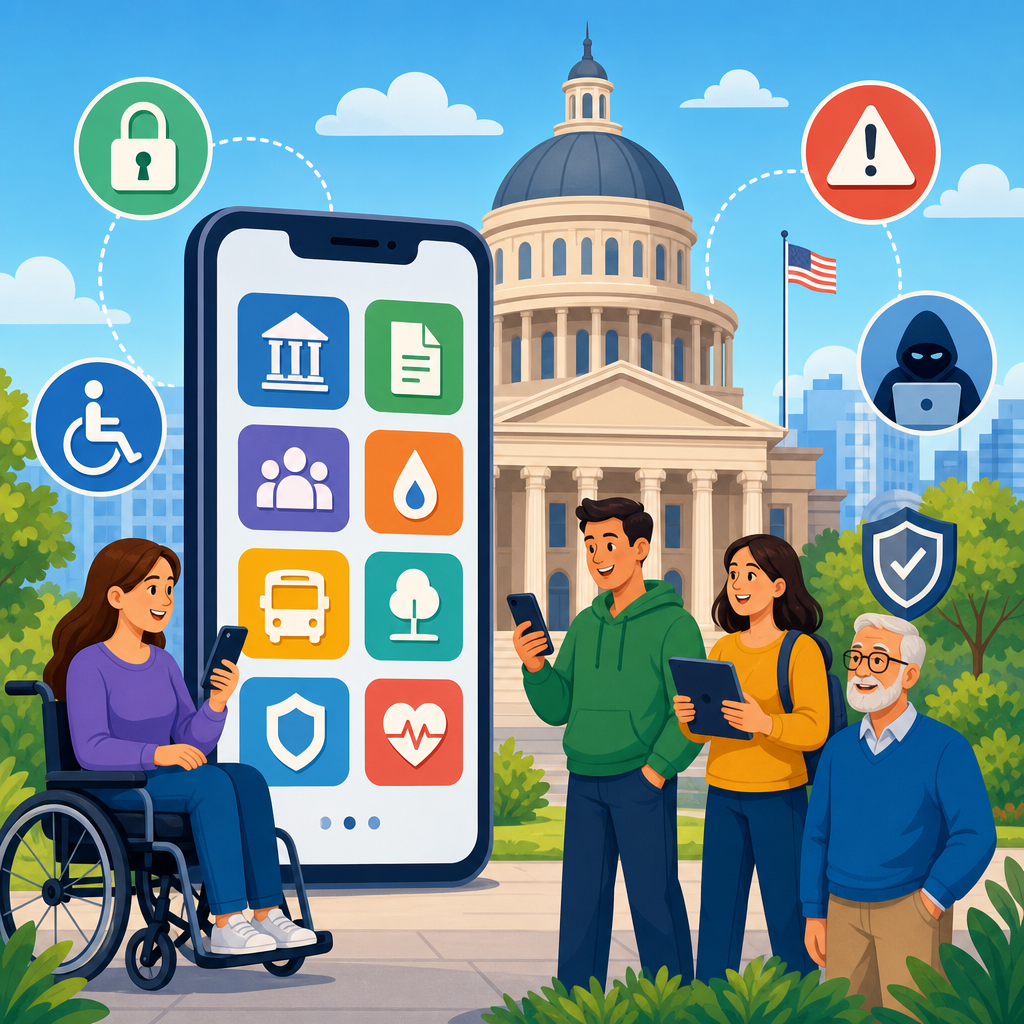
Government app accessibility and public entity exposure sit at the intersection of civil rights law, software design, procurement, and operational risk. In practical terms, this topic asks whether a city, county, school district, transit authority, state agency, or federal office has built and maintained mobile applications that people with disabilities can use with equal effectiveness. When that answer is no, the issue quickly becomes legal as well as technical. I have worked with public digital teams reviewing complaint letters, remediation plans, and accessibility audits, and the pattern is consistent: inaccessible apps create barriers for residents first, then trigger litigation, investigations, reputational damage, and expensive retrofits later.
Digital accessibility litigation refers to claims, administrative complaints, and enforcement actions alleging that a digital service excludes users with disabilities. In the government context, the core legal concepts include equal access, effective communication, reasonable modification, and nondiscrimination in programs and services. Mobile apps are especially important because many agencies now deliver permitting, benefits screening, court information, emergency alerts, parking payments, utility account access, and transit updates primarily through phones. If a blind resident cannot activate a payment button with VoiceOver or TalkBack, or a deaf resident cannot understand emergency video content without captions, the agency may be denying meaningful access to a public service.
Why this matters is straightforward. Public entities are held to legal standards that are broader and less discretionary than those faced by many private organizations. The Americans with Disabilities Act, Section 504 of the Rehabilitation Act, Section 508 for federal agencies and certain contractors, and state analogs form a framework that regulators and courts increasingly apply to digital properties. The Web Content Accessibility Guidelines, usually WCAG 2.1 AA and now often WCAG 2.2 AA, operate as the technical benchmark in settlements, consent decrees, and procurement requirements. This hub article explains the litigation landscape, common failure points, enforcement trends, defenses, remediation strategies, and governance practices that reduce public entity exposure.
For readers navigating the broader Legal and Technological Frontiers topic, this page serves as the central guide to digital accessibility litigation. It outlines the key questions decision makers ask: which laws apply, what features commonly fail, how plaintiffs build claims, what agencies should audit first, how mobile app accessibility differs from website accessibility, and how to structure a durable compliance program. The goal is not fear-based compliance. The goal is building public services that are usable, defensible, and resilient under legal scrutiny.
Legal foundations governing public entity apps
For most public entities, the starting point is Title II of the ADA, which prohibits disability discrimination by state and local governments in services, programs, and activities. Courts and the Department of Justice generally treat digital services as part of those activities when they are used to deliver public functions. Section 504 applies to recipients of federal financial assistance and often overlaps with Title II. Federal agencies face Section 508, which incorporates technical accessibility requirements for information and communication technology. Many states layer on their own statutes, administrative codes, or procurement rules, sometimes adopting WCAG directly.
The legal significance of a mobile app is not limited to whether it is the exclusive service channel. If an app is the practical gateway to faster service, real-time information, or lower-fee transactions, inaccessibility can still amount to unequal access. I have seen agencies argue that residents can call a phone line instead, but substitute channels are often slower, less private, and unavailable outside business hours. That mismatch undermines the idea of equal participation. Regulators examine whether the alternative is truly equivalent in timeliness, independence, privacy, and convenience.
Technical standards matter because legal obligations are broad, while engineers need testable requirements. WCAG supplies success criteria for perceivability, operability, understandability, and robustness. Although WCAG was written for web content, its principles map closely to native app development through platform accessibility APIs on iOS and Android. In practice, settlements often require conformance testing, accessibility statements, issue tracking, deadlines, independent verification, staff training, and periodic reporting.
Where digital accessibility litigation usually begins
Public entity exposure typically starts with one of four events: a resident complaint, a demand letter from counsel, an agency investigation, or an accessibility defect discovered during a larger modernization effort. The earliest warning signs are rarely abstract policy issues. They are task failures. A screen reader user cannot submit an unemployment certification because labels are missing. A mobility-impaired user cannot complete an identity verification flow because controls time out without adjustment options. A person with low vision cannot read fare purchase screens because text does not reflow or contrast is too weak in sunlight.
Plaintiffs and advocacy groups usually document these failures with reproducible steps, device details, operating system versions, screenshots, and video capture. That evidence is stronger than a general allegation that an app is “hard to use.” A credible claim ties the technical defect to denial of a service. For example, an inaccessible online renewal form for a disabled parking placard can delay a legally significant benefit. A transit app without accessible trip planning can affect employment and medical appointments. Courts and investigators respond to concrete barriers linked to public participation, not merely imperfect interfaces.
Exposure also expands through procurement. Agencies frequently license white-label software from vendors that promise compliance but cannot produce current audit results, a complete VPAT, defect logs, or a remediation roadmap. When the app fails, the public entity remains the visible service provider and often the legal target. Contract indemnity helps only after the fact, and many clauses are weak. Stronger practice requires accessibility acceptance criteria, test rights, cure periods, and obligations to maintain conformance through updates.
Common mobile app barriers that create liability
Most accessibility claims arise from repeat defects, not exotic edge cases. On native apps, the top problems include unlabeled buttons, incorrect accessibility traits, broken focus order, gesture-only interactions, insufficient color contrast, dynamic type failures, missing error identification, inaccessible CAPTCHAs, and documents opened in inaccessible PDF viewers. Authentication flows are a frequent source of complaints because multifactor prompts, timed code entry, and biometric fallback options are often implemented without regard to screen readers or cognitive load.
Media and alerts introduce another cluster of risk. Emergency briefings without captions or transcripts exclude deaf and hard-of-hearing users. Maps and route diagrams without text alternatives can block blind users from using wayfinding features. Push notifications that summarize critical deadlines but link to inaccessible screens can defeat the purpose of the notification entirely. In health, courts, and benefits contexts, these failures are not cosmetic. They can interfere with due process, continuity of care, or access to entitlements.
Developers sometimes assume platform components solve everything automatically. They do not. Apple and Google provide strong accessibility frameworks, but custom controls can break semantics, and third-party SDKs often introduce inaccessible dialogs, ads, or payment elements. I have repeatedly seen regression issues after routine releases because no one retested key user journeys with VoiceOver, TalkBack, keyboard support, switch access, zoom, and caption settings enabled.
| Barrier | Typical user impact | Litigation relevance |
|---|---|---|
| Missing control labels | Screen reader users cannot identify buttons or fields | Blocks completion of essential tasks such as payments or applications |
| Poor focus order | Users navigate unpredictably or miss content entirely | Shows failure of basic operability and quality assurance |
| Low contrast and text scaling failures | Low-vision users cannot read or enlarge content | Undermines equal access even when content technically exists |
| Uncaptioned video | Deaf users miss instructions, notices, or emergency content | Creates effective communication claims |
| Timed workflows without adjustment | Users with mobility or cognitive disabilities cannot finish tasks | Supports claims involving unreasonable barriers to participation |
How courts, regulators, and enforcers evaluate exposure
No single formula decides every case, but several factors appear repeatedly. First, decision makers look at whether the app is part of a public program, service, or activity. Second, they examine whether the alleged barriers are concrete and reproducible. Third, they ask whether the entity offered an equally effective alternative. Fourth, they consider whether remediation is readily achievable within the entity’s operational and financial structure, while recognizing that public entities carry affirmative obligations that go beyond optional customer service improvements.
The Department of Justice has repeatedly taken the position that the ADA applies to government digital services. Recent rulemaking and guidance have reinforced WCAG-based expectations for web and mobile content. Even where case law varies by jurisdiction on certain private website questions, public entity app exposure is usually less ambiguous because the service itself is governmental. OCR within the Department of Education and HHS has also addressed inaccessible digital tools in education and health-related settings, especially where federal funding is involved.
Courts do not reward superficial fixes. An accessibility statement without remediation, a help email that never answers, or a one-time scan using an automated tool will not carry much weight. Automated tools such as axe, WAVE, Accessibility Scanner, and platform inspectors are useful for triage, but they cannot validate reading order logic, spoken labels, task completion, caption accuracy, or cognitive usability. Credible defense depends on evidence of governance: audits, issue prioritization, release controls, vendor oversight, user testing with people with disabilities, and documented remediation progress.
Risk management, remediation, and governance practices
The most effective way to reduce exposure is to treat accessibility as an operational requirement from planning through maintenance. Start with an inventory of all public-facing apps, embedded web views, PDFs, payment flows, authentication steps, kiosks linked to app accounts, and third-party components. Then map critical user journeys: account creation, payment, application submission, status checking, support contact, alerts, and document retrieval. These are the flows plaintiffs test first because they tie directly to service access.
From there, run a structured audit using manual testing and assistive technology on current iOS and Android versions. A defensible audit logs each issue by screen, severity, affected standard, user impact, reproduction steps, and recommended fix. Teams should then rank fixes by legal and service criticality, not by developer convenience. A missing label on a payment confirmation button is higher priority than a decorative image problem on an informational screen. This sounds obvious, but agencies under deadline pressure often reverse those priorities.
Governance closes the gap between one-time remediation and durable compliance. Procurement language should require conformance commitments, current VPATs based on the latest template, defect disclosure, update obligations, and rights to independent testing. Development teams need accessibility design reviews, component libraries with approved patterns, pull request checks, release gates, and regression testing before every major update. Training should extend beyond developers to product managers, designers, content authors, procurement staff, and legal teams, because exposure often originates in copy, documents, or vendor decisions rather than code alone.
Building a litigation-ready accessibility program
A litigation-ready program does not mean planning to be sued; it means being able to show your work. If a complaint arrives, the entity should be able to produce policy documents, assigned roles, audit reports, remediation tickets, testing scripts, vendor communications, and timelines. This record demonstrates that accessibility is managed systematically. In several matters I have reviewed, the difference between a quick resolution and prolonged conflict was the existence of organized evidence that the agency knew its obligations, had identified defects, and was fixing them with accountable milestones.
Public entities should also establish a clear intake process for accessibility feedback. The reporting channel must itself be accessible and should route issues to staff who can reproduce and triage them quickly. Response language should avoid admissions before facts are verified, but it should not be defensive or opaque. Acknowledge the barrier, explain interim accommodations where appropriate, and provide a remediation timeframe when known. Silence inflames disputes; transparent handling often narrows them.
This hub article connects to every major branch of digital accessibility litigation: ADA Title II app claims, Section 504 overlap, Section 508 obligations, procurement liability, emergency communications, education platforms, transit tools, document accessibility, testing methodology, remediation workflows, and settlement architecture. Government app accessibility is not a niche design preference. It is a legal compliance issue, a service delivery issue, and a public trust issue. Agencies that build accessibility into standards, contracts, engineering, and support reduce exposure while improving access for everyone. Review your highest-impact apps, test real user journeys with assistive technology, and make remediation a governed program rather than a one-time project.
Frequently Asked Questions
What does “government app accessibility” actually mean for public entities?
Government app accessibility means a mobile application used by a public entity can be accessed, understood, and operated by people with disabilities with substantially equal ease and effectiveness. In practice, that includes whether blind or low-vision users can navigate the app with screen readers, whether people who are deaf or hard of hearing can access audio or video content through captions and transcripts, whether users with mobility disabilities can complete tasks without complex gestures, and whether people with cognitive disabilities can understand instructions, forms, alerts, and navigation. Accessibility is not limited to a narrow checklist or a visual design issue. It reaches into authentication flows, PDF downloads, maps, payment tools, emergency alerts, online scheduling, chat features, third-party integrations, and any task the app is supposed to help the public complete.
For public entities, the stakes are especially high because mobile apps often function as a primary access point for essential government services. A transit rider may need an app to check route changes, a parent may need it to receive school notices, a resident may use it to pay utility bills, submit permit documents, report hazards, or access emergency information. If the app blocks disabled users from completing those tasks independently, the problem is not merely poor usability. It can become a denial of equal access to public programs, services, and activities. That is why accessibility for government apps should be treated as a core civil rights, service delivery, and risk management obligation rather than an optional technical enhancement.
Why does inaccessible mobile app design create legal exposure for cities, counties, schools, and agencies?
Inaccessible mobile app design creates legal exposure because public entities generally have obligations to provide equal access to their services and programs for people with disabilities. When a government app is the gateway to those services, barriers in the app can translate directly into barriers to civic participation, education, transportation, public safety, and administrative processes. A resident who cannot submit a form, receive a notice, request an accommodation, renew a license, or access account information because the mobile app is unusable may argue that the public entity failed to provide equal access. That exposure can arise even when the agency did not intend to exclude anyone. Accessibility claims often focus on the real-world effect of the barrier, not just the entity’s stated goals.
Legal exposure also expands because public entities increasingly rely on mobile-first service delivery. If a school district pushes parents to an app for grades and notices, or a transit agency uses an app for trip planning and service alerts, accessibility failures become much easier to identify and document. Common issues include unlabeled buttons, poor color contrast, inaccessible login or multifactor authentication, missing focus indicators, gesture-dependent interactions, incompatible embedded documents, and timeouts that interfere with assistive technology use. These barriers can lead to complaints, demand letters, agency investigations, remediation costs, reputational harm, and operational disruption. In some cases, the public entity may also face pressure to revise procurement terms, retrain internal teams, and adopt formal accessibility governance. The legal issue is therefore not isolated from operations; once a defect is reported, the organization may need to show that it has policies, testing practices, vendor controls, and remediation pathways in place.
Are public entities responsible if a third-party vendor built or maintains the app?
In many situations, yes. Public entities cannot assume that outsourcing development eliminates accessibility responsibility. If a city, school district, state agency, or other public body offers services through an app that it deploys, sponsors, licenses, or requires the public to use, the entity may still be held accountable for ensuring that the service is accessible. From a risk perspective, vendor involvement changes how accessibility is managed, but it does not remove the public entity from the picture. That is why accessibility should be addressed early in procurement, contracting, product review, and acceptance testing, not after a complaint arrives.
Strong vendor management usually includes accessibility requirements in the request for proposals, contractual representations regarding conformance standards, documentation obligations, testing rights, remediation timelines, indemnity language where appropriate, and clear ownership of post-launch fixes. Public entities should also ask practical questions: Has the vendor tested with VoiceOver, TalkBack, switch controls, screen magnification, and keyboard or external input methods? Are native and hybrid components both covered? How are updates, patches, and new features validated for accessibility before release? Is there a process for users to report barriers and receive support? A vendor may provide a conformance statement, but that should not be treated as conclusive proof of accessibility. Real oversight requires technical review, user-centered testing, and internal accountability. In short, third-party development can complicate responsibility, but it rarely erases public exposure.
What are the most common accessibility failures in government mobile apps?
The most common accessibility failures in government mobile apps tend to be basic but highly disruptive. Screen reader barriers are among the most frequent, including unlabeled icons, buttons announced with meaningless names, missing form instructions, reading order problems, and dynamic content updates that are not communicated to assistive technology. Another major category involves visual accessibility, such as low contrast text, text that does not resize well, information conveyed only by color, or layouts that break when users increase font size. Motor accessibility issues are also common, including tiny tap targets, controls that require swiping or dragging without alternatives, screens that time out too quickly, and workflows that cannot be completed with assistive input devices.
Government apps also often run into accessibility trouble in complex functional areas. Identity verification, document upload tools, payment portals, maps, appointment scheduling, emergency alerts, and embedded third-party widgets can all introduce barriers if they are not intentionally designed and tested. PDF attachments opened inside the app may be inaccessible even when the core interface appears usable. Video content may lack captions. Authentication systems may present inaccessible CAPTCHA or code-entry experiences. Error handling is another weak point: users may be told a submission failed without any accessible explanation of what needs to be corrected. These issues matter because they usually affect essential tasks, not decorative features. The practical lesson is that accessibility testing must cover end-to-end user journeys, including edge cases, updates, and integrated vendor components, rather than just a superficial scan of the home screen.
How can a public entity reduce accessibility risk in its mobile apps before problems become complaints or claims?
The most effective way to reduce accessibility risk is to treat accessibility as an ongoing governance function rather than a one-time compliance exercise. Public entities should start by identifying which apps they own, sponsor, or require the public to use and then prioritize them based on service criticality, audience size, and complaint potential. From there, they should adopt clear accessibility standards, define internal ownership, and build requirements into product planning, design, development, procurement, testing, and release management. Accessibility should be part of how features are approved, how defects are triaged, how vendors are selected, and how upgrades are accepted. If the app is central to benefits, education, transportation, public safety, or payments, the review should be especially disciplined.
Operationally, that means combining automated testing, manual technical review, and real-user testing with people who use assistive technologies. It also means documenting findings, remediation decisions, and timelines so the entity can demonstrate a good-faith, structured response. Staff training is critical because many recurring barriers are introduced by content editors, product managers, developers, and procurement teams who were never given practical accessibility guidance. Public entities should also maintain an accessible feedback channel so users can report app barriers and receive meaningful support or alternative access while fixes are underway. Finally, accessibility should be revisited after every major update, operating system change, design refresh, or vendor release. Mobile apps evolve constantly, and so does exposure. The entities that manage risk best are the ones that build accessibility into everyday operations instead of waiting for a legal demand to force the issue.


