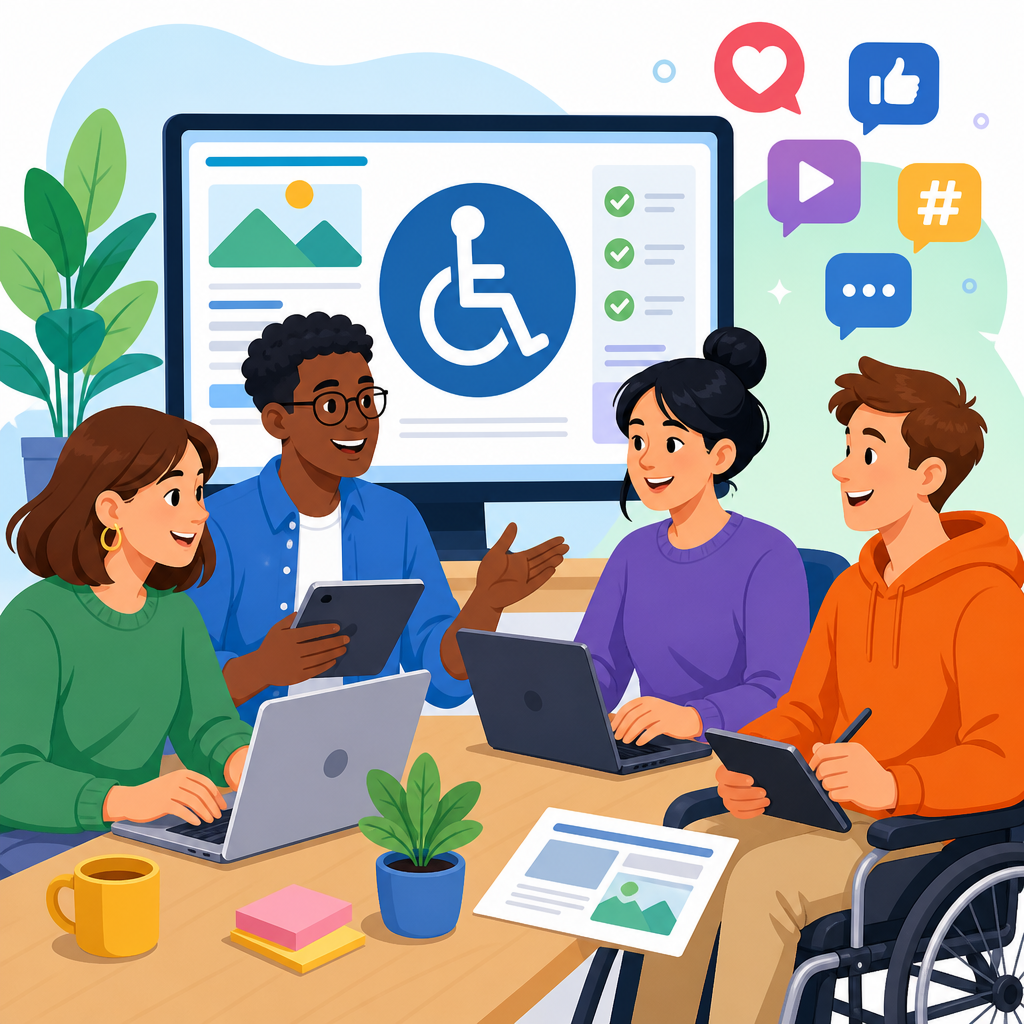
ADA training for web content editors and social media teams is the operational foundation of accessible digital communication, because compliance depends less on policy documents than on the daily choices people make when they publish pages, upload images, write captions, embed video, or post a story from a phone. In practice, “ADA training” means structured education that teaches staff how disability law, accessibility standards, editorial workflows, and platform limitations intersect. For content editors, that includes headings, link purpose, alt text, readable language, color contrast, tables, PDFs, and video transcripts. For social media teams, it includes captions, camel case hashtags, image descriptions, emoji restraint, accessible video, and understanding where each platform helps or hinders accessibility. This matters because inaccessible content creates legal exposure, excludes audiences, harms search visibility, and breaks trust. I have seen organizations buy accessible templates and still fail audits because editors were never trained on the basics. A compliant digital program is not achieved once by developers; it is maintained every day by trained communicators who know their role, their tools, and the standards they are expected to meet.
Why role-based accessibility training matters
Role-based training works because web editors and social media managers create different kinds of barriers. A CMS editor might paste content with skipped headings, vague “click here” links, scanned PDFs, or images containing essential text. A social specialist might publish an autoplay video with no captions, use all caps hashtags that screen readers mispronounce, or post infographic slides that contain dense text with no accompanying description. Both teams affect accessibility, but they need examples tied to the systems they use every day.
The legal and technical context is straightforward. In the United States, the ADA applies to many digital experiences as extensions of public accommodation and public services. Most organizations operationalize accessibility against WCAG 2.1 or 2.2 Level AA because those success criteria translate legal obligations into testable editorial practices. Editors do not need to memorize every criterion, but they do need to understand the recurring rules behind them: information must be perceivable, controls operable, content understandable, and pages robust enough for assistive technology. When training maps daily tasks to these principles, retention improves and error rates drop.
Good training also prevents the expensive cycle of publish, remediate, republish. In several programs I have supported, the highest volume of accessibility defects came from routine publishing rather than original design. Teams were reintroducing the same problems after audits because governance stopped at the style guide. Once training included live exercises in the actual CMS, social scheduling platform, and design handoff process, the defect trend changed quickly.
What web content editors must know
Web content editors need practical instruction anchored in authoring tasks. The first priority is document structure. Editors should know how to use one H1 per page, apply headings in order, and avoid styling plain text to look like headings. Screen reader users rely on heading navigation, and automated crawlers also use structure to infer topic hierarchy. Next is link purpose. Every link should make sense out of context, which means replacing “read more” or “click here” with destination-specific labels such as “Download the 2026 benefits guide PDF.”
Alt text deserves more than a one-line rule. Training should teach when alt text is required, when decorative images should be null, and how to write concise descriptions that convey function or meaning rather than every visual detail. For a chart showing quarterly donations rising 18 percent, the alt text should communicate that increase, while the surrounding copy or data table should provide the fuller explanation. Editors also need to understand color contrast, especially when uploading banners or choosing button styles in a page builder. Contrast failures often come from marketing assets imported without review.
Forms, tables, and files are frequent trouble spots. Editors should know not to merge cells in tables used for data, to include header rows, and to avoid using tables for layout. If they upload PDFs, they need a decision framework: can this be a web page instead, and if not, is the PDF tagged, titled, logically ordered, and tested with a keyboard and screen reader? Video guidance should cover captions, transcripts, speaker identification when needed, and audio description considerations for visual-only information. The goal is not abstract awareness; it is repeatable publishing behavior.
What social media teams must know
Social media accessibility requires speed without sacrificing quality. Teams publish under deadlines, on mobile devices, across platforms with uneven features. Training must address those realities directly. The baseline rules are consistent: caption every video, provide text alternatives for meaningful images, write hashtags in camel case, avoid ASCII art and excessive emoji strings, and never rely on color alone to communicate meaning. If a post says, “Items in red are overdue,” it fails users who cannot perceive color differences.
Platform-specific instruction is essential. Instagram supports alt text on feed images, but stories and reels often require on-screen text choices, narration, and careful captioning to remain accessible. X allows image descriptions, but teams frequently forget them during live posting. LinkedIn, Facebook, YouTube, and TikTok all have different caption workflows and editing limitations. Staff should know which platforms auto-generate captions, why those captions must be reviewed, and where corrections can be made. Auto-captioning has improved, but proper nouns, acronyms, accents, and technical terms are still misrendered regularly.
Training should also address campaign design. Carousels, memes, and infographics can be accessible only if critical information is also available in accompanying text or a linked accessible page. During crisis communications, accessibility becomes even more important because users need timely, clear updates. I have seen emergency posts fail because evacuation maps were shared as images without descriptions. A trained team plans for this by creating text-first versions, approved caption templates, and escalation paths for inaccessible assets delivered by agencies or executives.
How to build an effective training program
Effective ADA training for web content editors and social media teams starts with a role inventory, not a generic seminar. Identify who writes copy, who formats content, who uploads media, who approves posts, and who owns final publishing authority. Then map each role to required competencies, systems, and risks. A homepage editor needs stronger training on headings, components, and tables than a subject matter expert who only drafts text in Word. A community manager needs stronger instruction on accessible video workflows and rapid-response posting.
The most successful programs use blended learning. Begin with a short foundation module covering disability types, assistive technologies, legal obligations, and the organization’s accessibility policy. Follow that with hands-on role modules inside the actual CMS, digital asset manager, social scheduler, and video tools. Editors retain more when they fix a broken page than when they watch slides about standards. Require keyboard-only exercises, screen reader demonstrations with NVDA or VoiceOver, and comparison examples showing inaccessible and corrected versions of the same asset.
| Role | Core skills to train | Common mistakes | Recommended tools |
|---|---|---|---|
| Web content editor | Headings, links, alt text, tables, PDFs, form content, readability | Skipped headings, vague links, image text, inaccessible uploads | CMS accessibility checker, WAVE, Axe, NVDA |
| Social media manager | Captions, image descriptions, hashtag formatting, video accessibility | Missing captions, no alt text, emoji overload, inaccessible stories | Native platform tools, caption editor, contrast checker |
| Designer creating social assets | Contrast, text size, motion safety, template accessibility | Low contrast, tiny text, text-heavy graphics, flashing effects | Figma plugins, Stark, color contrast analyzers |
| Approver or manager | Policy enforcement, review checklists, escalation paths, metrics | No review gate, inconsistent standards, exceptions without tracking | QA checklist, issue tracker, governance dashboard |
Frequency matters. Annual training alone is insufficient because platforms change, standards evolve, and teams turn over. Use onboarding for new hires, quarterly refreshers, and targeted updates when tools or policies change. A short monthly clinic based on recent defects is one of the most efficient formats I have used. It converts real mistakes into teachable moments without overwhelming busy teams.
Governance, measurement, and hub-level implementation
Training succeeds only when governance makes accessibility part of publishing, not an optional extra. Every team should have a documented standard operating procedure that defines minimum checks before content goes live. For web teams, that may include heading review, link review, alt text completion, caption verification, and a keyboard spot check. For social teams, it may include caption review, image description completion, hashtag formatting, and a “no text-only graphic without text equivalent” rule. Managers need authority to block publication when requirements are missed.
Measurement should combine skill metrics and content metrics. Skill metrics include training completion, assessment scores, and observed proficiency during practical exercises. Content metrics include accessibility defect rates, number of exceptions logged, percentage of captioned videos, percentage of images with reviewed alt text, and remediation turnaround time. Mature programs also track repeat defects by team and content type. If carousel posts repeatedly fail because agencies deliver inaccessible designs, the answer is not more editor blame; it is upstream vendor requirements and template redesign.
As a hub page for training and role-based education, this topic should connect to deeper guidance on editor checklists, social media accessibility standards, captioning workflows, accessible document publishing, procurement expectations, and governance models. That structure helps teams move from policy awareness to task-specific execution. The central message is consistent across every subtopic: accessibility is a production discipline. It improves when organizations define responsibilities clearly, train by role, provide usable tools, audit outcomes, and correct workflows instead of relying on memory.
ADA training for web content editors and social media teams delivers the biggest compliance return when it is practical, recurring, and tied to the systems people use to publish every day. The essential lesson is simple: most accessibility failures are preventable if staff know how to structure content, describe media, caption video, avoid platform-specific pitfalls, and follow a documented review process. Templates and automated scanners help, but trained humans are the control point that keeps inaccessible content from reaching the public. Organizations that invest in role-based education reduce remediation costs, lower legal risk, widen audience reach, and produce clearer communication for everyone. If you are building out a compliance and implementation program, start here: define roles, set required skills, train in real tools, measure defects, and refresh training continuously. That is how accessibility becomes sustainable instead of reactive.
Frequently Asked Questions
What does ADA training for web content editors and social media teams actually cover?
ADA training for web content editors and social media teams goes far beyond a basic overview of disability law. Effective training explains how accessibility requirements show up in everyday publishing decisions, including writing headings, formatting lists, choosing link text, adding alternative text to images, creating accessible PDFs, embedding videos, writing captions, and reviewing posts before they go live. It connects legal obligations under the Americans with Disabilities Act to practical standards such as WCAG, then translates those standards into role-specific actions that editors, marketers, community managers, designers, and video teams can follow consistently.
Strong programs also address the real platforms teams use every day, such as content management systems, email tools, social scheduling software, and major social media apps. That matters because accessibility is not handled the same way everywhere. A team may know the principle of accessible communication, but still need training on how to add alt text in a specific platform, how to avoid inaccessible text baked into graphics, or how to write meaningful captions for short-form video. The goal is to make accessibility operational, not theoretical, so staff can apply it while publishing under normal deadlines.
Just as important, ADA training usually covers workflow and accountability. Teams need to know who is responsible for accessibility at each step, how content should be reviewed, what common errors to watch for, and when to escalate an issue. In that sense, training becomes the foundation for an accessible editorial process. It helps staff understand that compliance depends less on a policy document sitting in a shared drive and more on the repeated daily choices made by the people who create and publish digital content.
Why is ADA training especially important for social media teams and not just website editors?
Social media teams play a direct role in accessibility because they publish content quickly, frequently, and often in formats that can create barriers if accessibility is overlooked. A single inaccessible Instagram story, TikTok caption, image post, or video clip can prevent users with disabilities from accessing important information, promotions, announcements, or customer support content. Since social channels are often treated as fast-moving marketing spaces, accessibility mistakes can happen more easily unless teams are specifically trained to recognize and prevent them.
Unlike traditional web publishing, social media introduces additional challenges such as character limits, inconsistent platform features, mobile-first posting, auto-generated captions, visual trends that prioritize style over readability, and content that disappears after a short time. ADA training helps teams work within those limitations while still making content more inclusive. For example, staff may need to learn how to write concise but descriptive alt text, how to avoid posting vital information only within an image, how to use camel case in hashtags for readability, and how to review caption accuracy before publishing video content.
Training also matters because social media is often where organizations communicate in real time during events, campaigns, public announcements, and service updates. If those posts are inaccessible, the impact is immediate. Accessibility on social platforms is not an optional enhancement; it is part of equitable communication. Well-trained social media teams are better prepared to create content that reaches more people, reduces legal and reputational risk, and reflects a genuine commitment to inclusion across every channel where the organization speaks publicly.
What are the most common accessibility mistakes content editors and social media managers make?
Some of the most common mistakes are simple but highly consequential. Editors often use vague link text such as “click here,” skip heading levels, paste in poorly formatted content, upload scanned PDFs that are unreadable by screen readers, or publish images without meaningful alternative text. On social media, teams frequently post graphics that contain essential text with no equivalent in the caption, rely on auto-captions without checking them, use low-contrast text overlays, or create videos with no captions at all. These issues may seem minor during production, but they can make content difficult or impossible for many users to access.
Another frequent problem is treating accessibility as a final technical check instead of a content responsibility. When teams assume that the CMS, platform, or design template will solve accessibility automatically, important editorial decisions get missed. Software can help identify some errors, but it cannot decide whether alt text is meaningful, whether a caption accurately conveys spoken information, or whether a social post gives enough context without depending entirely on visuals. That is why training has to focus on judgment as well as mechanics.
Teams also run into trouble when speed overrides process. Social media managers may post directly from a phone without reviewing accessibility settings. Editors may reuse legacy content that never met accessibility standards in the first place. Campaign teams may prioritize branding effects, animations, or layout trends that reduce readability. ADA training helps staff recognize these patterns early, build better habits, and apply practical safeguards. Over time, that reduces recurring errors and turns accessibility from a reactive fix into a standard part of publishing quality.
How should organizations structure ADA training so teams actually apply it in daily workflows?
The most effective ADA training is role-based, practical, and recurring. Instead of offering a one-time lecture on legal compliance, organizations should tailor training to the actual responsibilities of different teams. Web editors need guidance on page structure, links, documents, media embeds, and CMS tools. Social media staff need platform-specific instruction on image descriptions, captions, hashtags, video accessibility, and mobile publishing practices. Marketing leaders and managers need to understand oversight, risk, and resource planning so accessibility is reinforced at the process level, not left to individual discretion.
Training should include realistic examples drawn from the organization’s own content. Staff learn faster when they can see how accessibility applies to a landing page, news article, event announcement, product post, or short-form video they might create themselves. Hands-on exercises, checklists, editorial standards, and before-and-after examples are especially useful because they translate abstract requirements into concrete publishing behavior. It is also helpful to build accessibility into onboarding, annual refreshers, and system changes, particularly when teams adopt new platforms or content formats.
To make training stick, organizations should connect it to workflow checkpoints. That can include content review steps, publishing templates, approval criteria, and documented ownership for accessibility tasks. Metrics and audits can help identify where retraining is needed, but the bigger goal is cultural: accessibility should be treated as a normal part of content quality, similar to accuracy, branding, and grammar. When staff are trained in context and supported by repeatable processes, they are far more likely to apply what they learn consistently under real-world deadlines.
How does ADA training reduce compliance risk while also improving content performance and audience reach?
ADA training reduces compliance risk by helping teams prevent barriers before content is published. Many accessibility failures happen not because an organization lacks a policy, but because day-to-day staff are not equipped to make accessible choices under pressure. Training closes that gap. It gives editors and social media teams the knowledge to recognize risky practices, such as inaccessible documents, uncaptioned videos, image-only announcements, or poorly structured pages, and replace them with more accessible alternatives. That proactive approach is far more effective than trying to fix issues after complaints, audits, or legal scrutiny.
At the same time, accessible content often performs better overall because it is clearer, more usable, and easier to engage with across devices and contexts. Captions help not only deaf and hard-of-hearing users, but also people watching videos without sound. Clear headings and descriptive links improve navigation for screen reader users while also making pages easier for everyone to scan. Strong color contrast, readable text, and well-written image descriptions support users with disabilities and improve general comprehension. Accessibility training therefore strengthens communication quality in ways that benefit a much broader audience than many teams initially expect.
There is also a brand and trust advantage. When organizations consistently publish accessible digital content, they demonstrate professionalism, care, and inclusivity. That can improve public perception, customer experience, and audience loyalty. For institutions that share essential information, accessibility also supports equitable access to services, updates, and participation. In practical terms, ADA training is not just about avoiding mistakes. It helps organizations communicate more effectively, reach more people, and build an editorial operation that is both compliant and genuinely inclusive.





