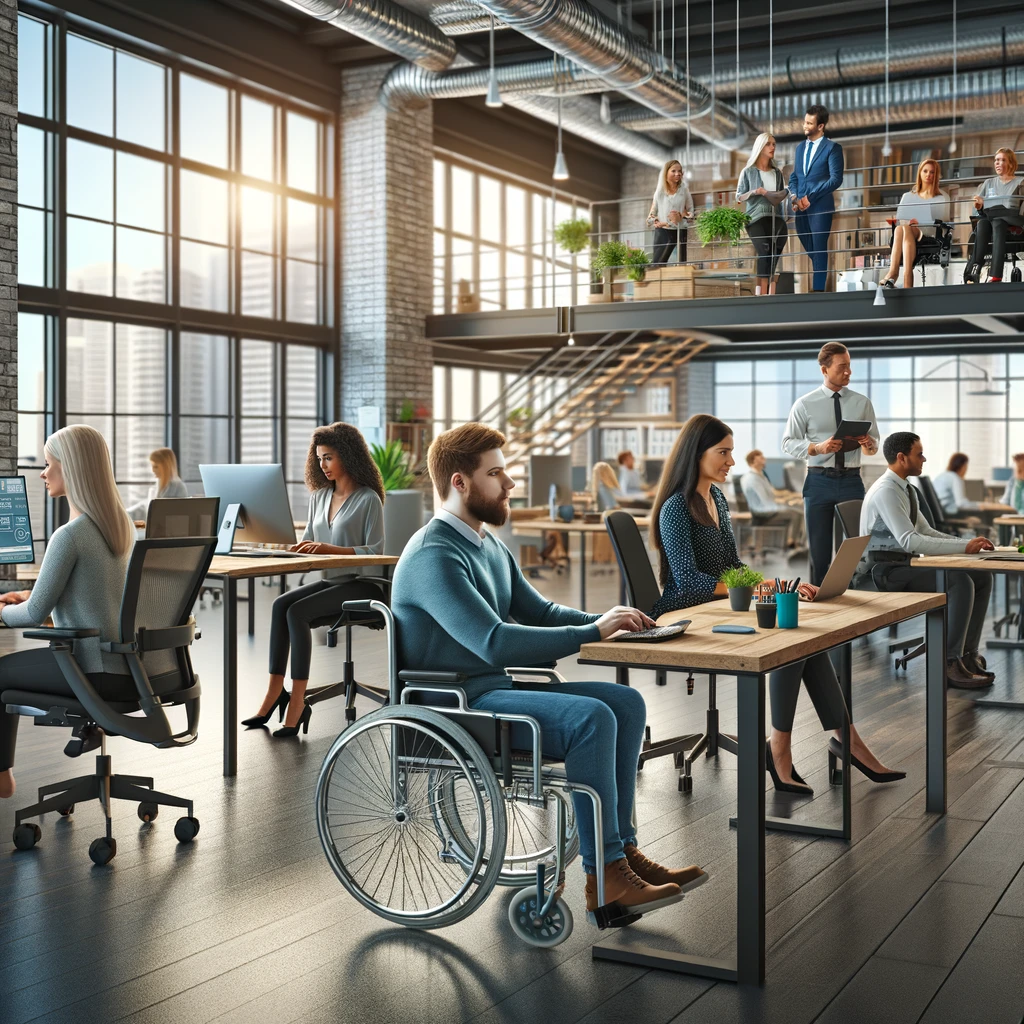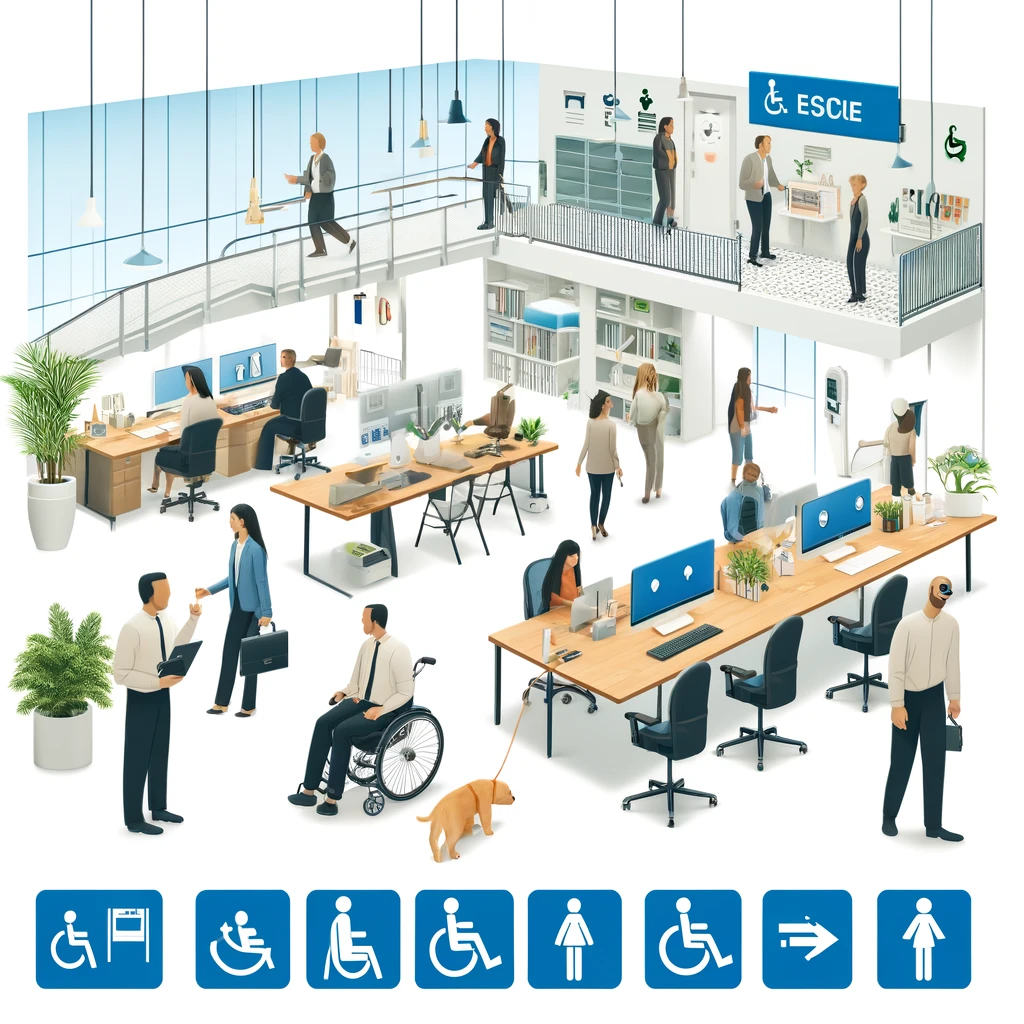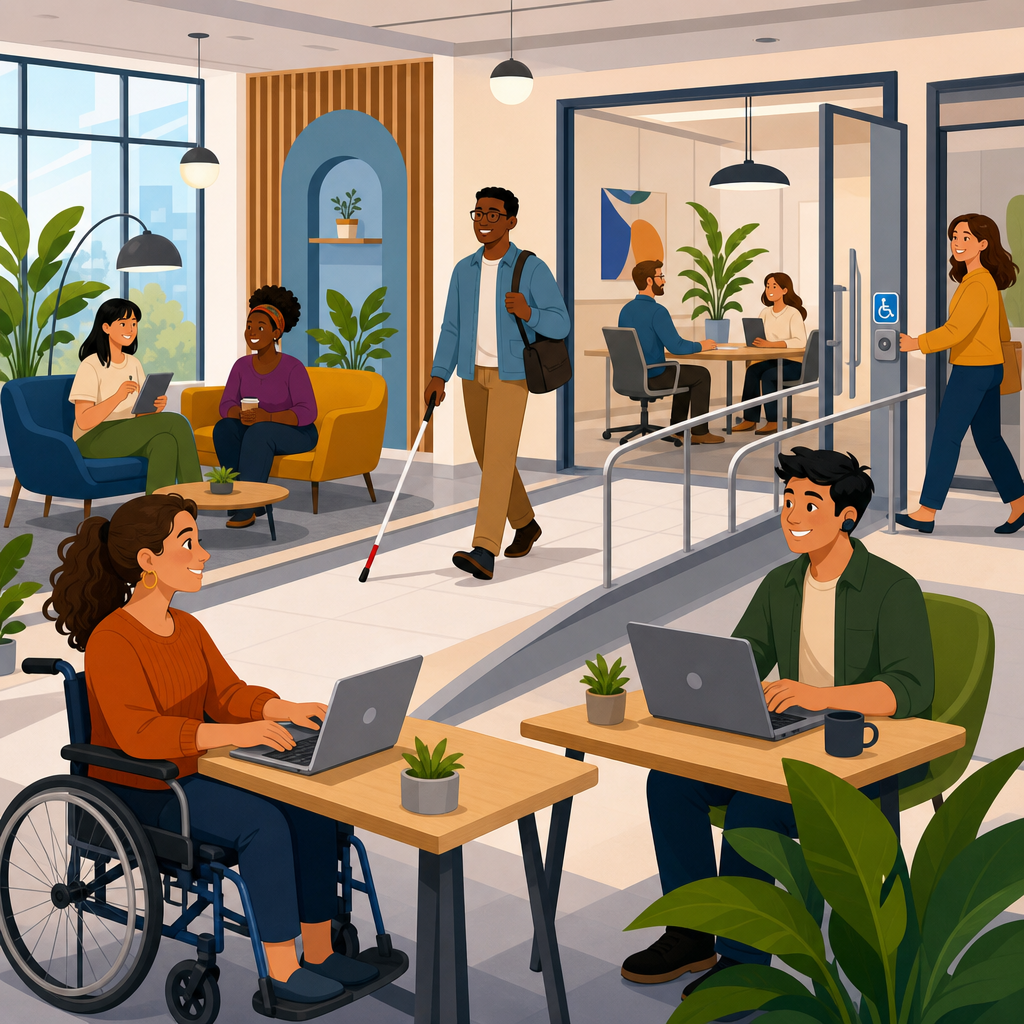
ADA compliance for co-working spaces and shared offices is no longer a niche facilities issue; it is a core operational requirement that shapes leasing, member experience, risk management, and brand credibility. In practical terms, ADA compliance means aligning a workplace with the Americans with Disabilities Act so people with disabilities can access, use, and benefit from the space on equal terms. For co-working operators, that obligation touches the built environment, digital systems, events, communication practices, emergency planning, and daily staff decisions. Because shared offices serve freelancers, startups, enterprise teams, clients, guests, and event attendees in the same footprint, accessibility failures multiply quickly and affect more people than a traditional single-tenant suite.
I have worked with operators during site launches, renovation reviews, and complaint-response situations, and the same pattern appears repeatedly: teams think accessibility begins and ends with a ramp, an elevator, and one compliant restroom. That is incomplete. The ADA framework is broader. Title III generally governs places of public accommodation, while Title I can apply to employment practices if the operator has enough employees. State and local building codes, the 2010 ADA Standards for Accessible Design, Fair Housing rules in mixed-use projects, and fire code requirements may also shape what a co-working business must do. The result is a layered compliance environment where design, policy, and service all matter.
This matters because co-working spaces are intentionally flexible. Hot desks, reservable meeting rooms, phone booths, community kitchens, podcast studios, event lounges, wellness rooms, and app-based entry systems create convenience for many users, but flexibility can also create barriers if accessibility is not designed into every member journey. A narrow circulation path caused by movable furniture, a booking app that screen readers cannot navigate, or a member event without captioning can all undermine access. The most effective operators treat accessibility as a system, not a one-time construction checklist.
As a hub for sector-specific ADA compliance, this article explains the legal baseline, the physical and digital requirements most relevant to shared offices, the common risk points I see in audits, and the implementation methods that help operators build accessible spaces without disrupting business. It also points toward the broader compliance and implementation landscape by showing how policies, procurement, training, and documentation support day-to-day accessibility in a high-traffic, multi-user office setting.
How ADA rules apply to co-working and shared office operations
Co-working spaces sit at an important intersection of hospitality, office use, and public accommodation. That mix changes how accessibility should be assessed. Members may lease private offices, reserve conference rooms by the hour, attend public events, use shared kitchens, receive mail, and invite external guests. Because operators control common areas and often market services directly to the public, many accessibility obligations focus on ensuring people can enter, circulate, communicate, and participate without discrimination.
The first question operators ask is usually whether an ADA standard applies to the whole property or only to common areas. The answer depends on control and scope. In most co-working models, the operator controls reception, lounges, kitchens, meeting rooms, restrooms, corridors, and amenity areas, so those spaces need review for accessible routes, clear floor space, door hardware, counters, signage, and restroom features. Private offices leased within the space may trigger additional obligations depending on use, alterations, and employment considerations. If a member company employs staff with disabilities, the operator and tenant may both affect the accommodation outcome.
Another key issue is the distinction between new construction, alterations, and barrier removal in existing facilities. New construction and altered areas generally face stricter technical standards. Existing spaces that have not been altered still have obligations to remove architectural barriers when doing so is readily achievable, meaning easily accomplishable without much difficulty or expense. In practice, that can include adjusting door closers, lowering paper towel dispensers, replacing round doorknobs with lever hardware, restriping parking, adding tactile signage, or reconfiguring furniture to maintain required clearances.
Co-working businesses should also remember that accessibility is not limited to architecture. Reasonable modifications to policies, auxiliary aids and services for effective communication, and equal access to programs are central requirements. If a member who is deaf attends a workshop, the operator may need captioning or an interpreter depending on context. If a blind visitor uses the member portal, the site and app should work with screen readers. If a wheelchair user reserves a meeting room, the room cannot become unusable because spare chairs were stacked into the turning radius that morning.
Physical accessibility priorities inside flexible workplaces
Physical accessibility in shared offices starts before a visitor reaches the front door. Accessible parking, passenger drop-off, curb ramps, exterior routes, entrances, and wayfinding set the tone for the entire experience. I often see beautiful lobby buildouts undermined by a practical failure outside, such as a steep path from parking or a power-assisted door that is technically installed but not functioning. The accessible route must be continuous, stable, and usable in real conditions, not just on a plan set.
Once inside, reception deserves special attention. At least one portion of the check-in counter should provide an accessible height and usable knee clearance where required, and circulation around queuing points cannot pinch off wheelchair passage. Shared offices commonly add decorative millwork, merchandise displays, planters, and coffee stations near reception; those elements often create protrusion hazards or reduce clear width below acceptable levels. The fix is usually simple during design but expensive after opening.
Furniture management is one of the biggest operational variables in co-working accessibility. Unlike conventional offices, these spaces change constantly. Members move chairs, add portable screens, shift tables for workshops, and create informal collaboration zones. Operators therefore need layout rules, not just initial dimensions. Keep accessible routes through lounges, open desk areas, and meeting rooms open every day. Maintain wheelchair turning space in phone rooms and focus booths where possible. Ensure at least some desks and meeting tables offer usable height and knee clearance. In training sessions, I advise teams to photograph approved room setups and use those images as reset standards after events.
Restrooms, kitchens, and wellness rooms generate a high percentage of complaints because they combine plumbing fixtures, hardware, maneuvering clearances, and privacy needs in tight footprints. Common failures include dispensers mounted too high, trash bins blocking transfer space, inaccessible sink controls, and heavy restroom doors without adequate maneuvering room. Pantry areas should provide an accessible route to coffee, water, refrigeration, and microwave access, with at least some usable work surfaces. If the space includes showers, lactation rooms, nap rooms, or meditation areas, those amenities should be reviewed with the same rigor as the main workspace.
| Area | Common barrier | Practical correction |
|---|---|---|
| Entrance | Heavy noncompliant door hardware | Install lever hardware and adjust closer force |
| Reception | Counter too high for seated users | Add compliant accessible transaction surface |
| Open workspace | Furniture narrowing circulation paths | Set layout standards and daily reset checks |
| Meeting rooms | No clear floor space at table ends | Select tables with knee clearance and flexible seating |
| Restrooms | Accessories blocking required clearances | Remount dispensers and relocate waste bins |
| Kitchen | Appliances unreachable from wheelchair position | Provide reachable controls and clear approach space |
Digital accessibility, communication, and member-facing technology
Modern shared offices rely heavily on software. Prospects book tours online, members sign agreements through portals, guests receive QR codes, doors open through mobile credentials, conference rooms are reserved through apps, and community events are promoted by email and social platforms. If these systems are inaccessible, the physical space may be legally available but functionally unusable. That is why digital accessibility belongs in every co-working compliance plan.
I recommend using WCAG 2.1 AA as the operational benchmark for websites, portals, and mobile workflows, because it is the most widely referenced technical standard for accessible digital experiences. In simple terms, content should be perceivable, operable, understandable, and robust. Images need alternative text, forms need proper labels, keyboard navigation must work, focus order must make sense, color contrast should be sufficient, and video content should support captions. For member contracts and policies, accessible PDFs or HTML versions matter. A glossy brochure in image-only format is not enough.
Access control systems deserve special scrutiny. App-only entry can create immediate barriers for blind users, people with limited dexterity, and visitors who need more time or an alternative authentication method. Good practice includes offering multiple usable credential options, ensuring kiosks have accessible reach ranges and screen-reader compatibility where applicable, and training front desk staff to provide prompt assistance without forcing people to disclose unnecessary medical information. The same logic applies to room booking panels, visitor management tablets, and digital directories.
Communication access also extends to programs and events. Co-working brands often host pitch nights, workshops, networking mixers, and community forums. Operators should publish an accommodation request process, ask presenters to use microphones, provide captioning for streamed sessions, and ensure presentation slides are legible and verbally described when needed. In my experience, these steps improve the experience for everyone, including non-native English speakers, remote participants, and people working in noisy environments. Accessibility practices that support one group often raise usability across the entire community.
Operations, staff training, and day-to-day compliance controls
The most accessible co-working spaces are not necessarily the newest or the most expensive. They are the best managed. Day-to-day compliance depends on staff awareness, preventive maintenance, vendor coordination, and clear decision rights. A front desk associate who knows how to relocate a check-in queue, an events manager who validates captioning before a webinar, and a community manager who prevents furniture encroachment can stop small issues before they become formal complaints.
Training should cover more than legal definitions. Staff need practical scripts and scenario-based guidance. Teach teams how to respond when someone requests an accommodation, how to escort a blind guest without grabbing, how to communicate with a person using a speech-generating device, and how to handle service animals appropriately. The Department of Justice distinguishes service animals from pets and emotional support animals in specific ways, and front-line employees should know the limited questions they may ask when the need is not obvious. Incorrect handling at reception is a common and avoidable failure point.
Maintenance protocols are equally important. Automatic door operators, elevators, visual alarms, accessible restroom hardware, and assistive listening systems can drift out of service over time. Create inspection schedules and keep logs. If an accessible feature is temporarily unavailable, document the outage, repair timeline, interim alternative, and member communication. This is not just defensive paperwork; it is evidence of operational discipline. During audits, I look for patterns showing whether accessibility is treated as part of facilities management or as an afterthought.
Procurement policies help control future risk. When purchasing furniture, compare dimensions, leg clearance, operability, and stability. When selecting member apps or visitor kiosks, request accessibility conformance reports using the Voluntary Product Accessibility Template, commonly called a VPAT. When hiring architects and contractors, require familiarity with the 2010 ADA Standards and local code amendments. Shared offices evolve quickly, and each new fixture, software tool, or amenity can either strengthen access or introduce a new barrier.
Audits, remediation planning, and risk reduction across the portfolio
For operators with one location or fifty, the strongest path is a structured accessibility audit followed by a prioritized remediation plan. I typically break the review into five layers: site arrival, primary path of travel, core amenities, member technology, and policies or services. This method helps teams identify which barriers block access entirely, which create friction in common use cases, and which can be corrected immediately at low cost. It also creates a repeatable model for future locations, which is essential for portfolio consistency.
Prioritization matters because not every issue carries the same operational or legal weight. Barriers that prevent entry, restroom use, emergency egress communication, or digital account access should sit at the top of the list. Next come high-frequency pain points such as meeting rooms, kitchen access, and event registration. Cosmetic inconsistencies or low-use fringe areas still deserve correction, but they should not consume the budget needed for essential access. Good remediation plans link each issue to a standard, a responsible owner, a budget category, and a target date.
Documentation should be centralized. Keep floor plans, inspection reports, service records, accommodation requests, digital accessibility test results, and training logs together. This supports internal accountability and speeds responses when landlords, insurers, enterprise clients, or legal counsel ask for evidence of compliance efforts. Many enterprise customers now include accessibility questions in procurement reviews for workplace vendors. A co-working operator that can show systematic audits, measured fixes, and accessible member workflows has a clear competitive advantage.
Finally, remember that accessibility is a moving target because your space, technology stack, and programming change. Annual reviews are prudent, but quarterly operational checks are better for fast-moving sites. Walk the space as a first-time visitor would. Reserve a room through the app using only a keyboard. Attend your own event from the back row and test hearing conditions. Accessibility improves when leaders experience the environment the way members do. Start with an audit, fix the highest-impact barriers, and build accessibility into every future decision.
ADA compliance for co-working spaces and shared offices succeeds when operators connect law, design, technology, and service into one management system. The central lesson is straightforward: accessibility is not a static punch list completed at opening. It is an ongoing commitment that shapes how people arrive, check in, move through the space, reserve rooms, attend events, use amenities, and request support. In flexible workplaces, where layouts change and member expectations are high, that operational mindset is what separates a merely compliant site from a genuinely usable one.
Across this sector-specific compliance hub, the most important themes are consistent. Know which ADA obligations apply to your business model. Review common areas and member touchpoints using the 2010 ADA Standards and relevant local codes. Treat digital accessibility as equal in importance to physical access. Train staff on accommodations, service animal rules, communication access, and respectful assistance. Maintain accessible features, document repairs, and require accessibility criteria in purchasing and buildout decisions. These practices reduce complaints, strengthen inclusion, and protect revenue by making the space work for more people every day.
The business benefit is clear. Accessible co-working spaces attract a wider member base, perform better in enterprise procurement, support employees and guests more effectively, and lower the likelihood of expensive retrofits or legal disputes. Just as important, they reflect operational maturity. If you manage a shared office, use this hub as your starting point for the broader compliance and implementation program: audit your site, map the member journey, prioritize fixes, and make accessibility part of standard operations now.
Frequently Asked Questions
What does ADA compliance mean for co-working spaces and shared offices?
ADA compliance in a co-working environment means making sure people with disabilities can access, navigate, and use the space, services, and programs on terms that are equal to everyone else. In practice, that goes far beyond adding a ramp or widening a doorway. It includes the physical layout of the workspace, such as accessible entrances, routes of travel, restrooms, reception areas, conference rooms, kitchens, phone booths, and shared amenities. It also includes operational policies, staff practices, emergency procedures, and digital systems like websites, booking platforms, member portals, and event registration tools.
For co-working operators, ADA compliance is especially important because these spaces serve a wide variety of users, including members, guests, event attendees, vendors, and job applicants. Accessibility must therefore be built into the entire user experience, from first contact online to arrival at the building to day-to-day use of desks, meeting rooms, and common areas. A compliant space helps reduce legal risk, but just as importantly, it supports a better member experience, strengthens brand reputation, and expands the market of people who can fully participate in the workplace community.
Which areas of a co-working space most often need attention for ADA compliance?
The most common focus areas are entrances, circulation paths, restrooms, reception desks, meeting spaces, and shared amenities. People should be able to enter the building and the suite without unnecessary barriers, move through hallways and common areas with sufficient clearance, and access key functions such as check-in, seating, refreshments, printing, and restrooms. In flexible office environments, furniture placement is also a major issue. Even if a building was originally designed with accessibility in mind, crowded layouts, movable seating, decorative elements, and temporary event setups can create new barriers.
Operators should also review elements that are easy to overlook, including interior signage, door hardware, lighting, acoustics, and access to smaller enclosed rooms like focus booths and podcast studios. In many co-working spaces, programming is just as important as the physical environment, so events, workshops, networking functions, and community activities should also be accessible. That may mean providing accessible seating options, clear communication about accommodations, captioning for virtual or hybrid events, and registration systems that allow attendees to request assistance. The key point is that compliance should be treated as an ongoing operational standard, not a one-time construction checklist.
Does ADA compliance apply only to the physical office, or does it also include websites and digital tools?
It includes both. For co-working spaces, digital accessibility is now a critical part of ADA compliance because so much of the member journey happens online. Prospective members often discover a space through its website, review plans and pricing digitally, schedule tours online, and use web-based systems to reserve conference rooms, manage billing, register for events, or communicate with staff. If those tools are not accessible to people who use screen readers, keyboard navigation, voice input, or other assistive technologies, the result can be exclusion even if the physical location is otherwise accessible.
That is why operators should review websites, mobile experiences, forms, calendars, and member portals for accessibility issues such as missing alternative text, poor color contrast, unclear form labels, inaccessible navigation menus, and booking workflows that cannot be completed without a mouse. Digital accessibility also affects community communications, including newsletters, PDFs, social media assets, and event materials. A strong ADA strategy recognizes that accessibility is not limited to architecture. In a modern co-working business, the digital layer is part of the service itself, and equal access must extend there as well.
Who is responsible for ADA compliance in a co-working space: the landlord or the operator?
Responsibility often depends on the lease structure, the specific area at issue, and the nature of the barrier, but co-working operators should never assume the landlord is solely responsible. In many cases, landlords control base-building elements such as exterior access, elevators, common-area restrooms, and parking, while operators control the interior layout, furnishings, signage, technology, member-facing services, and event operations within their leased premises. Because shared offices function as active public-facing environments, the operator may still face exposure if members or guests encounter barriers in the space or in the way services are delivered.
The best approach is to treat ADA compliance as a shared responsibility that must be clearly addressed in lease review, build-out planning, and day-to-day management. Operators should work with legal counsel, architects, contractors, and accessibility professionals to understand who handles which modifications, what standards apply, and how changes will be documented. This is particularly important when renovating a space, reconfiguring furniture, adding new amenities, or hosting public events. Clear contracts and proactive audits can help prevent gaps in responsibility, but from a practical business standpoint, operators should focus on ensuring accessibility across the full member experience rather than relying on technical divisions alone.
How can a co-working operator improve ADA compliance without disrupting business operations?
The most effective way is to approach accessibility as a phased operational improvement process. Start with a professional accessibility assessment that reviews the physical space, digital platforms, policies, and staff practices. From there, identify high-priority barriers that directly affect access to core services, such as entry, check-in, restroom use, room reservations, and event participation. Some fixes may be straightforward, including adjusting furniture layouts, improving signage, lowering obstacles at reception, revising website content, or training staff on accommodation requests. Others may involve capital improvements that should be planned and budgeted over time.
Operators can also reduce disruption by integrating accessibility into existing workflows instead of treating it as a separate initiative. For example, include ADA considerations in vendor selection, renovation planning, event checklists, website updates, and onboarding procedures for community managers. Make it easy for members and visitors to request accommodations, and ensure staff know how to respond consistently and respectfully. Regular reviews are important because co-working spaces change constantly: layouts evolve, technology platforms are updated, and events create temporary conditions that can affect access. A practical, proactive accessibility program helps operators maintain compliance, improve member trust, and create a more inclusive workspace without waiting for a complaint or legal issue to force action.