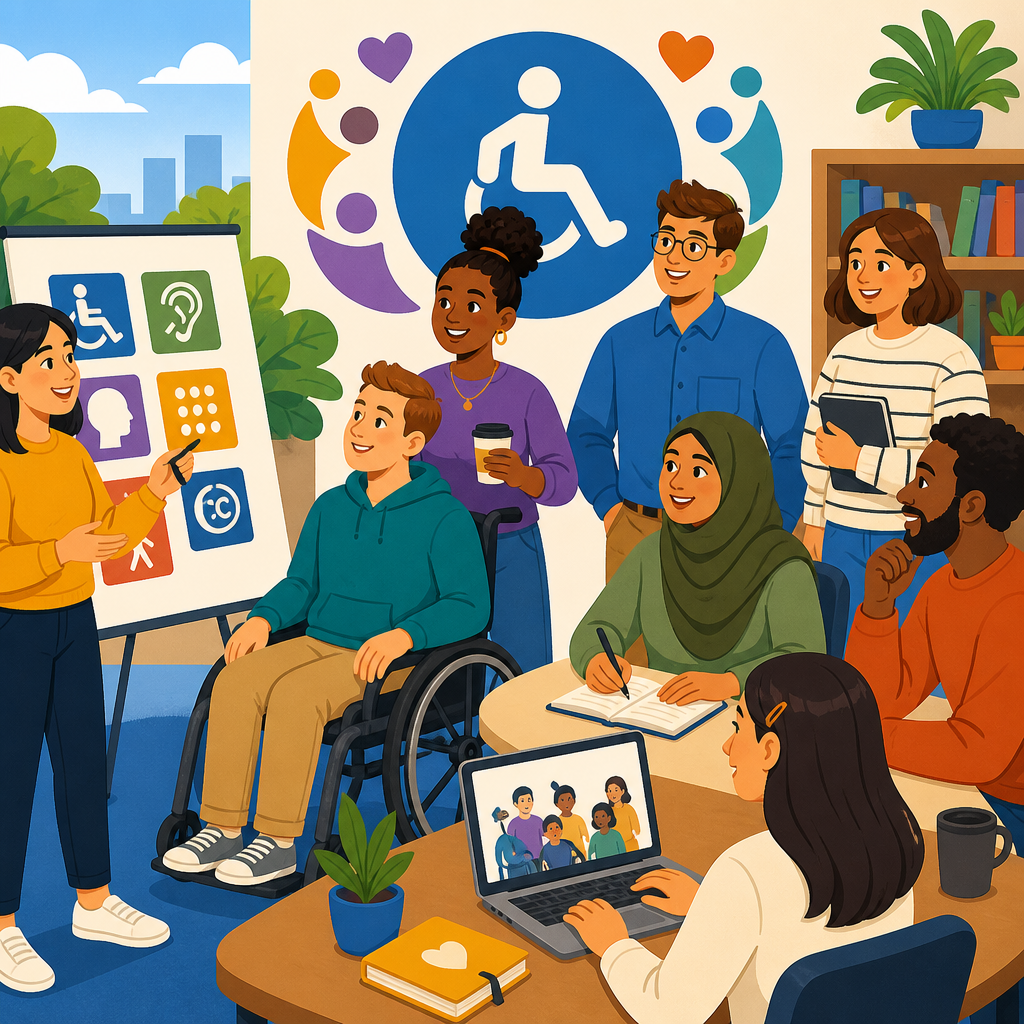
ADA Awareness Month campaigns often fail for one simple reason: they celebrate a law without teaching people how disability access works in daily decisions. A useful campaign does more than share slogans in October. It helps employees, managers, educators, service teams, and community members understand what the Americans with Disabilities Act requires, what inclusion looks like in practice, and how to remove barriers before someone has to complain. If you want an ADA Awareness Month campaign that actually teaches something, build it as a learning program, not a poster series.
The ADA, signed in 1990 and broadened by the ADA Amendments Act of 2008, is a civil rights law that prohibits disability discrimination in employment, state and local government services, public accommodations, transportation, and telecommunications. Awareness means people know the law exists. Implementation means they can apply it to hiring, meetings, websites, customer service, facilities, procurement, and communication. That distinction matters. In my work supporting accessibility rollouts, the organizations that make the biggest gains are not the ones with the most polished messaging. They are the ones that teach staff what a reasonable accommodation is, how auxiliary aids differ from personal devices, why digital accessibility needs testing, and when to ask the right follow-up questions.
This topic belongs at the center of any Resources and Support hub because ADA compliance is not a one-team responsibility. Human resources handles accommodations and policy language. Facilities teams influence parking, routes, signage, counters, and restrooms. Marketing and web teams shape digital access, captions, alt text, PDFs, and forms. Managers control meeting norms, scheduling, and performance conversations. Procurement teams decide whether software and vendors create or reduce barriers. A campaign that connects these functions gives readers a practical map for supporting ADA awareness and implementation year-round.
Done well, ADA Awareness Month also corrects common mistakes. Many campaigns focus only on visible disabilities, only on mobility access, or only on inspiration-heavy storytelling. Those approaches leave people uninformed about mental health conditions, neurodivergence, hearing loss, low vision, chronic illness, speech disabilities, and temporary impairments. They also avoid the operational details that matter most, such as accessible event planning, plain-language communication, document remediation, and interactive process timelines. A strong campaign teaches legal basics, human impact, and concrete skills together so people leave knowing what to do next.
Start with learning goals, not awareness slogans
The fastest way to make an ADA Awareness Month campaign useful is to define what participants should know and do by the end. I recommend setting three to five measurable learning goals. For example: explain the purpose of the ADA, identify at least three barriers in your environment, describe how to request or respond to an accommodation, apply inclusive communication practices, and know where internal accessibility resources live. These goals turn a broad observance into a structured education plan.
Once learning goals are set, map them to audiences. Frontline staff need customer interaction guidance and escalation paths. Managers need training on accommodations, confidentiality, and performance management. Web teams need standards for accessible content and testing. Executives need risk, governance, and accountability measures. A one-size-fits-all presentation usually teaches too little because each group faces different decisions. Segmenting the campaign makes the material relevant and increases retention.
Use a pre-campaign baseline. A five-question survey can reveal whether people understand person-first versus identity-first language preferences, who owns captioning budgets, whether PDFs are accessible by default, and how to route accommodation requests. Baseline data gives you content priorities and a benchmark for improvement. It also helps prove value later, which matters if you want budget for future training, audits, or software improvements.
Teach the ADA through real situations people recognize
People learn accessibility fastest when they can connect it to ordinary work. Instead of lecturing only on legal titles, build short case studies around routine scenarios. A candidate requests an interview in a quieter room because of migraine triggers. A customer who is Deaf needs effective communication during a complex service conversation. An employee with low vision cannot read a shared spreadsheet because color alone signals status. A parent using a wheelchair cannot reach the sign-in counter at a school event. These examples move the ADA from abstraction to action.
In training sessions I have run, the most effective exercise is to ask, “What is the barrier here, and who can remove it?” That framing keeps the focus on systems rather than individual deficit. For the spreadsheet example, the fix may include headings, sufficient color contrast, text labels, and screen-reader testing. For the school event, it may involve route planning, table height, parking access, and staff instructions. Participants start seeing that accessibility is created by design choices.
Plain language matters. Explain that a reasonable accommodation is a change that helps a qualified person with a disability perform a job or access a service, unless it creates undue hardship or fundamentally alters the program. Explain that effective communication may require captioning, interpreters, accessible documents, or assistive listening systems, depending on the context. Explain that not every accessibility issue is solved by ramps, and not every disability is apparent. Clear definitions reduce hesitation and rumor.
Build the campaign around the areas where implementation breaks down
If this hub page is meant to support ADA awareness and implementation comprehensively, it should organize content around the operational points where organizations usually struggle. These are the topics readers search for because they affect day-to-day decisions and carry real compliance risk.
| Implementation area | What to teach during the campaign | Practical example |
|---|---|---|
| Employment accommodations | Interactive process, documentation boundaries, confidentiality, undue hardship | Manager receives a flexible scheduling request for treatment appointments |
| Digital accessibility | WCAG basics, captions, alt text, keyboard access, accessible PDFs and forms | Marketing team remediates a registration page before a public webinar |
| Physical access | Routes, entrances, seating, restrooms, service counters, temporary barriers | Facilities removes clutter and adjusts event layout for wheelchair turning space |
| Communication access | Interpreters, CART, plain language, readable signage, multiple contact methods | Public meeting offers captions, microphones, and accessible handouts |
| Procurement and vendors | Accessibility clauses, VPAT review, testing before purchase, remediation timelines | IT rejects software with unlabeled buttons and no keyboard navigation |
| Events and training | Accessible invitations, dietary process, quiet rooms, accommodation request workflow | HR adds accommodation prompts to every event registration form |
This structure turns the month into a practical hub. Each implementation area can link to a deeper resource, checklist, policy guide, or training article within your Resources and Support library. That internal structure helps readers navigate by task rather than by department alone, which is how accessibility work actually happens.
Use formats that teach skills, not just attitudes
Attitude change matters, but skill building is what improves access. The best ADA Awareness Month campaigns mix short educational formats that people can complete without losing momentum. Start with a kickoff session that explains the ADA, your organization’s accessibility commitments, and the month’s learning path. Follow that with role-specific microlearning modules, live demonstrations, office hours, and a resource center with templates and FAQs.
Demonstrations are especially effective. Show how a screen reader navigates a poorly labeled form versus an accessible one. Show the difference between auto-generated captions and reviewed captions in a technical meeting. Walk participants through an inaccessible PDF and explain why tags, headings, reading order, and meaningful link text matter. If you have access to tools such as WAVE, axe DevTools, Adobe Acrobat Accessibility Checker, Microsoft Accessibility Checker, or color contrast analyzers, use them live. People remember what they can see break.
Panel discussions can work, but they need structure. Include disabled speakers only when the conversation has a clear educational goal, speakers are compensated, and questions do not ask them to represent every disability experience. Prompt discussion around process improvements, not personal disclosure pressure. A strong panel topic might be “What makes an accommodation request easy or difficult?” or “How inaccessible content affects trust.” That keeps the focus on learning and design.
Make your own campaign accessible from the start
An ADA Awareness Month campaign loses credibility if the campaign itself excludes people. Every asset should model the standard you want others to follow. Event invitations need clear accommodation request instructions and deadlines. Videos need accurate captions, and when needed, transcripts and audio description. Slide decks need readable fonts, sufficient contrast, and descriptive narration of visual content. Registration forms should work by keyboard and with screen readers. Printed materials should not be the only format for critical information.
For live events, think through the full participant journey. Is there step-free access from parking or transit to the room? Are microphones used consistently, even in small rooms? Is there reserved seating with companion space? Can speakers be heard clearly? Is there a quiet area for participants who need reduced sensory input? Are interpreters positioned well and lit properly? These details are not extras. They determine whether people can participate on equal terms.
Digital hubs need the same care. If this page sits under Resources and Support, it should guide readers to accommodation procedures, digital accessibility standards, event planning checklists, purchasing requirements, complaint pathways, and training archives. Use descriptive headings, plain language, and meaningful link labels so users can find what they need quickly. The point of a hub page is not to say everything at once; it is to organize the subject so implementation becomes easier.
Measure whether people learned something useful
The right success metric is not “How many posters did we share?” It is whether people gained knowledge and changed behavior. Measure learning with pre- and post-session questions, short scenario assessments, and completion data by role. Measure implementation through indicators such as the number of accessible event requests handled successfully, percentage of videos captioned before publication, number of remediated documents, accessibility issues fixed in key workflows, and vendor reviews that included accessibility criteria.
Qualitative feedback matters too. Ask participants what they can do now that they could not do before. Ask managers whether they feel more confident handling accommodation conversations. Ask web editors whether they know how to check heading structure and alt text. Ask employees with disabilities whether the month improved access in any tangible way. In several campaigns I have evaluated, the most useful finding was not a high attendance rate but a repeated comment: people finally knew where to go for help.
Use what you learn to set the next quarter’s priorities. If participants still confuse accommodations with preferences, publish a manager guide. If event teams struggle with captioning and interpreters, create a standard operating procedure and budget line. If procurement is the weak spot, require accessibility review before contracts are signed. Awareness month should expose system gaps clearly enough that leadership can act on them.
Turn one month into a year-round implementation plan
The biggest benefit of a strong ADA Awareness Month campaign is momentum. A month can launch understanding, but access improves only when organizations embed what they taught. Convert campaign materials into evergreen resources. Keep the hub updated with policy links, toolkits, checklists, FAQs, and contact points. Assign owners for employment, digital, facilities, communications, and procurement issues. Put accessibility into onboarding, manager training, content workflows, and vendor reviews.
Leadership should reinforce that accessibility is both a civil rights obligation and a quality standard. When teams know what good looks like, they make better decisions earlier: they buy accessible software, write accessible content, plan inclusive events, and respond faster to accommodation requests. That reduces friction for everyone and reduces legal, reputational, and operational risk.
If you are building this Resources and Support hub, make it practical. Organize articles around the barriers people encounter, connect awareness to implementation, and teach with examples people can apply immediately. Start with one campaign plan, one training path, and one accessible resource library. Then review what changed. The goal is not to mark ADA Awareness Month on the calendar. The goal is to help people create access on purpose, every day.
Frequently Asked Questions
1. What makes an ADA Awareness Month campaign actually educational instead of just symbolic?
An educational ADA Awareness Month campaign goes beyond posters, slogans, and general statements about inclusion. It teaches people how disability access affects everyday decisions in workplaces, schools, customer service settings, events, websites, communications, and public spaces. The difference is practical instruction. Instead of only saying that accessibility matters, a strong campaign shows employees and leaders what the Americans with Disabilities Act requires, where common barriers appear, and how to prevent those barriers before they affect someone’s ability to participate.
In practice, that means using the campaign to answer real questions. How should a manager respond to an accommodation request? What makes a meeting accessible for people with hearing, mobility, sensory, cognitive, or mental health disabilities? How can a front desk team serve a visitor who communicates differently? What should a department consider before launching a form, event, training, or digital tool? These are the kinds of topics that turn awareness into usable knowledge.
A campaign that actually teaches something also avoids treating disability as a once-a-year theme. It frames accessibility as part of daily operations and shared responsibility. Employees should come away with a clearer understanding of respectful language, legal obligations, common misconceptions, and concrete actions they can take in their own roles. That is what makes the campaign valuable. It helps people recognize barriers early, solve problems more confidently, and build a culture where inclusion is expected rather than reactive.
2. What topics should be included in an ADA Awareness Month campaign so people learn something useful?
The most effective campaigns cover both foundational understanding and practical application. Start with the basics of the Americans with Disabilities Act: what it is, why it matters, and the broad areas it affects, such as employment, public services, public accommodations, transportation, and communication access. People need a shared baseline before they can apply the law thoughtfully. But the campaign should not stop at legal definitions. It should connect those principles to real decisions people make every day.
Useful topics often include reasonable accommodations, accessible communication, inclusive meeting practices, physical access, website and document accessibility, service interactions, and barrier prevention. For example, an employer-focused campaign might explain how accommodation requests work, what managers should and should not say, and why delays can become barriers. An education-focused campaign could discuss classroom access, captioned materials, accessible learning platforms, and the importance of flexible participation methods. A customer-service campaign might cover communication etiquette, service animal basics, and how to assist without making assumptions.
It is also helpful to include examples of invisible disabilities, because many people still wrongly associate disability only with visible mobility impairments. A strong campaign can explain that disability access may involve sensory differences, chronic illnesses, neurodivergence, mental health conditions, speech disabilities, and other experiences that affect participation. Another important topic is proactive design: teaching teams how to reduce barriers in advance instead of waiting for complaints. This can include checklists for event planning, procurement, document creation, hiring processes, and digital content. When the campaign is structured around real-world scenarios, people are much more likely to retain and use what they learn.
3. How can employers, schools, or organizations make ADA Awareness Month relevant to everyday decisions?
The key is to make the campaign role-specific. People learn more when they can immediately connect information to their own responsibilities. Instead of offering one generic message for everyone, break the campaign into practical guidance for managers, HR teams, instructors, event planners, supervisors, facilities staff, customer-facing employees, and communication teams. Each group influences access in different ways, and each group benefits from examples that reflect its actual work.
For managers, relevance often means learning how to respond appropriately when an employee discloses a disability or asks for an accommodation. For educators, it may mean designing assignments and class materials that do not create unnecessary barriers. For customer-service teams, it may involve learning how to communicate respectfully, provide assistance without overstepping, and maintain accessible service procedures. For operations and facilities teams, the focus may be on routes, entrances, restrooms, seating, counters, signage, alarms, and emergency planning. For communication teams, it may be about captions, alt text, readable formatting, color contrast, and plain language.
Realistic scenarios are especially effective. A campaign can present short case studies that ask, “What would you do here?” For example: an employee needs software that works with screen readers; a parent requests interpretation for a school event; a customer cannot access an online form; a meeting organizer forgets captions for a virtual session; a new office layout blocks wheelchair clearance. These examples help people recognize that accessibility is not abstract. It shows up in scheduling, purchasing, communication, design, policy enforcement, and interpersonal behavior. When the campaign links ADA awareness to daily choices, it becomes much more than a compliance exercise. It becomes a practical tool for better decision-making.
4. How do you keep an ADA Awareness Month campaign from sounding performative or compliance-only?
To avoid a performative campaign, the organization has to focus on learning, action, and accountability rather than image. People can tell when disability inclusion is being treated as a branding moment instead of a genuine effort to improve access. A campaign feels more credible when it acknowledges that barriers exist, explains how those barriers happen, and gives people concrete ways to address them. The tone should be respectful and direct, not self-congratulatory.
One of the best ways to strengthen credibility is to center practical outcomes. Offer trainings, discussion sessions, accessibility reviews, resource guides, and checklists that employees and community members can actually use. Invite disabled voices when appropriate, but do so thoughtfully and not as token representation. If people with disabilities are participating in the campaign, their expertise should be respected, supported, and compensated when applicable. The goal is not simply to feature disability stories for inspiration. It is to deepen understanding of access, autonomy, equity, and systems change.
It also helps to tie the campaign to measurable follow-through. If an organization promotes ADA Awareness Month but never improves its forms, events, facilities, hiring processes, or digital content, the message will ring hollow. A stronger approach is to use the month to launch or reinforce long-term accessibility commitments, such as updating training materials, auditing communication channels, improving accommodation procedures, or reviewing policies for barriers. In other words, the campaign should lead somewhere. When people see that awareness is connected to tangible improvements, the effort feels serious, relevant, and trustworthy.
5. What are the best ways to measure whether an ADA Awareness Month campaign actually taught people something?
Measuring success requires more than tracking attendance, email opens, or social media engagement. Those numbers may show that people saw the campaign, but they do not prove that anyone learned how to improve access. A better evaluation approach looks at changes in understanding, confidence, and behavior. Start by defining what people should know or be able to do after the campaign. That might include identifying common barriers, responding appropriately to accommodation requests, planning more accessible events, creating more accessible documents, or recognizing when a process may exclude someone.
Pre- and post-campaign surveys can be useful if they ask practical questions rather than vague opinion prompts. For example, ask whether participants know where to direct accommodation requests, whether they understand basic digital accessibility steps, or whether they can identify an inaccessible practice in a short scenario. Short quizzes, case-study responses, and department-level discussions can also reveal whether people are retaining key concepts. If managers, educators, or service teams are part of the audience, ask them what changes they plan to make in their own workflows and follow up later.
Longer-term indicators matter too. After the campaign, organizations can review whether departments adopted accessibility checklists, whether training requests increased, whether event planning improved, whether communication materials became more accessible, or whether teams corrected recurring barriers before complaints were made. The goal is not to reduce success to one number. It is to see whether the campaign changed habits. If people are asking better questions, planning more proactively, and making fewer avoidable access mistakes, then the campaign is doing what it should: teaching something that lasts beyond October.


