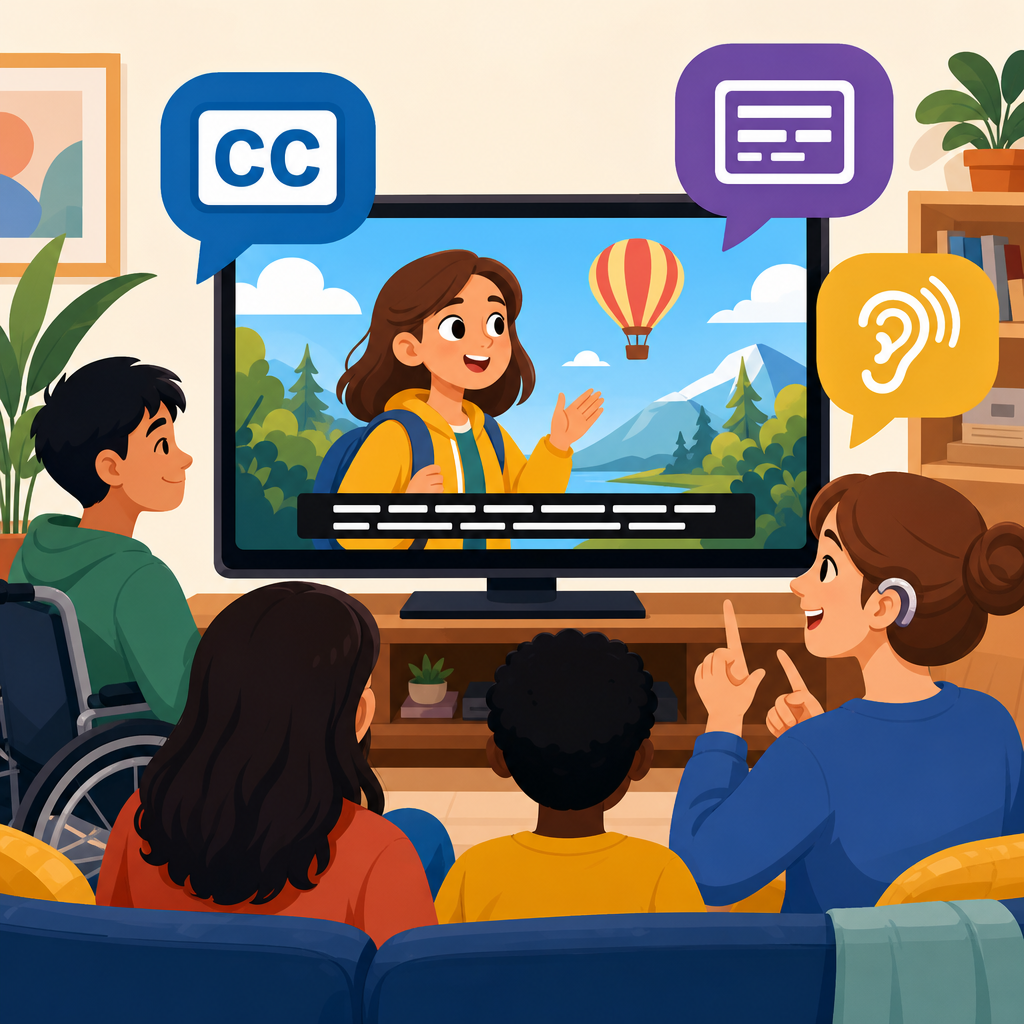
Closed captioning and subtitling sit at the center of accessible media because they turn spoken dialogue, sound cues, and translated speech into readable text that broadens who can use video, audio, and live content. In practical terms, closed captions are text tracks viewers can usually turn on or off, while subtitles traditionally focus on spoken dialogue, often for translation, though modern platforms blur the distinction. For publishers, educators, broadcasters, and product teams, this difference matters because accessibility depends on whether text includes non-speech information such as music cues, speaker identification, and sound effects. I have worked on caption workflows for training libraries, webinars, and product demos, and the lesson is consistent: accurate timed text is not a nice extra. It is core infrastructure for inclusive communication, legal compliance, discoverability, and better user experience across devices and environments.
Accessible technology implementation increasingly starts with media because video dominates customer support, learning, entertainment, and internal communications. A training portal without captions excludes deaf and hard-of-hearing users, but it also frustrates multilingual teams, people in noisy places, viewers watching with the sound off, and anyone trying to search a long recording quickly. Standards and regulations reinforce this reality. The Web Content Accessibility Guidelines, especially Success Criterion 1.2, set expectations for captions, transcripts, and audio description. In the United States, the ADA, Section 504, Section 508, and FCC rules shape compliance, while the European Accessibility Act is raising expectations across the EU. As a hub within Technology and Accessibility, this article explains how closed captioning and subtitling connect to broader accessible technology work, from design systems and procurement to testing, AI tooling, and governance.
Why timed text is foundational to accessible technology
Closed captioning and subtitling are often treated as post-production tasks, but mature accessibility programs build them into content operations from the start. Timed text supports multiple user needs at once. Deaf and hard-of-hearing viewers rely on captions for equivalent access to dialogue and essential sounds. Autistic users and people with auditory processing differences may use captions to reduce cognitive load and confirm meaning. Language learners use subtitles to connect spoken and written words. Search engines and internal site search benefit because transcripts and caption files create indexable text tied to media. In my experience, teams understand the value fastest when they compare two versions of the same webinar: one with a clean transcript, speaker labels, and synchronized captions, and another with auto-generated errors. The first becomes reusable knowledge. The second becomes friction.
Timed text also acts as a bridge between media accessibility and adjacent practices such as plain language, inclusive design, mobile usability, and content strategy. A company that implements captions well usually improves script quality, naming consistency, metadata, and translation management too. That is why this sub-pillar hub connects naturally to related work on accessible document formats, keyboard-friendly media players, screen reader support, accessible design systems, and procurement standards for third-party platforms. Captioning is not isolated. It depends on player controls that can be reached without a mouse, contrast that makes text legible, settings that save user preferences, and QA processes that catch issues before release. When organizations advance accessible technology, media text alternatives are one of the clearest indicators that accessibility is being operationalized rather than treated as an afterthought.
Closed captions, subtitles, transcripts, and audio description explained
The terms are related but not interchangeable. Closed captions include dialogue plus relevant non-speech audio information, such as [door slams], [applause], or [upbeat music], and can typically be toggled on or off. Open captions are burned into the video and always visible, which can be useful on social platforms that support autoplay without sound but less flexible for users who want control. Subtitles usually transcribe spoken dialogue and are often used to translate content from one language to another. Same-language subtitles can help many viewers, but if they omit sound cues, they do not provide equivalent access in the way full captions do. Transcripts present the content as text without timing. They are essential companions because they support review, note-taking, search, and access when playing media is impractical.
Audio description is another key element in accessible media implementation. It adds narration that explains important visual information not conveyed by dialogue, helping blind and low-vision users follow action, settings, charts, gestures, and on-screen text. Many teams make the mistake of shipping captions and considering the job done. In reality, accessible technology for media often requires a package: captions, transcript, accessible player controls, and audio description where visuals carry meaning. Educational videos, software demos, safety training, and marketing explainers all benefit from this fuller approach. For example, a product tutorial that says “click here” while showing an unlabeled icon is inaccessible even if captions exist, because the visual target is not described clearly enough in speech or description. Good implementation aligns all channels so meaning does not depend on one sense alone.
Implementation standards, formats, and workflow decisions
Strong captioning programs rely on standards, not guesswork. WCAG sets the accessibility target, while file formats and production conventions determine whether captions actually work across platforms. The most common caption and subtitle formats include SRT, WebVTT, SCC, STL, and TTML/DFXP. SRT is simple and widely supported but limited in styling. WebVTT is standard for web video and works well with HTML5 players. Broadcast environments may require SCC or IMSC-based formats. Accuracy targets also matter. For high-stakes content such as legal announcements, medical information, compliance training, and university lectures, organizations should aim for near-verbatim accuracy, correct punctuation, synchronized timing, and proper speaker identification. Auto-captioning tools can speed up first drafts, but they rarely meet publish-ready quality without review, especially for jargon, names, and multilingual speech.
Workflow choices affect cost, speed, and quality more than software alone. The best process I have seen begins before recording: use decent microphones, reduce background noise, brief speakers on terminology, and prepare scripts or glossaries. During post-production, create a transcript, align timecodes, edit for readability, add sound cues, and test on the target player. Then run a human quality review on timing, line breaks, overlaps, and spelling. Finally, publish captions in multiple formats if needed and keep source files in a reusable repository. Teams that skip source control often recreate assets repeatedly, wasting budget and introducing inconsistency. Governance matters here as much as craft. Define who owns caption creation, approval, localization, versioning, and remediation when a video changes. Without clear ownership, accessibility debt grows quietly with every upload.
| Element | Primary purpose | Best use case | Common risk if mishandled |
|---|---|---|---|
| Closed captions | Access to dialogue and meaningful sound | Training, webinars, entertainment, public communications | Missing sound cues or inaccurate timing |
| Subtitles | Translate or display spoken dialogue | Multilingual distribution and international audiences | Assuming subtitles alone satisfy accessibility needs |
| Transcript | Readable full-text alternative and search aid | Long-form lectures, podcasts, support libraries | Posting text without speaker labels or structure |
| Audio description | Convey essential visual meaning | Demos, instructional video, action-heavy content | Ignoring charts, gestures, or on-screen text |
Choosing tools, vendors, and AI without lowering quality
Captioning technology has improved dramatically, but implementation still requires judgment. Automatic speech recognition from providers such as YouTube, Zoom, Microsoft Teams, Google Cloud Speech-to-Text, AWS Transcribe, and Whisper can reduce turnaround time, especially for internal drafts and live events. However, raw ASR output commonly struggles with domain-specific vocabulary, accented speech, crosstalk, and poor audio conditions. In software demos, for example, product names and command syntax are frequent failure points. In healthcare or legal content, a single misrecognized term can materially change meaning. That is why mature teams use AI as an accelerator, not as a final authority. Human editors validate terminology, timing, segmentation, and non-speech cues, and they review captions in context rather than only in text editors.
Vendor selection should be driven by accessibility outcomes, not headline cost per minute. Ask whether a vendor supports WCAG-aligned workflows, multiple output formats, localization, speaker identification, glossary handling, secure file transfer, and service-level agreements for live and prerecorded content. Evaluate how they manage quality assurance and whether they can produce audio description or transcripts alongside captions. For internal platform decisions, test media players like Able Player, Video.js with accessibility-conscious plugins, Brightcove, Kaltura, Vimeo, and YouTube embeds against keyboard navigation, focus visibility, screen reader labels, and caption customization. Also confirm whether users can adjust caption size, color, background, and position. These details determine real usability. I have seen expensive enterprise platforms fail basic keyboard tests, while simpler stacks delivered better access because the implementation team tested with actual assistive technology.
Real-world use cases across education, business, government, and entertainment
Different sectors implement captioning and subtitling for different reasons, but the operational lessons are surprisingly similar. In higher education, lecture capture systems need captions and transcripts so students can review material, quote it accurately, and access it regardless of hearing status or language background. Universities that centralize caption procurement usually achieve better consistency than departments operating alone. In corporate learning, captions improve completion rates for mandatory training because employees can follow content in open offices or on mobile devices. Customer support teams benefit too: captioned tutorial videos reduce ticket volume when users can search transcripts for exact steps. Government agencies rely on captions to meet public service obligations and reduce legal risk, especially for emergency updates, council meetings, and procurement briefings.
Entertainment and streaming add another layer: scale, localization, and viewer preference. Global platforms routinely create multilingual subtitle sets, captions for domestic audiences, and dubbed audio, then manage all three through localization pipelines. Quality differences are highly visible to users. A comedy special with poorly timed captions ruins punchlines. A drama with weak speaker identification confuses scene changes. Live sports and news face latency tradeoffs, often using respeaking or stenography to balance speed with accuracy. Social media introduces the open-caption pattern because many viewers watch silently on mobile feeds. Yet even there, accessibility requires more than stylized text overlays. Creators should still provide proper timed text where platforms allow it and ensure on-screen text has sufficient contrast and duration. Across sectors, the takeaway is consistent: accessible media performs better because it is clearer, more reusable, and easier to consume in real conditions.
Advancing the practice: governance, testing, and the future of accessible media
Organizations move from basic compliance to real maturity when they treat accessible media as a governed capability. That means setting policy, defining standards, training creators, and measuring results. Useful metrics include the percentage of published videos with reviewed captions, average turnaround time, transcript availability, player accessibility defects, localization coverage, and remediation backlog. Procurement should require accessible media support from LMS vendors, webinar platforms, and video hosts. Design systems should specify caption styling, transcript patterns, and player behavior. Editorial guidelines should explain how to write scripts that are inherently more accessible by naming visual elements aloud, avoiding ambiguous references, and pausing naturally for captions and description. This upstream work lowers downstream remediation cost and improves quality before captions are even authored.
Testing remains essential because accessible technology fails in the gaps between teams. Review media with keyboard-only navigation, screen readers such as NVDA, JAWS, or VoiceOver, and multiple browsers and devices. Check whether captions stay synchronized after transcoding, whether transcript links are discoverable, and whether custom players expose controls properly to assistive technology. For live events, test caption latency, display persistence, and fallback plans when feeds drop. Looking ahead, advances in speech recognition, translation, and synthetic voice will expand what is possible, especially for real-time multilingual access and automated description assistance. But the core principle will not change: accessibility depends on reliable human-centered quality control. If you are building out Technology and Accessibility as a strategic capability, start with closed captioning and subtitling, then connect that work to transcripts, audio description, procurement, testing, and governance. Build the process once, document it well, and apply it everywhere media appears.
Frequently Asked Questions
What is the difference between closed captions and subtitles?
Closed captions and subtitles are closely related, but they are not exactly the same. Closed captions are designed primarily for accessibility, especially for people who are deaf or hard of hearing. In addition to transcribing spoken dialogue, captions typically include meaningful non-speech information such as speaker identification, music cues, laughter, applause, alarms, or background sounds that are important to understanding the content. They are usually delivered as a selectable text track that viewers can turn on or off, which is why they are called “closed.”
Subtitles, by contrast, traditionally focus on spoken dialogue only, often to translate speech from one language into another. For example, an English-language subtitle track on a Spanish film helps viewers understand the words being spoken, but it may not include environmental sounds or other audio context unless the subtitle format is specifically created for accessibility. In practice, modern streaming platforms and publishing workflows often blur this distinction. Many services label all on-screen text tracks as subtitles, even when they function more like captions. That is why it is important to look beyond the label and ask what information is actually being provided to the audience.
For content creators, the practical takeaway is simple: if the goal is accessibility, the text should capture not just what is said, but also the audio information a viewer would otherwise miss. That broader approach supports compliance, improves comprehension, and creates a more inclusive experience across entertainment, education, corporate communications, and live events.
Why are closed captions and subtitles so important for accessibility?
Closed captioning and subtitling are essential because they make media usable by a much wider range of people. Most importantly, they provide direct access to spoken content for viewers who are deaf or hard of hearing. Without captions, key dialogue, narration, and sound-based storytelling can be partially or completely inaccessible. Captions help ensure that people can follow what is happening, who is speaking, and why certain sounds matter to the narrative or informational message.
Accessibility benefits extend well beyond one audience group. Captions and subtitles also support people with auditory processing differences, language learners, viewers watching in noisy public spaces, and anyone consuming media in sound-sensitive environments such as offices, libraries, hospitals, or late at night at home. They can also improve comprehension when speakers talk quickly, use specialized terminology, have strong accents, or when the audio quality is less than ideal. In educational settings, this can directly support retention and understanding. In business and product environments, it can make training, onboarding, webinars, and customer-facing videos more effective.
There is also a strong usability and discoverability argument. Text-based media tracks can improve search, indexing, clip discovery, and content repurposing. A caption file can become the basis for transcripts, summaries, metadata, study materials, social snippets, or multilingual localization workflows. So while accessibility is the primary reason to invest in captions and subtitles, the result is often a better experience for everyone. Inclusive media design tends to raise the quality, flexibility, and reach of content overall.
What makes captions or subtitles high quality?
High-quality captions and subtitles are accurate, complete, timely, and easy to read. Accuracy is the foundation. The text should faithfully reflect spoken dialogue and, for captions, meaningful non-speech sounds. Misspelled names, missing phrases, or incorrect terminology can confuse viewers and reduce trust, especially in educational, legal, healthcare, technical, or journalistic content. Completeness matters as well, because leaving out key phrases, speaker changes, or important sound cues can change meaning or weaken comprehension.
Timing and synchronization are equally important. Captions should appear when the words are spoken and stay on screen long enough to be read comfortably without lagging too far behind or disappearing too quickly. Poorly timed captions can make content exhausting to follow. Readability also matters: captions should be broken into logical segments, avoid awkward line breaks, and use formatting that helps viewers track speech naturally. When multiple speakers are involved, clear speaker identification can prevent confusion. For subtitles, consistency in translation, tone, and phrasing is essential so the final text feels natural while still preserving meaning.
Quality also depends on context. A live event may require real-time captioning methods that prioritize speed while still striving for strong accuracy. A pre-recorded film, course, or marketing video allows more time for review and should generally meet a higher editorial standard. The best workflows include quality control steps such as proofreading, terminology checks, style consistency, and testing across devices and platforms. In short, strong captions and subtitles do more than display text on screen; they support understanding without distracting from the content itself.
How do captions and subtitles help publishers, educators, and businesses beyond compliance?
Although legal and policy requirements are often a major driver, the value of captions and subtitles goes well beyond compliance. For publishers and media companies, they can increase audience reach by making content more accessible in different environments and for different user needs. Many viewers choose to watch with text on even when they do not have hearing-related disabilities, especially on social media or mobile devices where autoplay is muted. That means captions can improve engagement, viewing time, and message retention simply by making content easier to consume in real-world conditions.
For educators, captions support inclusive learning and stronger outcomes. Students can read and listen at the same time, which can help with comprehension, note-taking, vocabulary acquisition, and review. Captions are especially useful in lectures with complex terminology, recorded demonstrations, multilingual classrooms, and asynchronous learning programs. They also make instructional content easier to search and revisit, helping students find specific moments in a lesson without rewatching the entire recording.
For businesses, captions and subtitles add operational value. Internal training videos, product explainers, webinars, town halls, and customer support content become easier to understand and easier to repurpose. Text tracks can feed transcripts, knowledge bases, localization pipelines, and AI-powered content search. They can also improve brand perception by signaling professionalism and a genuine commitment to inclusion. In many cases, what begins as an accessibility initiative becomes a content strategy advantage, improving reach, usability, and long-term return on media investments.
What should organizations consider when adding closed captioning and subtitling to their media workflow?
Organizations should start by deciding what level of accessibility they want to deliver and where in the content lifecycle captions and subtitles will be created. A reactive approach, where text tracks are added late or only when requested, often leads to delays, inconsistent quality, and higher costs. A better approach is to build accessibility into production from the beginning. That means planning for caption files, speaker identification, review cycles, localization needs, and platform compatibility as standard parts of the workflow rather than optional extras.
Teams should also consider the difference between live and pre-recorded content. Live captioning may require CART providers, stenographers, or real-time automatic speech recognition with human oversight, depending on the stakes and expected accuracy. Pre-recorded content usually allows for more editing and quality assurance, which is important for branded media, coursework, compliance training, and public-facing video. File formats matter too. Different platforms support different standards, so organizations should confirm whether they need formats such as SRT, VTT, SCC, or others, and whether styling, placement, and multilingual support will carry over correctly.
Finally, governance is important. Clear internal standards help maintain consistency across teams and content types. That includes decisions about punctuation, sound effect labeling, speaker names, terminology, reading speed, and translation quality. Testing should be part of the process as well, because captions that look fine in one player may behave differently on another device or platform. Organizations that treat closed captioning and subtitling as part of a broader accessibility and content quality strategy tend to see the strongest results: better user experience, smoother publishing operations, and media that serves more people more effectively.


