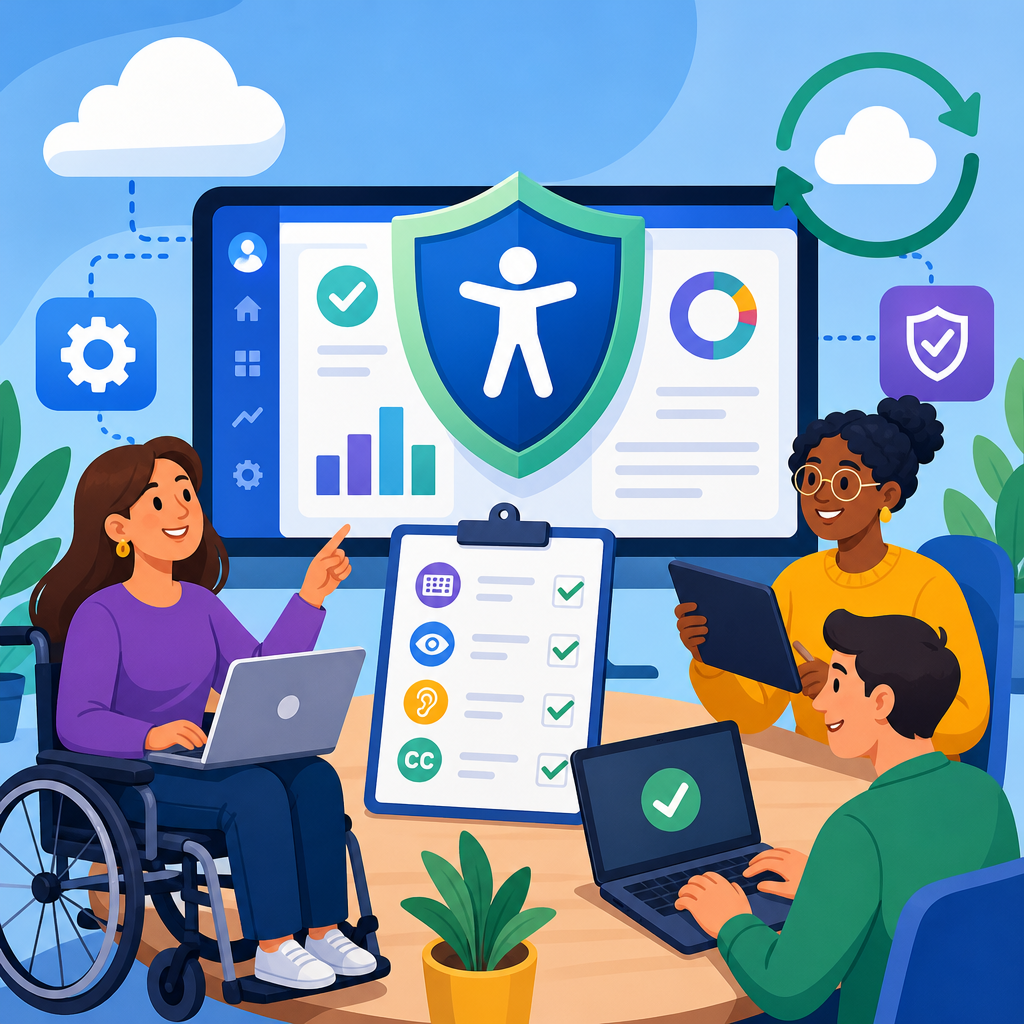
Accessibility risk can quietly derail a SaaS renewal long after pricing, functionality, and security reviews look complete. I have seen renewals stall in legal review, trigger emergency remediation plans, and even force business teams to extend legacy contracts because the replacement platform failed basic accessibility expectations. For organizations that buy, renew, and govern software, managing accessibility risk in SaaS renewals is not a courtesy exercise. It is a procurement discipline tied to legal exposure, user productivity, customer experience, and implementation cost.
In this context, accessibility means whether people with disabilities can perceive, operate, understand, and robustly use a software product. The practical benchmark most procurement and compliance teams rely on is WCAG, the Web Content Accessibility Guidelines, usually measured against WCAG 2.1 AA or the newer WCAG 2.2 AA. In vendor management, accessibility risk is the likelihood that a product’s barriers, weak documentation, or slow remediation process will create legal, operational, financial, or reputational harm during the contract term.
SaaS renewals are a critical control point because they give buyers leverage they often lack after signature. At renewal, the customer can demand updated documentation, new contractual commitments, proof of remediation progress, and stronger service obligations. This matters because many organizations now face overlapping expectations from disability law, public sector procurement rules, customer commitments, and internal digital standards. Even when a company is not directly regulated in every market, inaccessible software still creates support burdens, employee relations problems, and exclusionary experiences that leadership must own.
Procurement and vendor management teams sit at the center of this work. They translate policy into sourcing requirements, collect evidence such as a VPAT, coordinate reviews with legal, security, and IT, and decide whether a vendor’s roadmap is credible enough to justify renewal. Done well, this process reduces surprises, prioritizes budget, and gives implementers a realistic plan. Done poorly, it turns accessibility into a last-minute exception request with little data behind it.
Why accessibility risk belongs in the renewal workflow
Renewal is the moment when accessibility moves from an abstract principle to an enforceable commercial issue. New sales cycles usually involve polished demos and broad assurances, but renewals expose how the product performed in production, how quickly the vendor fixed defects, and whether promised improvements actually shipped. In my work, the strongest renewal decisions come from comparing original accessibility representations against current evidence: the latest VPAT, defect logs, support tickets, user feedback, and release notes.
Accessibility risk belongs in the renewal workflow because software use changes over time. A tool initially purchased for a small team may become enterprise infrastructure integrated with identity, HR, finance, or customer support. As usage expands, barriers affect more users and more workflows. A keyboard trap in a niche feature may have seemed minor during implementation, but if that feature later becomes mandatory for onboarding or expense approvals, the organization inherits a serious operational issue.
Another reason is that accessibility debt compounds. Vendors often add features faster than they improve semantics, focus management, captions, error identification, and screen reader support. If buyers do not demand evidence during renewal, known issues remain open for years. Then the customer bears the hidden costs: manual workarounds, duplicate systems, help desk escalation, accommodation requests, and strained change management.
Renewal reviews also help organizations align procurement with internal governance. Accessibility should be evaluated alongside privacy, security, resilience, and data retention, not after those reviews conclude. When teams use a common renewal checklist, they create a repeatable record of decision quality. That record matters if leadership asks why a nonconforming tool was renewed or why one vendor received an exception while another did not.
What to collect before you assess a vendor
The fastest way to weaken an accessibility review is to rely on one stale document. A current VPAT is useful, but it is only the starting point. Before making a renewal recommendation, collect a document set that shows product condition, vendor capability, and implementation reality. At minimum, ask for the latest VPAT mapped to the standard your organization uses, the date and scope of testing, known limitations, recent accessibility roadmap items, support procedures, and contact details for the vendor’s accessibility lead or equivalent owner.
Evidence from your own environment is equally important. Pull support tickets tagged to accessibility, training complaints, accommodation requests, internal audit findings, and any issues logged by QA or employee resource groups. If the platform is customer facing, include conversion data, abandonment patterns, and complaint trends where accessibility barriers may be contributing factors. I have seen a vendor claim broad conformance while the customer’s own ticket data showed repeated failures in forms, modals, and file uploads that prevented task completion.
Ask implementation owners what changed since the last review. Did custom branding affect color contrast? Did a new integration inject inaccessible components? Did administrators create templates that are harder to navigate than the vendor’s default screens? Accessibility risk in SaaS is rarely limited to the core codebase. Configuration choices, third-party widgets, PDFs, media workflows, and single sign-on experiences can all affect the real user experience.
| Evidence to Collect | Why It Matters | What Good Looks Like |
|---|---|---|
| Current VPAT | Shows declared conformance and known gaps | Updated within 12 months, product-specific, feature scope defined |
| Accessibility test results | Validates claims beyond marketing language | Manual and automated testing with assistive technology coverage |
| Customer defect history | Reveals real production barriers | Issues categorized by severity, status, and business impact |
| Vendor roadmap | Indicates remediation maturity | Dated commitments, named releases, accountable owner |
| Contract terms | Defines remedies and obligations | Accessibility language, notice duties, and correction timelines |
How to evaluate a vendor’s accessibility maturity
A mature vendor does more than provide a VPAT on request. It has governance, testing discipline, and a remediation process that survives product releases. During renewal, assess whether accessibility is embedded in design, engineering, QA, documentation, and support. Ask who owns the program, how defects are triaged, which assistive technologies are used in testing, and whether accessibility acceptance criteria are built into release management. Strong vendors can answer clearly and consistently.
Look closely at the quality of the VPAT itself. A credible VPAT is specific about feature coverage and exceptions. Weak VPATs use generic language, avoid naming unsupported workflows, or mark broad criteria as supported without explanation. If a vendor says “supports with exceptions,” ask exactly which exceptions remain, which users are affected, and whether the issue blocks a critical task. In practice, a single blocker in account creation or approval routing can outweigh dozens of minor noncritical findings.
Remediation behavior is often the best predictor of future risk. Review how the vendor handled past issues. Did they acknowledge defects quickly? Did they provide workarounds? Did they publish fix dates and meet them? Did fixes regress in later releases? I trust a vendor more when it demonstrates transparent issue management than when it claims near-perfect conformance with little supporting detail. Accessibility is an engineering practice, and engineering quality shows up in responsiveness and repeatability.
Also evaluate the broader ecosystem. Some vendors rely heavily on embedded third-party components for chat, analytics, document viewing, or scheduling. If those components create barriers, the prime vendor should still explain ownership, escalation paths, and mitigation plans. Procurement teams should not accept a simple deflection to subcontractors. From the customer’s perspective, the user experiences one product, and the contract should reflect that reality.
Contract terms that reduce renewal risk
Strong procurement and vendor management practices turn accessibility from a vague promise into enforceable obligations. The contract should define the required accessibility standard, identify the product scope covered, and require the vendor to maintain conformance documentation. If the product materially changes during the term, the customer should have the right to request updated evidence. This is especially important for fast-moving SaaS products with frequent releases.
Include representations that accessibility information provided by the vendor is accurate to the best of its knowledge and based on reasonable testing. Add notice obligations for material accessibility regressions affecting critical workflows. Where possible, specify remediation timelines tied to severity. For example, a blocker affecting keyboard-only users in login or checkout deserves a faster correction window than a minor labeling issue in a low-use report export screen.
Exception management should be explicit. If the customer accepts known gaps, document them with business rationale, interim workarounds, and target remediation dates. This protects both sides by preventing later disputes over what was known at renewal. I also recommend linking accessibility commitments to service governance. Quarterly business reviews should cover open issues, status of promised fixes, and any new barriers introduced by release activity.
Remedies matter as well. Depending on bargaining power, buyers may negotiate service credits, termination rights for chronic nonperformance, or obligations to provide alternative accessible formats and support. Not every organization can secure aggressive clauses, especially with dominant platforms, but even then, clear reporting duties and escalation paths improve outcomes. The goal is not to punish vendors for every defect. It is to avoid being trapped in a contract with no meaningful path to improvement.
Building a risk-based decision framework for renewals
Not every accessibility issue should produce the same renewal outcome. The most effective teams use a risk-based framework that scores severity, user impact, business criticality, remediation confidence, and available alternatives. This keeps the review grounded in evidence rather than opinion. A payroll platform used by all employees deserves a stricter threshold than a niche analytics tool used by a small technical team, although both still require review.
Start with task criticality. Ask whether a user with disabilities can complete core tasks independently: log in, navigate, search, submit forms, approve transactions, consume documents, and access support. Then rate the impact of any barriers. Is the issue annoying, difficult, or truly blocking? Next, consider affected populations and frequency. A rare issue in an admin setting may be manageable; a repeated failure in a daily workflow is not.
Then assess vendor credibility. A known issue with a verified fix date in the next release may be an acceptable renewal risk if strong temporary accommodations exist. The same issue with no owner, no roadmap, and a history of missed deadlines should push the decision toward conditional renewal, commercial pressure, or replacement planning. This is where experience matters: organizations get into trouble when they treat promises as controls.
Finally, document the decision path. If you renew, state why, what conditions apply, who owns follow-up, and when the next review occurs. If you do not renew, capture the root causes and feed them into sourcing standards for future selections. A disciplined record improves consistency across procurement and compliance teams and makes internal linking between policy, implementation, and vendor governance much easier to maintain.
Common pitfalls in procurement and vendor management
The most common mistake is reviewing accessibility too late. When commercial terms are nearly final, teams feel pressure to accept weak evidence rather than reopen negotiations. Another mistake is treating the VPAT as a pass-fail certificate. It is a self-disclosure tool, not a warranty of usability. Buyers should read it critically and test important workflows in their own environment when risk is high.
A third pitfall is ignoring implementation-specific factors. Even accessible products can become inaccessible through poor configuration, inaccessible uploaded documents, unlabeled custom fields, or brand themes with inadequate contrast. Vendor management should coordinate with implementation owners so the renewal review reflects the live deployment, not just the base product.
Organizations also underestimate the value of user feedback. Employees and customers often discover barriers before formal audits do. If that signal is missing from procurement, renewals may look cleaner on paper than they are in practice. Finally, teams sometimes grant exceptions without expiration dates or follow-up requirements. That turns a temporary accommodation into permanent unmanaged risk.
Conclusion
Managing accessibility risk in SaaS renewals requires more than collecting a document and checking a box. It means using the renewal event to gather evidence, test vendor maturity, strengthen contract terms, and make risk-based decisions tied to real user impact. Procurement and vendor management are the operating center of that process because they connect policy, implementation, legal review, and commercial leverage.
The practical benefits are immediate: fewer renewal surprises, clearer remediation expectations, better support for employees and customers with disabilities, and stronger alignment across compliance and implementation teams. Organizations that build this discipline into renewals make better buying decisions and avoid carrying hidden accessibility debt from one contract term to the next.
If you manage software renewals, start by standardizing the evidence you request, defining your decision criteria, and tracking exceptions with dates and owners. Then use this hub as the foundation for deeper work across procurement, vendor management, and implementation governance.
Frequently Asked Questions
Why is accessibility such a critical risk factor during SaaS renewals?
Accessibility becomes a major renewal risk because it often surfaces late, after pricing, feature fit, security, and legal terms appear to be settled. A platform may perform well functionally and still create serious operational, compliance, and user experience problems if employees, customers, or partners with disabilities cannot use it effectively. In practice, that can delay legal approval, trigger internal escalation, require remediation commitments from the vendor, or force a company to keep a legacy system in place longer than planned. Accessibility risk is not just about avoiding complaints. It affects business continuity, procurement governance, regulatory exposure, employee productivity, and customer access. For organizations managing SaaS portfolios, treating accessibility as a formal renewal workstream helps prevent last-minute surprises and supports better decision-making before a contract is extended.
What accessibility evidence should buyers request from a SaaS vendor before renewing?
At a minimum, buyers should request current, specific, and reviewable documentation rather than broad assurances that the product is “accessible” or “WCAG compliant.” The most common starting point is a recent VPAT or Accessibility Conformance Report, ideally mapped to the relevant WCAG standard and version. That document should be evaluated carefully, because many reports are incomplete, outdated, or overly optimistic. Buyers should also ask when the product was last tested, whether testing included manual evaluation in addition to automated scanning, which assistive technologies were used, and whether testing covered critical user journeys rather than isolated screens. Stronger evidence may include remediation roadmaps, accessibility release notes, product accessibility statements, internal accessibility policies, and examples of how the vendor handles defects. If the platform is business-critical, organizations may also request live demonstrations of keyboard navigation, screen reader support, focus management, form labeling, error handling, captioning, and document accessibility. The goal is to understand not only whether the vendor has documents, but whether it has a repeatable accessibility program that can support the renewal term.
How can procurement, legal, IT, and business teams work together to manage accessibility risk effectively?
Accessibility risk is easiest to manage when it is treated as a shared procurement discipline rather than a late-stage specialist review. Procurement can set the process by making accessibility a standard renewal checkpoint with required documentation and defined review timelines. Legal can ensure contracts include appropriate representations, remediation obligations, notice requirements, and escalation rights if accessibility issues are identified. IT and security teams can help validate how the product is actually used in the environment, including integrations, authentication flows, mobile access, and document outputs that may affect accessibility in practice. Business owners provide context on critical workflows, user populations, and operational dependence on the platform, which helps determine how much risk is acceptable and where mitigation is necessary. The most effective organizations establish a repeatable intake and review model: define accessibility criteria early, assign owners, assess evidence, document gaps, and decide whether to accept, mitigate, or reject the risk. That cross-functional coordination reduces delays and prevents accessibility from becoming a last-minute blocker when the renewal deadline is close.
What should organizations do if a vendor does not fully meet accessibility expectations but the platform is still important to renew?
Not every renewal will involve a perfect accessibility profile, especially for specialized or deeply embedded SaaS tools. When gaps exist, the key is to move from vague concern to structured risk management. Start by identifying the severity and business impact of the accessibility issues. Are they minor usability limitations, or do they block core workflows for employees or customers with disabilities? Are workarounds realistic, temporary, and equitable, or do they create ongoing burdens? From there, organizations can negotiate a remediation plan with specific milestones, named responsibilities, testing commitments, and reporting expectations. Contract language should reflect those obligations where possible, including timelines for fixing critical defects and remedies if progress stalls. Internally, the company should document the decision rationale, any interim accommodations, and any residual risk being accepted. In some cases, a short-term renewal with conditions is more appropriate than a multi-year commitment. The objective is not to demand perfection in every instance, but to avoid renewing blindly and inheriting known accessibility failures without a plan to address them.
What are the biggest mistakes companies make when evaluating accessibility risk in SaaS renewals?
One of the biggest mistakes is treating accessibility as a paperwork exercise instead of a functional risk review. A vendor may provide a VPAT, but if no one checks its age, scope, or credibility, the document can create false confidence. Another common mistake is reviewing accessibility too late, when contract deadlines are tight and stakeholders feel pressure to renew regardless of unresolved issues. Companies also underestimate how often accessibility problems appear in integrated workflows such as login screens, dashboards, exported reports, embedded third-party components, video content, and downloadable files. Relying only on automated scans is another weak practice, because many barriers affecting keyboard users, screen reader users, and people with cognitive or low-vision needs require human testing to identify. Finally, organizations often fail to tie accessibility findings to clear procurement outcomes. If no one defines what constitutes acceptable risk, when remediation is required, or who has authority to approve exceptions, problems linger until they become urgent. The strongest renewal programs avoid these mistakes by making accessibility review early, evidence-based, cross-functional, and tied directly to contracting and renewal decisions.





