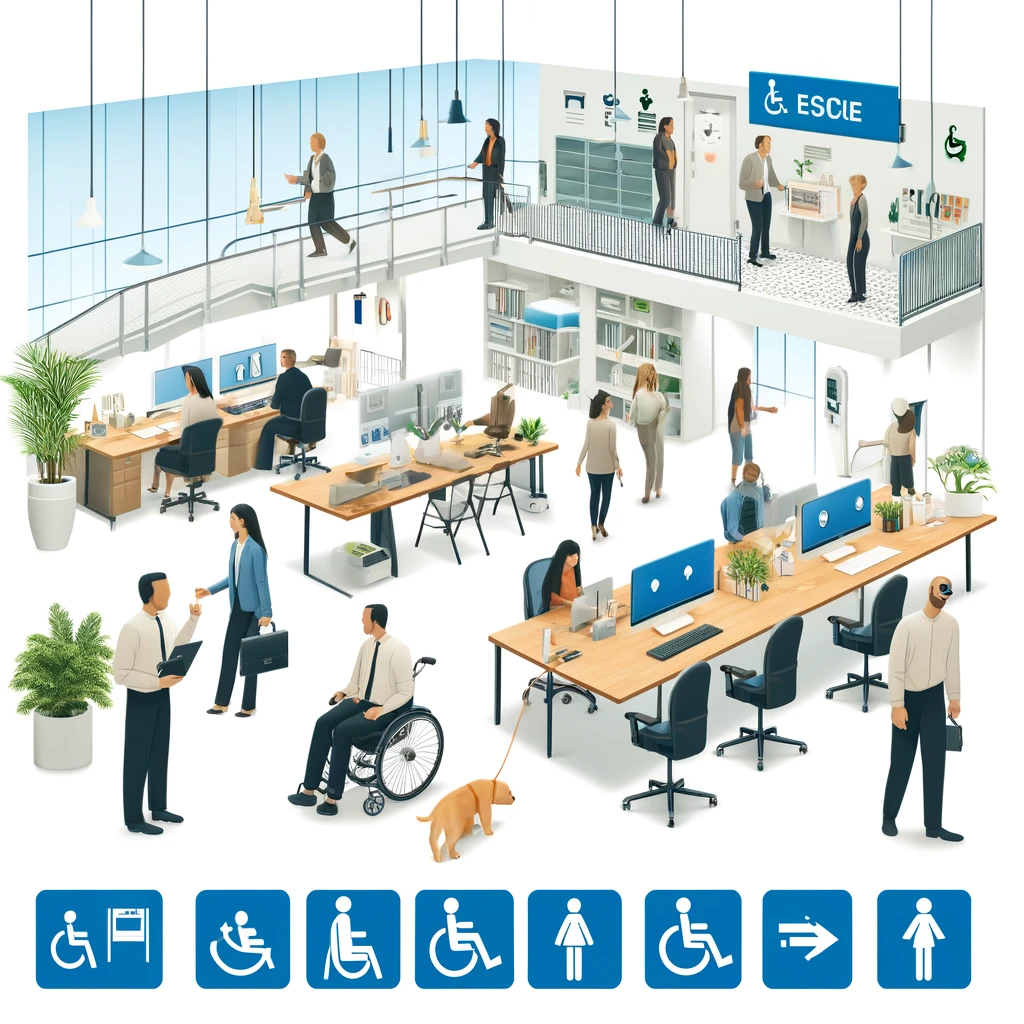
Acquisitions and rebranding concentrate accessibility risk because they merge different design systems, content workflows, vendor contracts, and legal exposures into one public experience. In practical terms, a company can buy a brand with years of inaccessible templates, inherit franchise microsites built outside central governance, and relaunch everything under a new identity before anyone checks keyboard support, caption coverage, color contrast, or document tagging. That combination is why accessibility becomes a due diligence issue, an integration issue, and a reputation issue at the same time. When I have supported post-acquisition web consolidation, the biggest mistake was assuming a new logo and shared navigation would also create shared compliance. It never does.
Accessibility risk means the possibility that digital properties fail to meet recognized standards, block disabled users from completing tasks, or create legal and operational exposure. For multi-site and franchise compliance, those properties usually include the corporate site, regional sites, franchise location pages, mobile apps, PDFs, booking flows, loyalty portals, kiosks, and third-party widgets. The baseline technical reference is WCAG 2.1 or 2.2 Level AA, supported by testing against assistive technology such as screen readers, screen magnifiers, voice input, switch devices, and keyboard-only use. In the United States, the ADA shapes expectations for equal access; in Europe, the European Accessibility Act raises obligations for many digital products and services; and in both contexts, settlement terms often demand documented governance, training, audits, and remediation timelines.
Rebranding amplifies the problem because teams move fast. Marketing wants consistency, IT wants platform consolidation, franchise operators want local flexibility, and legal wants reduced exposure. Those goals can align, but only if accessibility is treated as a non-negotiable integration requirement. This hub explains how to assess inherited risk, prioritize remediation across many properties, govern franchise and regional variations, and build a repeatable operating model that survives future acquisitions. If you manage compliance and implementation across multiple sites, this is the page that connects policy, process, and technical execution.
Why acquisitions create hidden accessibility debt
An acquisition rarely delivers one clean website. It delivers a portfolio. That portfolio can include legacy CMS instances, campaign landing pages, subdomains run by agencies, reseller portals, archived investor materials, and independently managed franchise pages. Accessibility debt hides in each layer. I have seen acquired brands pass an automated scan on the homepage while critical revenue paths failed basic focus management in checkout and screen reader labeling in account creation. Automated tools like axe DevTools, WAVE, Siteimprove, and Monsido are useful for finding patterns, but they do not reliably validate reading order, meaningful alt text, logical heading structure, or whether a modal traps focus correctly. Human testing is mandatory.
Debt also hides in contracts and publishing models. A franchise agreement may let local operators upload menus, specials, PDFs, and videos without central review. A replatforming project may preserve inaccessible components because the migration team copies old modules into the new design system. Third-party booking engines, payment gateways, chat tools, map embeds, and scheduling widgets often create the most serious barriers, yet they sit outside direct engineering control. During diligence, ask not only what systems exist, but who can publish, what approval gates apply, and which vendors are contractually obligated to meet WCAG and fix defects within set service levels.
How to perform accessibility due diligence before and after close
Good diligence is not a generic scan. It is a structured inventory paired with risk scoring. Start by mapping every digital touchpoint by brand, market, owner, platform, template count, monthly traffic, and business criticality. Then test representative samples: homepage, location finder, product pages, forms, checkout, account areas, media players, PDF downloads, and support content. Add mobile app screens if they are part of the customer journey. For each property, record conformance issues against WCAG success criteria, affected assistive technology behaviors, severity, and estimated remediation complexity.
Post-close, turn diligence findings into an integration roadmap. I recommend classifying properties into three buckets: retain and remediate, migrate to a governed platform, or retire. Retiring low-value properties is often the fastest risk reduction move. For retained sites, establish an issue register with defect ownership, dates, dependencies, and evidence of closure. For migrated sites, define accessibility acceptance criteria before design and development begin. That means component-level requirements for semantic structure, focus order, visible focus indicators, error identification, name-role-value exposure, responsive reflow, and captioning. Without written criteria, teams default to aesthetics and speed, which is exactly how inherited issues get reintroduced.
| Priority area | What to review | Common inherited risk | Best first action |
|---|---|---|---|
| Corporate and brand sites | Templates, navigation, forms, media, PDFs | Inconsistent heading levels, low contrast, inaccessible downloads | Audit top templates and replace shared components |
| Franchise and location sites | Local content editing, menus, maps, booking links | Unreviewed uploads, image-only flyers, broken keyboard flows | Create locked templates and centralized publishing rules |
| Third-party tools | Checkout, scheduling, chat, loyalty, payment | Vendor widgets outside governance and remediation queues | Add contract language and test against real user journeys |
| Rebrand migration | Design system, CMS migration, redirects | Old inaccessible modules copied into new platform | Set component acceptance criteria before launch |
Building a multi-site compliance model that actually works
Multi-site and franchise compliance fails when standards are centralized but publishing is decentralized. The fix is a tiered governance model. Central teams should own policy, approved components, testing protocols, training, procurement standards, and escalation paths. Regional or franchise teams can own localized content within constrained templates. That split preserves local marketing flexibility without allowing local teams to break the user interface. In practice, the most effective control is not a policy PDF; it is a content management system that limits what can be changed and flags inaccessible content before publication.
Design systems are the backbone of scalable compliance. Every shared component should have documented accessibility behavior, coded examples, usage guidance, and known limitations. Buttons, accordions, tabs, carousels, dialogs, form fields, alerts, and navigation patterns should be tested once thoroughly and reused everywhere. Storybook, Figma libraries, and component repositories can support this, but governance matters more than tooling. If franchise microsites can bypass the system with custom HTML blocks, risk returns immediately. I advise clients to create exception processes with executive approval, not informal workarounds.
Metrics should also be standardized across the network. Track template coverage, percentage of top traffic pages audited, defect aging, caption completion, document remediation backlog, and vendor response times. Use dashboards to compare business units, but avoid vanity metrics such as raw automated error counts without context. Ten recurring component defects across five hundred pages may be easier to fix than one broken payment widget blocking thousands of transactions. Mature programs prioritize user impact and business criticality, not just issue volume.
Rebranding without reintroducing barriers
Rebranding projects often recreate defects because teams focus on visual consistency first. A new color palette can reduce contrast. A refined typography system can shrink text or tighten line height. A modernized navigation can add hover-dependent menus that fail on keyboard or touch. Motion-heavy launches can ignore reduced-motion preferences. To avoid this, accessibility has to be embedded from brand strategy through launch QA. When reviewing a new identity, test color combinations against contrast thresholds, validate token usage in the design system, and confirm that brand expression survives within accessible ranges. Most strong brands can do this easily when accessibility is considered early.
Content migration needs equal discipline. Alt text, headings, link purpose, transcript availability, and document structure rarely survive mass migration unless mapped deliberately. Do not let teams bulk-import thousands of files and promise cleanup later. Set migration rules: convert image-based PDFs into accessible HTML where possible, retire duplicate content, replace “click here” links with descriptive labels, and review embedded media for captions and audio description needs. For franchise networks, create rebrand kits that include accessible templates, approved image treatments, captioning requirements, and plain-language content guidance so local teams do not improvise under deadline pressure.
Managing vendors, franchisees, and legacy platforms
Most inherited accessibility risk sits outside the central team’s direct codebase. Vendors may control booking, ordering, financing, or customer support functions. Franchisees may control local promotions and documents. Legacy platforms may have no practical path to full remediation. Each scenario needs a different response. Vendors should be assessed during procurement and again during integration. Ask for conformance documentation, but do not rely on it blindly. Request a current accessibility conformance report based on WCAG, then test critical workflows yourself. Many reports are outdated, scoped narrowly, or written without meaningful assistive technology validation.
Franchisees need obligations plus support. Update brand standards and operating manuals so accessibility requirements are explicit for websites, social video captions, digital coupons, reservation flows, and downloadable menus. Provide approved tools and centralized remediation help desks. Enforcement matters, but so does enablement. Local operators usually do not resist accessibility; they lack time, expertise, and guardrails. Legacy platforms require honest decisions. If a platform cannot support semantic markup, keyboard interaction, or responsive reflow without disproportionate effort, replacement is often cheaper than endless patching. A temporary alternative access measure may reduce immediate harm, but it is not a substitute for remediation.
What a defensible remediation roadmap looks like
A defensible roadmap is specific, prioritized, and documented. Start with high-traffic, high-risk journeys: job applications, account access, payments, reservations, appointment booking, product search, and support requests. Fix shared components first because they remove defects across many pages at once. Then address template issues, content issues, and documents. Pair every fix with regression testing in real browsers and assistive technology. For websites, that usually means keyboard-only testing and screen reader checks in combinations such as NVDA with Firefox, JAWS with Chrome, and VoiceOver with Safari. For mobile, test with iOS VoiceOver and Android TalkBack on current operating systems.
Documentation is what turns remediation into a compliance program rather than a one-time cleanup. Keep an inventory, audit reports, prioritized backlog, design system standards, training records, vendor commitments, and evidence of fixes. If a complaint arrives, you need to show not only intent but execution: what was found, what was fixed, what remains, who owns it, and when it will be resolved. That level of discipline protects users and strengthens legal defensibility. The core principle is simple: inherited accessibility risk becomes manageable when every property has an owner, every exception has a deadline, and every future change passes through accessible patterns.
For organizations managing acquisitions, rebrands, and distributed web estates, the main lesson is clear: accessibility cannot be bolted on after consolidation. It must shape diligence, platform decisions, design systems, vendor management, franchise governance, and launch controls from the beginning. The companies that succeed are not the ones with the loudest commitments; they are the ones that standardize components, limit publishing risk, test real user journeys, and retire properties that cannot be governed well.
As the hub for multi-site and franchise compliance, this page should guide your next steps across audits, governance, remediation planning, vendor oversight, and local content controls. Start with a complete inventory, score business-critical journeys, lock down reusable accessible templates, and assign ownership across every site and stakeholder. If you do that now, your next acquisition or rebrand will inherit far less risk and deliver a better experience to every user.
Frequently Asked Questions
Why do acquisitions and rebranding projects create such high accessibility risk?
Acquisitions and rebranding create outsized accessibility risk because they combine multiple sources of inconsistency into one public-facing experience, often on a compressed timeline. A parent company may inherit legacy websites, franchise microsites, PDFs, videos, mobile experiences, and software interfaces that were built under different standards, with different vendors, and with little or no central governance. Once those properties are folded into a single brand, users do not experience them as separate histories. They experience one company. That means inaccessible navigation, poor keyboard support, missing captions, low color contrast, untagged documents, and broken form labels all become part of the acquiring company’s risk profile.
Rebranding adds another layer of exposure because visual updates often happen before accessibility validation. Teams may swap colors, typography, navigation structures, and component libraries quickly in order to launch on schedule, but even seemingly simple brand changes can introduce accessibility failures. A new palette can reduce contrast below acceptable levels. A redesigned menu can break focus order. New icon-only buttons may lose accessible names. Marketing teams may also migrate large volumes of content without reviewing alt text, heading structure, transcript coverage, or link purpose. In short, acquisitions inherit old problems, and rebrands can create new ones. When both happen at once, the result is a concentrated accessibility risk that affects compliance, usability, reputation, and operational efficiency.
What should be audited first after an acquisition or during a rebrand?
The first priority is to identify the assets and user journeys that create the most legal, operational, and customer-facing exposure. Start with public websites, customer portals, ecommerce flows, support content, mobile apps, recruitment pages, and any high-traffic franchise or regional microsites. Then review core user tasks such as account creation, checkout, appointment booking, lead forms, job applications, document downloads, and contact workflows. If users cannot complete these tasks with a keyboard, screen reader, captions, or sufficient visual contrast, the risk is immediate and material.
From there, audit the systems that generate repeat issues at scale. That includes design systems, CMS templates, document creation practices, video publishing workflows, and third-party widgets. A single inaccessible component in a shared design library can multiply across hundreds of pages. Likewise, a CMS that encourages improper heading structures or inaccessible embeds can spread defects faster than any one-page remediation effort can keep up. It is also important to review contracts and ownership boundaries. Many organizations discover that franchise operators, acquired subsidiaries, or legacy vendors control portions of the digital estate that the central team assumed were governed. A strong first-phase audit should therefore answer three practical questions: what exists, who controls it, and which issues affect the highest-risk user journeys right now.
How can a company fix inherited accessibility problems without delaying the entire rebrand?
The most effective approach is phased remediation tied to risk, visibility, and scale. In other words, do not wait for perfect cleanup across every acquired asset before making progress. Instead, stabilize the most visible and highest-impact experiences first. That usually means fixing core templates, global navigation, forms, authentication flows, brand color usage, media players, and downloadable documents that support critical transactions. If a shared component or template is causing the same failure across dozens or hundreds of pages, that should move to the top of the queue because it delivers the greatest remediation value fastest.
At the same time, set launch guardrails for the rebrand. New brand assets should not be approved unless they meet accessibility requirements for contrast, focus visibility, semantic structure, and content alternatives. Content migration should include checks for heading hierarchy, alt text, descriptive links, table structure, and caption or transcript coverage. If full remediation of acquired properties will take time, organizations can still reduce exposure by prioritizing high-traffic pages, publishing accessible replacements for essential documents, removing or consolidating abandoned microsites, and creating a clear roadmap for remaining fixes. The key is to avoid treating accessibility as a separate cleanup project that starts after launch. It must be embedded into design, development, content, procurement, and QA decisions from the beginning, even if remediation happens in phases.
What role do vendors, franchisees, and decentralized teams play in accessibility risk after an acquisition?
They often play a larger role than leadership initially expects. One of the biggest surprises in post-acquisition accessibility work is how much of the customer experience lives outside central control. Franchisees may operate local microsites with inconsistent templates. Regional marketing teams may publish campaigns through separate tools. Acquired business units may still rely on their previous agencies, platforms, and approval processes. Third-party vendors may own forms, chat tools, scheduling widgets, payment modules, or embedded media that are essential to the user journey but inaccessible in practice. If these dependencies are not identified and governed, accessibility failures persist even when the core corporate site improves.
That is why governance matters as much as remediation. Organizations should inventory all third-party and decentralized digital properties, assign ownership, define minimum accessibility requirements, and update contracts or brand standards accordingly. Vendor agreements should address conformance expectations, defect remediation timelines, testing cooperation, and change-management responsibilities. Franchise and regional teams should receive approved templates, accessible component libraries, content guidance, and escalation paths for issues they cannot solve themselves. Accessibility risk becomes manageable when decentralized contributors are brought under a common policy and operating model. Without that structure, the company may continue inheriting fresh risk every time a local team launches a page, uploads a PDF, or installs a new plugin.
How should leadership measure and manage accessibility risk during integration and rebranding?
Leadership should treat accessibility as an enterprise risk issue, not just a design or development checklist. That means measuring both defects and conditions that allow defects to spread. Useful indicators include the number of acquired properties inventoried, percentage of high-priority user journeys tested, volume of critical issues in shared templates, document and video remediation coverage, third-party tools assessed, and backlog aging for severe defects. It is also helpful to track governance signals such as whether teams are using approved components, whether new brand assets pass accessibility review before release, and whether decentralized sites are operating under current standards and contracts.
Management works best when there is clear accountability across legal, marketing, product, engineering, procurement, and content operations. Legal teams help assess exposure and document obligations. Marketing and brand teams ensure new identity elements do not introduce barriers. Product and engineering teams remediate code and components. Procurement and vendor management teams build accessibility terms into supplier relationships. Content teams handle documents, media, and editorial standards. When leadership aligns these groups around a prioritized remediation roadmap, regular reporting cadence, and launch criteria, accessibility becomes part of integration discipline rather than a late-stage fire drill. That shift is important because the real goal is not only fixing inherited problems. It is preventing the combined organization from recreating them under a new name.