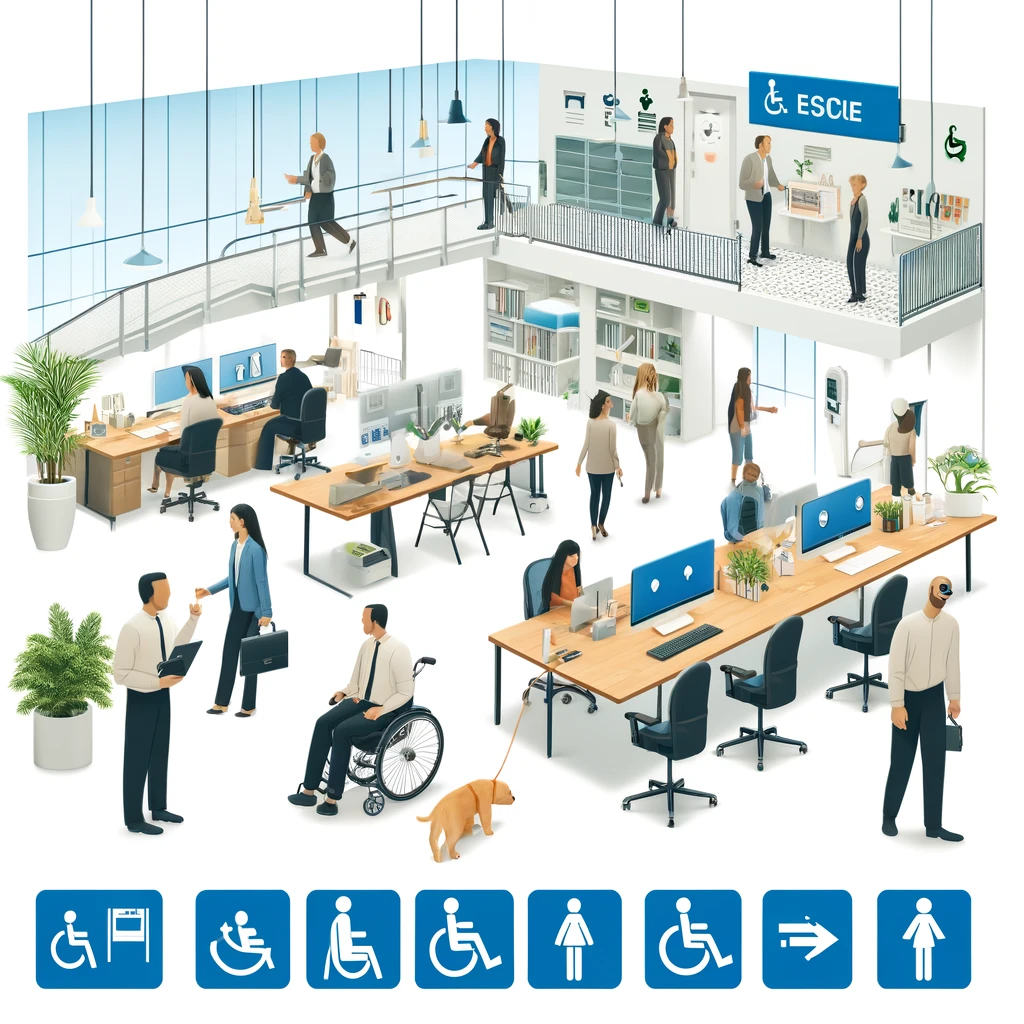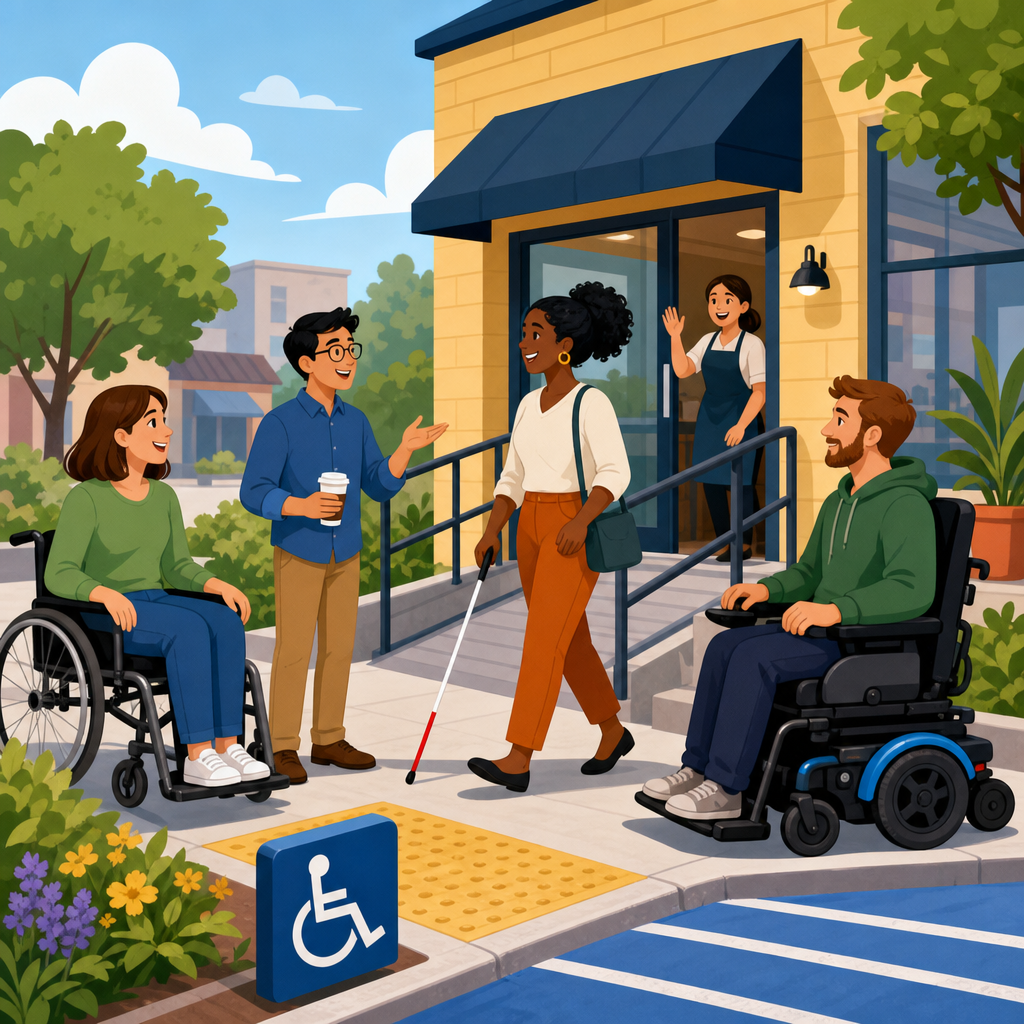
ADA compliance is the practice of making an organization’s spaces, services, communications, and digital experiences accessible to people with disabilities under the Americans with Disabilities Act. For small organizations, that definition can sound intimidating, especially when budgets are tight and teams are small. In practice, however, ADA compliance starts with a simple principle: people should be able to access what you offer without unnecessary barriers, whether they are visiting your office, applying for a job, attending an event, or using your website. I have helped small nonprofits, clinics, retailers, and professional firms work through this process, and the biggest lesson is that accessibility becomes manageable once it is broken into concrete responsibilities.
The ADA, signed into law in 1990, is a civil rights law that prohibits discrimination against individuals with disabilities. It applies across employment, public services, public accommodations, transportation, and telecommunications. For small organizations, the most relevant parts are usually Title I, which addresses employment, and Title III, which covers businesses and nonprofits that serve the public. State and local entities also need to understand Title II. The law itself establishes the obligation not to discriminate, while implementing regulations and accessibility standards provide practical guidance on what equal access should look like in the real world.
Why does this matter so much to small organizations? First, disability is common. According to the Centers for Disease Control and Prevention, roughly one in four adults in the United States lives with some type of disability. That means accessibility is not a niche concern; it affects employees, customers, volunteers, donors, patients, students, and community partners. Second, legal risk is real. Demand letters and lawsuits related to inaccessible websites, parking, entrances, restrooms, and policies have affected organizations of every size. Third, accessibility directly improves service quality. Clear signage, readable documents, keyboard-friendly websites, captioned videos, and reasonable workplace accommodations help more people complete tasks successfully.
Small organizations often assume ADA compliance means expensive renovations or a complete website rebuild. Sometimes major work is necessary, but more often the first wins come from policy changes, targeted fixes, and better processes. Adding alt text to key images, ensuring online forms can be completed with a keyboard, training staff to handle accommodation requests, checking door hardware, and correcting inaccessible event registration steps can make an immediate difference. This article serves as a hub-level introduction to ADA compliance, explaining the legal framework, the operational areas to review, the standards that matter most, and the practical steps small organizations can take to build an accessibility program that is realistic, defensible, and useful.
What ADA compliance covers for small organizations
ADA compliance is broader than ramps and parking spaces. It includes physical accessibility, digital accessibility, employment practices, communication access, and non-discriminatory policies. If you run a small counseling practice, for example, compliance can involve an accessible entrance, an intake form compatible with screen readers, a process for providing auxiliary aids such as interpreters when appropriate, and equal consideration of qualified job applicants who request reasonable accommodations. If you manage a local nonprofit, compliance may also extend to fundraising events, volunteer applications, program materials, and online donation pages.
For employment, organizations with 15 or more employees are generally covered by Title I, which requires reasonable accommodations for qualified employees and applicants unless doing so would create undue hardship. Common accommodations include schedule adjustments, ergonomic equipment, modified policies, remote work in some roles, accessible software, and leave adjustments. In my experience, many small employers improve compliance significantly by documenting an interactive process: acknowledge the request, gather only job-related information, explore effective options, and implement the accommodation that works without unnecessary delay.
For public-facing operations, Title III usually applies to private businesses and many nonprofits that qualify as places of public accommodation. This includes retail stores, restaurants, healthcare offices, hotels, gyms, museums, private schools, and service businesses. The obligation is not only to avoid intentional discrimination but also to remove barriers where readily achievable, modify policies when reasonable, and communicate effectively with people who have vision, hearing, speech, or other disabilities. “Readily achievable” is an important term because it reflects a flexible standard based on difficulty and expense relative to the organization’s resources.
Digital accessibility has become one of the most urgent compliance areas. Although the ADA was enacted before modern websites became central to commerce, courts and regulators increasingly treat websites, mobile apps, online scheduling tools, and digital documents as part of how organizations provide access. A restaurant that posts menus only as inaccessible image PDFs, a clinic whose patient portal cannot be used with a keyboard, or a nonprofit whose registration form times out without warning can all create real barriers. In practice, the Web Content Accessibility Guidelines, especially WCAG 2.1 Level AA, are the benchmark most organizations use.
The legal framework and standards you need to know
Small organizations do not need to become lawyers, but they do need a working map of the legal landscape. The ADA is enforced primarily by the U.S. Department of Justice for Titles II and III and by the Equal Employment Opportunity Commission for Title I. The ADA Standards for Accessible Design set technical requirements for many aspects of physical spaces, such as parking, routes, entrances, restrooms, service counters, and signage. Building codes can overlap, but ADA obligations are separate from local permitting. Passing an inspection does not automatically mean you are protected under federal accessibility law.
For digital properties, there is still more legal variation than many leaders expect, but the clearest operational approach is to align websites and apps with WCAG 2.1 Level AA. Those guidelines address perceivable, operable, understandable, and robust content. In plain terms, that means providing text alternatives for images, ensuring sufficient color contrast, making all functionality available by keyboard, labeling form fields clearly, preserving heading structure, offering captions for video, and supporting assistive technologies such as screen readers. Tools like WAVE, axe DevTools, Lighthouse, JAWS, NVDA, and VoiceOver help identify issues, but manual testing is essential because automated scanners catch only part of the problem.
One point that deserves emphasis is that ADA compliance is not a one-time project. The law looks at access as an ongoing obligation. A newly renovated office, a redesigned site, or a fresh hiring workflow can reintroduce barriers if accessibility is not built into routine operations. I recommend that small organizations think in layers: legal requirements, technical standards, internal policies, and user experience. When those layers work together, compliance becomes more sustainable and much easier to demonstrate if a complaint arises.
Common risk areas and practical first steps
Most small organizations can identify meaningful compliance improvements quickly by reviewing a short list of common risk areas. The goal is not to solve everything at once. It is to find the barriers that block access most often, fix what is straightforward, and create a roadmap for the rest. Start by looking at how a person discovers your organization, contacts you, enters your space, completes a transaction, receives information, and asks for help. Anywhere friction appears for a disabled user is a place to investigate.
| Area | Common issue | Practical first step |
|---|---|---|
| Website | Missing alt text, poor keyboard access, unlabeled forms | Audit key pages against WCAG 2.1 AA and fix homepage, contact, scheduling, and checkout first |
| Facility | Inaccessible parking, heavy doors, narrow routes, restroom barriers | Compare site features to ADA Standards and prioritize readily achievable barrier removal |
| Employment | No accommodation process, inconsistent manager responses | Create a written accommodation procedure and train supervisors |
| Communications | Image-only PDFs, no captions, unclear accommodation notices | Use accessible document templates and caption all new video content |
| Events and services | Registration barriers, inaccessible seating, no interpreter planning | Add accommodation questions during registration and confirm logistics in advance |
In a small retail environment, a practical first step may be lowering one section of a service counter, adjusting product displays to preserve route width, and training staff not to speak only to companions of disabled customers. In a small medical or dental office, priorities often include accessible intake, communication support for Deaf or hard-of-hearing patients, and exam room workflows that do not exclude people with mobility disabilities. In a nonprofit setting, event accessibility is frequently the hidden issue: registration systems, stage access, seating layouts, printed materials, and livestream captions all affect whether participants can engage equally.
Budget limits are real, but they do not eliminate obligations. They do, however, shape what should happen first. Readily achievable barrier removal under Title III means taking steps that are easily accomplishable without much difficulty or expense. Installing grab bars, adding tactile signage, adjusting door closers, restriping parking, replacing inaccessible knobs with lever hardware, and relocating services to an accessible area are typical examples. For digital systems, fixing heading order, form labels, link text, and contrast issues is often far less expensive than organizations fear, especially when addressed before a full redesign.
How to build an ADA compliance program that lasts
The organizations that handle ADA compliance best do not treat it as a crisis response. They build a repeatable program. For a small organization, that program can be lean. Assign one owner for accessibility coordination, even if that is not their only role. Create a simple policy that states your commitment to access, identifies a contact method for accommodation requests, and explains how issues will be handled. Maintain an inventory of key assets: website pages, online forms, PDFs, videos, customer touchpoints, locations, and hiring processes. Then assess those assets against applicable standards and rank findings by severity and frequency.
Training is one of the highest-value investments. Frontline staff need scripts and judgment for common situations, such as responding to service animal questions, reading information aloud when appropriate, offering assistance without being patronizing, and escalating communication access needs quickly. Managers need to understand the accommodation process, confidentiality rules, and retaliation risks. Content creators need to know how to write alt text, use headings, create accessible tables, caption videos, and export tagged PDFs correctly from Word, Google Docs, or Adobe Acrobat. Developers need accessibility acceptance criteria in every release, not after launch.
Procurement is another overlooked area. If a small organization buys inaccessible software, kiosks, booking tools, or document platforms, it imports future compliance problems. Ask vendors about WCAG conformance, keyboard support, screen reader compatibility, captioning, and VPAT documentation. A VPAT, or Voluntary Product Accessibility Template, is not a guarantee, but it is a useful disclosure tool. I advise clients to test critical user journeys themselves before signing a contract. A polished sales demo can hide severe accessibility defects in login flows, search filters, payment forms, or account dashboards.
Documentation matters because it shows intent, diligence, and progress. Keep records of audits, remediation tickets, accommodation requests, staff training, vendor reviews, and barrier removal decisions. If a feature cannot be fixed immediately, record the reason, the interim alternative access method, and the target timeline. This is not paperwork for its own sake. Good documentation helps leaders allocate resources, helps staff act consistently, and helps legal counsel respond effectively if a complaint arrives. More importantly, it creates accountability, which is what turns accessibility from a stated value into daily practice.
What success looks like and where to go next
Successful ADA compliance for a small organization does not mean perfection. It means people with disabilities can access your essential services, apply for jobs, get information, make purchases, attend events, and request support without avoidable barriers. It also means your team knows what standard it is working toward, who owns each task, and how issues are identified and resolved. When I review programs that are working, I usually see the same pattern: leadership support, a defined process, prioritized remediation, and routine checks built into operations rather than treated as special projects.
There are also tradeoffs to manage honestly. Older buildings may require phased improvements. Legacy websites may need interim fixes before full redevelopment. Small teams may rely on outside developers, landlords, or software vendors for part of the solution. Those constraints are common, but they do not justify inaction. The right response is a documented plan, clear timelines, and alternative access where immediate remediation is not possible. Accessibility complaints escalate most often when organizations ignore requests, provide inconsistent answers, or fail to offer any path forward.
As a hub article for compliance and implementation, this introduction should help you frame the work ahead. From here, the most useful next steps are to assess your website against WCAG 2.1 AA, review your facility against ADA design standards, establish an accommodation process for employees and customers, and train staff on accessible communication. If you have never done a formal review, begin with the pages, spaces, and workflows people use most. Fixing high-impact barriers first will reduce risk quickly and improve everyday access for the people you serve.
ADA compliance is ultimately about operational clarity and equal access. Small organizations do not need a massive compliance department to make real progress. They need a practical understanding of the law, a prioritized plan, and the discipline to build accessibility into hiring, service delivery, facilities, content, and technology decisions. Use this article as your starting point, then move into deeper reviews of digital accessibility, physical accessibility, policy development, staff training, and remediation planning. The sooner you start, the easier it is to prevent barriers instead of reacting to them after they cause harm.
Frequently Asked Questions
What does ADA compliance mean for a small organization?
For a small organization, ADA compliance means making reasonable efforts to ensure that people with disabilities can access your spaces, services, communications, and digital experiences without unnecessary barriers. Under the Americans with Disabilities Act, accessibility is not limited to wheelchair ramps or parking spaces. It can also include how customers enter your office, how they communicate with your team, whether forms are readable, whether service counters are usable, and whether your website or online documents can be used with assistive technology.
In practical terms, ADA compliance starts with identifying where barriers may exist and taking steps to remove them when it is reasonable to do so. For example, that could mean providing clear accessible routes into your location, offering auxiliary aids for communication when needed, training staff on how to assist customers respectfully, or making sure your website can be navigated by keyboard and read by screen readers. Small organizations are not expected to operate like large institutions with dedicated compliance departments, but they are expected to take accessibility seriously and make good-faith efforts to provide equal access.
The most important mindset is that accessibility is an ongoing business practice, not a one-time project. If your organization serves the public, hires employees, or communicates through digital platforms, ADA-related responsibilities are likely relevant to you. Starting with the basics and improving over time is often the most realistic and effective path for smaller teams.
Does the ADA apply to small businesses and nonprofit organizations, or only to large companies?
Yes, the ADA can apply to small businesses and nonprofit organizations, not just large companies. The exact legal obligations depend on the type of organization, the number of employees, and whether the organization serves the public. Title I of the ADA generally addresses employment and applies to employers with 15 or more employees. That means smaller employers may not be covered by the ADA’s federal employment provisions, although state or local disability laws may still apply and can sometimes impose stricter standards.
Title III of the ADA is especially important for small organizations that serve the public. It applies to places of public accommodation, which can include offices, retail stores, service providers, healthcare practices, educational programs, restaurants, and many nonprofit-operated facilities. In those settings, size alone does not automatically exempt an organization from accessibility responsibilities. If you provide goods or services to the public, you may still need to remove barriers where readily achievable, modify certain policies when reasonable, and ensure effective communication for people with disabilities.
For digital accessibility, the legal landscape can be complex, but small organizations should not assume that a small staff or limited budget eliminates risk. Courts and regulators have increasingly treated websites and digital services as part of the customer experience, especially when they are central to how people access information or services. Even where legal rules are still evolving, making your digital content accessible is a strong business and risk-management decision. It broadens your audience, improves usability for everyone, and demonstrates that your organization values inclusion.
What are the first ADA compliance steps a small organization should take?
The best first step is to conduct a practical accessibility review of how people interact with your organization. Look at your physical location, customer service process, communications, and website. Ask simple questions: Can someone enter and move through the space safely? Can a person with low vision read your materials? Can someone who is deaf or hard of hearing communicate effectively with your staff? Can a visitor use your website without a mouse? This kind of review helps you prioritize the most meaningful improvements instead of feeling overwhelmed by the full scope of compliance.
Next, focus on the barriers that affect access the most. In a physical setting, that might include parking, entrances, door hardware, restrooms, signage, seating, and service counters. In communications, it could mean offering alternate formats, using plain language, captioning videos, or making forms easier to understand. Online, a strong starting point includes adding alternative text to images, improving color contrast, labeling form fields clearly, making navigation keyboard accessible, and ensuring PDFs and other downloadable documents are readable by assistive technologies.
It is also wise to create an internal accessibility plan, even if it is simple. Assign responsibility, set priorities, document improvements, and train staff on basic disability etiquette and accommodation procedures. If your budget is limited, address high-impact issues first and build accessibility into future purchases and updates so you are not constantly retrofitting later. Small organizations often make the most progress when accessibility becomes part of everyday operations rather than a separate, intimidating initiative.
How much does ADA compliance cost, and what if a small organization has a limited budget?
The cost of ADA compliance varies widely depending on your facility, your services, and your digital presence, but it does not always require a major upfront investment. Many accessibility improvements are low-cost or procedural rather than structural. Examples include adjusting policies, moving furniture to create clear paths, training staff, improving website content structure, adding captions to videos, or choosing accessible software and templates going forward. For small organizations, these practical improvements can significantly increase access without overwhelming the budget.
When physical changes are needed, the ADA often takes feasibility into account. For example, some barrier removal obligations under Title III are framed around whether removal is “readily achievable,” meaning easily accomplishable without much difficulty or expense. That does not mean an organization can ignore accessibility, but it does mean the law recognizes real-world limits. A small organization should still evaluate what can be done now, what can be phased in later, and what alternative methods can be offered in the meantime to provide access.
A smart budgeting approach is to prioritize changes that affect safety, basic entry, communication, and core services first. Then incorporate accessibility into future renovations, technology upgrades, vendor contracts, and content creation workflows. Over time, this is usually more affordable than waiting until barriers lead to complaints, lost customers, or legal problems. Accessibility should be viewed not only as a compliance issue, but also as a service quality investment that helps your organization welcome more people effectively.
How can a small organization improve website accessibility and reduce ADA-related risk?
A small organization can make major progress on website accessibility by focusing on widely accepted best practices, especially the Web Content Accessibility Guidelines, commonly known as WCAG. While the ADA itself does not provide a single detailed technical checklist for every website, WCAG is widely used as the benchmark for accessible digital design. Following these standards helps people who use screen readers, keyboard navigation, voice input software, captions, magnification tools, and other assistive technologies access your content more reliably.
Key improvements include using clear heading structures, providing descriptive alternative text for meaningful images, ensuring sufficient color contrast, making all navigation and forms usable by keyboard, labeling buttons and fields properly, adding captions and transcripts for multimedia, and avoiding design elements that rely only on color or mouse interaction. It is also important to test downloadable files such as PDFs, because inaccessible documents can create serious barriers even when the main website looks polished. If your site includes appointment scheduling, payments, applications, or other core functions, those features should be a top priority for accessibility testing and remediation.
To reduce ADA-related risk, do not treat accessibility as a one-time fix. Use accessible themes and plugins, ask developers about WCAG support, train anyone who uploads content, and perform periodic audits as your site changes. Publishing an accessibility statement can also be helpful when it reflects real effort and provides a way for users to report issues. Most importantly, respond promptly when someone identifies a barrier. Small organizations are often in a strong position to improve quickly because they can make decisions faster, implement practical updates, and build accessibility into their digital process from the start.