Blind customers have enforceable rights when they use websites, mobile apps, self-service kiosks, and other digital tools offered by businesses, schools, healthcare providers, and government agencies. Those rights come primarily from disability discrimination laws that require equal access to goods, services, programs, and information. In practice, equal access means a blind person must be able to independently complete core tasks such as reading product details, booking appointments, paying bills, checking out, signing forms, requesting support, and receiving confirmations without being blocked by inaccessible design.
For this rights and protections hub, it helps to define three key terms clearly. A blind customer is a person who is totally blind, has low vision, or relies on assistive technology such as screen readers, refreshable braille displays, screen magnifiers, voice control, or keyboard navigation to use digital systems. A website includes public pages, customer portals, e-commerce checkout flows, embedded documents, video players, maps, and account features. A kiosk is a self-service terminal used for ordering, ticketing, check-in, payments, wayfinding, or document review in places like restaurants, airports, hospitals, hotels, and retail stores.
This topic matters because digital access now determines whether people can participate in ordinary life. Over the last decade, I have seen accessibility problems stop blind users from ordering food, applying for jobs, accessing medical results, and checking in for travel. A decorative image without alt text can hide a purchase button from a screen reader. A kiosk with a touchscreen and no tactile controls can make a simple transaction impossible without staff intervention. These are not mere inconveniences. They can deny privacy, independence, speed, and equal treatment, all of which are central to disability rights law and to sound customer service.
Blind customers also need this issue explained as a hub because their rights differ depending on the organization involved, the technology used, and the remedy needed. Private businesses are often analyzed under Title III of the Americans with Disabilities Act. State and local government services are covered by Title II, which now expressly addresses web and mobile app accessibility through a technical rule that adopts WCAG 2.1 Level AA. Section 504 of the Rehabilitation Act may apply to federally funded entities, and Section 508 governs certain federal technology. Kiosks raise additional issues because hardware, software, audio output, privacy, and physical reach ranges all matter together.
What legal rights blind customers have online
Blind customers have the right to effective, meaningful access to the same goods and services available to sighted customers. That does not always require identical design, but it does require equivalent access in timing, privacy, accuracy, independence, and completeness. If a restaurant lets sighted users place pickup orders on its website at any hour, a blind user must be able to do the same through an accessible digital path. Telling that customer to call during business hours is often not equivalent because it adds delay, removes independence, and may eliminate access to online-only pricing or customization options.
For private businesses, courts have not been perfectly uniform on how the ADA applies to websites, but the practical trend is unmistakable: inaccessible digital services create serious legal risk and often violate the law when they block access to a physical business or function as a service of that business. The Department of Justice has repeatedly stated that the ADA applies to websites and apps of public accommodations. In settlements and enforcement actions, the benchmark most often used is WCAG 2.1 Level AA, the Web Content Accessibility Guidelines published by the World Wide Web Consortium. That standard addresses text alternatives, keyboard access, focus order, headings, labels, error identification, color contrast, and compatible coding for assistive technology.
Government websites and apps present a clearer rule. In 2024, the Department of Justice finalized a Title II regulation requiring state and local governments to make web content and mobile apps accessible under WCAG 2.1 Level AA, with limited exceptions. That matters for blind users of public schools, transit systems, court portals, tax systems, libraries, and public hospitals. If a city posts permit applications only in image-based PDF files that a screen reader cannot interpret, the city is not providing equal access. If a county election site uses unlabeled controls so a blind voter cannot locate polling information, that is a rights issue, not just a usability flaw.
How website barriers affect equal access
The most common website barriers are predictable and preventable. Missing alt text leaves screen reader users without image meaning. Unlabeled form fields force users to guess what information a box requires. Buttons coded as generic div elements may not announce properly to assistive technology. Pop-ups that trap keyboard focus can block progress entirely. CAPTCHAs that rely only on visual puzzles exclude blind customers unless an accessible alternative is provided. PDFs that are just scanned images are unreadable without optical character recognition and proper tagging. Videos without audio description may hide visual instructions, and vague link text such as “click here” makes navigation slow and confusing.
Equal access is measured by outcomes, not by good intentions. A company may say a blind person can call support, but if support cannot complete the same transaction, access is still unequal. I have audited checkout systems where the product pages were usable, but the payment iframe had unlabeled fields and the order could not be placed. From a legal and practical standpoint, that single failure can deny the entire service. The same is true for account creation, password resets, insurance quote tools, scheduling widgets, and identity verification flows. Accessibility must cover the full user journey, including third-party plugins integrated into the site.
| Barrier | Typical effect on blind users | Accessible fix |
|---|---|---|
| Image-only button | Screen reader does not announce purpose | Provide accurate text alternative or accessible name |
| Unlabeled form field | User cannot tell what to enter | Associate visible label and programmatic label |
| Keyboard trap | User cannot move to next control or exit dialog | Ensure full keyboard operation and logical focus management |
| Scanned PDF | Document is unreadable or poorly read aloud | Use tagged HTML or properly tagged accessible PDF |
| Visual-only CAPTCHA | User cannot verify account independently | Offer accessible nonvisual verification option |
What rights blind customers have at kiosks
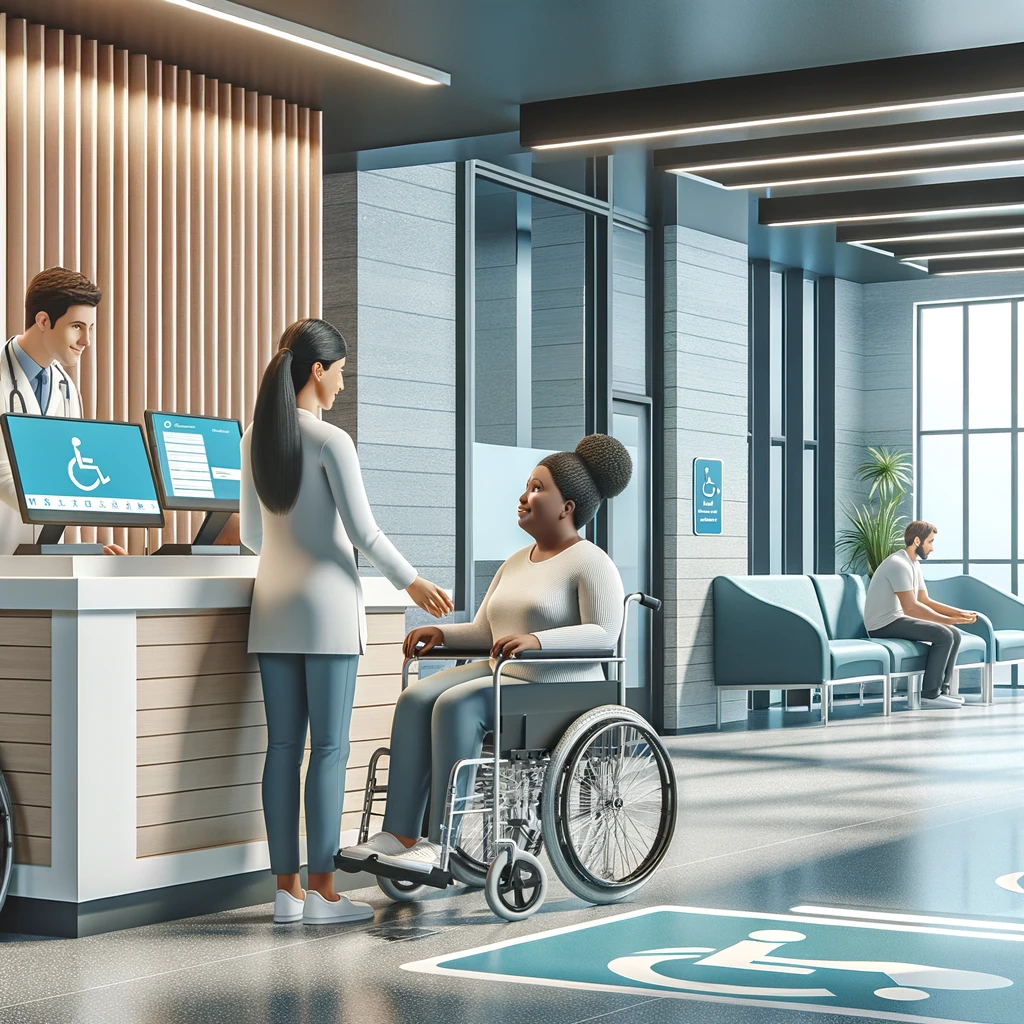
Blind customers have the right to use self-service kiosks in a way that is accessible, private, and functionally equivalent. A kiosk is not accessible simply because an employee can help. Staff assistance may be necessary in some situations, but it does not replace the right to independent use when independence is reasonably achievable through accessible design. If a hotel check-in kiosk displays room options on a touchscreen with no audio guidance, no headphone jack, and no tactilely discernible controls, a blind guest may be denied privacy about payment details, room choices, or personal information. That is a serious access problem.
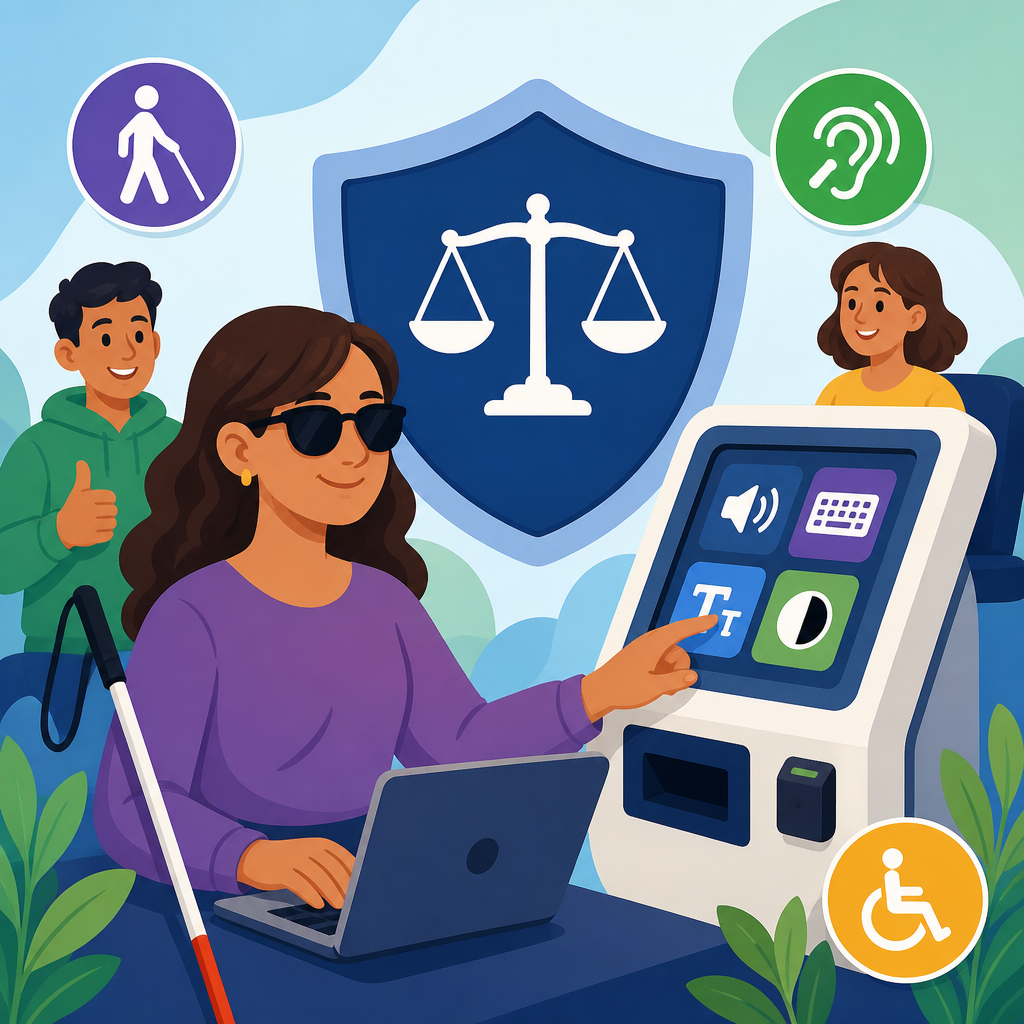
Accessible kiosk design usually combines hardware and software measures. The interface should support speech output through a standard headphone jack or other reliable audio method. Controls should be tactilely identifiable or paired with a keypad that allows navigation without sight. Screen content must be exposed to the audio interface in a structured order, including headings, field names, prices, and errors. Time limits should be adjustable when possible. Receipts and confirmations should be available in accessible digital formats. Physical placement matters too. Reach ranges, clear floor space, and operable parts are covered by ADA Standards for Accessible Design, while speech output and private use have been central features in many settlement agreements involving kiosks and point-of-sale devices.
Real-world examples make the rights clearer. In healthcare, a blind patient using a check-in kiosk must be able to review demographic information, insurance details, consent prompts, and payment requests without guessing. In quick-service restaurants, a blind customer should be able to browse menu categories, customize an order, review allergens, and pay independently. In airports, inaccessible ticketing or bag-tag kiosks can force travelers into separate lines, longer waits, and disclosure of personal details to strangers. Equal access means the accessible path must actually let the person finish the same transaction, not just start it.
Standards, compliance benchmarks, and linked rights issues
Although the ADA itself does not contain a full technical code for every commercial website, WCAG 2.1 Level AA remains the most defensible benchmark for web and app accessibility. It is the standard used in the current Title II rule for state and local governments, and it appears constantly in legal settlements, procurement requirements, and enterprise accessibility programs. The four organizing principles behind WCAG are useful in plain language: content must be perceivable, operable, understandable, and robust. For blind users, that translates into text equivalents for visuals, keyboard support, predictable navigation, clear labels, properly announced errors, and code that works with screen readers such as JAWS, NVDA, and VoiceOver.
This hub also connects to related rights questions that deserve deeper treatment on separate pages. Blind customers often ask whether a phone line can substitute for an accessible website, whether overlays solve compliance, whether PDF menus or forms must be remediated, whether mobile apps are covered, and what happens when third-party vendors create the barrier. The short answers are usually no, no, yes, yes, and the business still retains responsibility for the service it offers to the public. Another linked issue is auxiliary aids and services. In some contexts, organizations must provide accessible communication supports, but those supports do not excuse building digital barriers into mainstream systems.
Enforcement can arise through private lawsuits, structured negotiations, demand letters, administrative complaints, internal grievance procedures, or procurement pressure. Public entities may face Office for Civil Rights complaints under Section 504 in education or healthcare settings. Federal agencies must follow Section 508 for covered technology. Large institutions increasingly use accessibility statements, testing protocols, VPATs based on the Voluntary Product Accessibility Template, and vendor contract clauses. Those tools matter, but they are not substitutes for real testing by blind users and experienced accessibility specialists.
What blind customers can do when access is denied
If a blind customer encounters an inaccessible website or kiosk, the strongest first step is to document the barrier carefully. Note the date, time, device, browser, screen reader, and exact task attempted. Save screenshots if useful, but also capture the practical impact in plain language: “I could not complete checkout because the payment fields were unlabeled,” or “The airport kiosk had no speech output, so I could not check in without disclosing my information to staff.” Specific evidence is more persuasive than a general complaint that a site was hard to use. If possible, identify whether the barrier is persistent across pages or limited to one step.
Next, report the issue to the organization through customer service, accessibility contacts, or formal complaint channels. Ask for a prompt accessible alternative and a timeline for remediation. If the service is provided by a public entity, review its ADA grievance procedure and accessibility statement. If the barrier affects education, healthcare, housing, or employment-related services, other laws may add protections and remedies. When the issue is serious or repeated, many people consult an attorney, a disability rights organization, or an advocacy group experienced in digital accessibility. Structured negotiation has resolved many cases efficiently, while litigation remains important when organizations refuse to fix systemic barriers.
The core takeaway is simple. Blind customers have a right to use websites and kiosks effectively, independently, and with dignity. Those rights are strongest when organizations build accessibility into design, procurement, content publishing, and quality assurance from the start. If you manage digital services, audit the full user journey now, test with screen readers and keyboards, require accessible vendor deliverables, and fix barriers before a customer has to fight for basic access.
Frequently Asked Questions
What legal rights do blind customers have when using websites, mobile apps, and self-service kiosks?
Blind customers have the right to access the same goods, services, programs, and information that sighted customers can access through digital tools. That includes websites, mobile apps, self-service kiosks, online forms, digital payment systems, appointment schedulers, account portals, and other technology used by businesses, schools, healthcare providers, and government agencies. These rights generally come from disability discrimination laws that prohibit unequal treatment and require organizations to provide effective, meaningful access rather than offering an experience that is confusing, delayed, or dependent on someone else’s help.
In practical terms, equal access means a blind person should be able to independently perform core tasks such as reading product or service information, comparing options, filling out forms, booking appointments, placing orders, checking account details, making payments, accessing medical or school information, and requesting customer support. If a website or kiosk blocks those tasks because buttons are unlabeled, images contain important text with no alternative, forms cannot be completed with a screen reader, or touchscreen controls have no nonvisual alternative, that may amount to unlawful discrimination. The key legal principle is that digital access must be usable in a real-world way, not merely available in theory.
Does a business or public organization have to make its website or kiosk accessible to blind users?
In many situations, yes. If an organization offers important services or information through a website, app, or kiosk, it generally cannot exclude blind users from using those tools. A business cannot avoid accessibility responsibilities simply because its services are delivered through technology instead of a physical counter. The same basic rule applies across many sectors: if the digital tool is part of how customers, patients, students, or members of the public interact with the organization, it should be accessible to people who are blind and use assistive technology such as screen readers, screen magnification, refreshable braille displays, keyboard navigation, or audio prompts.
For kiosks, accessibility is especially important when the machine is the primary or only way to complete a task, such as checking in for a medical appointment, ordering food, printing tickets, paying a bill, or accessing public services. If a kiosk is designed only for sighted touchscreen use, blind customers may be denied privacy, independence, and equal convenience. Likewise, if a website or app is the main channel for registration, scheduling, or purchasing, the organization may be required to remove accessibility barriers and provide a comparable experience. While the exact legal standard can vary depending on the type of organization and the law that applies, the general obligation is consistent: blind users must have a fair and effective way to use the digital service.
What does “equal access” actually mean for a blind person using a website or kiosk?
Equal access means more than just being technically present on a page or being told to call a phone number instead. It means a blind customer can use the digital tool in a way that is substantially equivalent in privacy, independence, accuracy, speed, and convenience. On a website or mobile app, that often includes properly labeled buttons and form fields, headings that make the page understandable to screen reader users, keyboard access to all features, useful alternative text for images, error messages that can be detected and corrected, and checkout or scheduling flows that can be completed without visual guesswork.
For kiosks, equal access may include tactile controls, headphone jacks for spoken instructions, speech output, accessible navigation, and a design that allows a blind user to complete the transaction without relying on staff to read the screen aloud. That independence matters. If a sighted customer can privately enter payment information, review terms, or select options alone, a blind customer should not be forced to disclose personal information or ask for assistance just to do the same thing. Equal access is measured by actual usability. If the system technically exists but a blind person cannot reliably complete the main task, then access may not be equal in any meaningful sense.
Is offering staff assistance or a customer service phone number enough to satisfy accessibility obligations?
Usually, not by itself. Assistance from staff can be helpful as a backup, but it does not automatically replace the right to independently use a website, app, or kiosk. The law generally focuses on equal access, and a separate workaround is not always equal to direct access. For example, if sighted users can quickly browse products, compare prices, choose seats, refill prescriptions, or check in for an appointment online at any time, blind users may also be entitled to do those things without having to wait on hold, depend on business hours, or reveal personal information to an employee.
There are also important differences in privacy, dignity, and convenience. A blind person may not want to read medical information aloud to a receptionist, give payment details to a staff member, or ask an employee to describe every product option on a screen. Requiring assistance can create delay, embarrassment, and loss of autonomy that sighted users do not experience. In some cases, temporary assistance may be part of a broader accommodation, but it is generally not a complete substitute when the digital system itself could and should be made accessible. The stronger legal and practical approach is to design the technology so blind customers can use it directly.
What should a blind customer do if a website, app, or kiosk is not accessible?
A blind customer should start by documenting the barrier as clearly as possible. That can include the name of the organization, the date and time, the device or browser used, the assistive technology involved, the specific page or kiosk function that failed, and what task could not be completed. Examples might include an unlabeled checkout button, a login form that cannot be submitted with a screen reader, a kiosk with no audio output, or an appointment system that times out before nonvisual navigation is possible. Detailed notes are useful because they help show that the problem is not minor inconvenience but a real barrier to access.
After that, the customer can report the issue to the organization and request an accessible solution and remediation. Many accessibility problems can and should be fixed once the organization is on notice. If the issue affects an important service and is not resolved, the customer may consider filing an internal complaint, reporting the problem to the appropriate government agency, or consulting an attorney or advocacy organization that handles disability rights and digital accessibility matters. The most important point is that blind customers do not have to assume exclusion is normal or acceptable. When a digital barrier prevents equal participation, there may be enforceable rights and meaningful legal options available.