
In today’s rapidly evolving digital landscape, accessible technology is not just a luxury—it’s a necessity. The Americans with Disabilities Act (ADA), signed into law in 1990, took significant steps toward ensuring equitable opportunities for individuals with disabilities. However, as technology has developed, the scope of ADA compliance has extended well beyond physical spaces to include digital realms. Modern workplaces must now ensure that their digital platforms and tools adhere to ADA guidelines, providing equal access to all employees. Hence, it’s crucial for organizations to understand and implement best practices for making technology accessible.
Accessible technology can be defined as any technology that can be used by people with a wide range of abilities and disabilities. This can range from simple adjustments such as keyboard shortcuts to more complex modifications like screen readers and voice recognition software. Ensuring that your technology is accessible not only helps comply with legal requirements but also opens up your organization to a broader range of talent and perspectives. Embracing inclusivity in technology fosters a more innovative, productive, and supportive work environment.
The journey to fully accessible technology begins with understanding the basics of the ADA as it pertains to digital accessibility. Then, it involves an ongoing commitment to implementing and updating your practices. In this article, we will explore some best practices for ensuring that your workplace technology is accessible. From understanding legal requirements to considering the various facets of accessibility, these guidelines will help you create an inclusive digital environment.
Understanding ADA Compliance in the Digital World
ADA compliance in the digital world may initially seem daunting, but understanding the basic requirements can demystify the process. According to the ADA, any business with 15 or more employees must make reasonable accommodations for disabled workers. This covers a wide range of accommodations, including those related to technology.
The first step in ADA compliance is to evaluate your current digital landscape. Conduct a thorough audit of your website, internal communication tools, and software applications to identify any barriers to accessibility. There are numerous tools available, such as the Web Content Accessibility Guidelines (WCAG), which provide a comprehensive framework for digital accessibility. WCAG guidelines are divided into three levels: A, AA, and AAA, with AA being the most widely adopted standard.
One fundamental aspect of ADA compliance is making sure your website is navigable and usable for individuals with disabilities. This involves ensuring that all content is accessible via keyboard navigation, providing text alternatives for visual content, and structuring your content in a way that is understandable and coherent. Remember, digital accessibility is not a one-time effort but requires ongoing attention and updates to account for new developments in both technology and law.
Implementing Inclusive Design Principles
Inclusive design principles can serve as the foundation for creating accessible technology in the workplace. At its core, inclusive design aims to create products and services that consider the diverse needs of all users. This approach ensures that technology is usable by people with a wide array of abilities and disabilities, promoting an inclusive work environment.
One key principle of inclusive design is flexibility. Your technology should be adaptable to different user needs and preferences. For instance, adjustable font sizes, customizable color schemes, and flexible input methods can significantly improve accessibility. Another important aspect is considering users with various disabilities during the design phase, ensuring that accessibility is embedded in the product from the outset rather than being an afterthought.
In addition, involving individuals with disabilities in the design process can provide valuable insights into their unique challenges and requirements. User testing with diverse participants can uncover potential accessibility issues that may not be apparent to designers without firsthand experience of disabilities. Incorporating their feedback will not only improve the accessibility of your technology but also demonstrate your commitment to inclusivity.
Utilizing Assistive Technologies
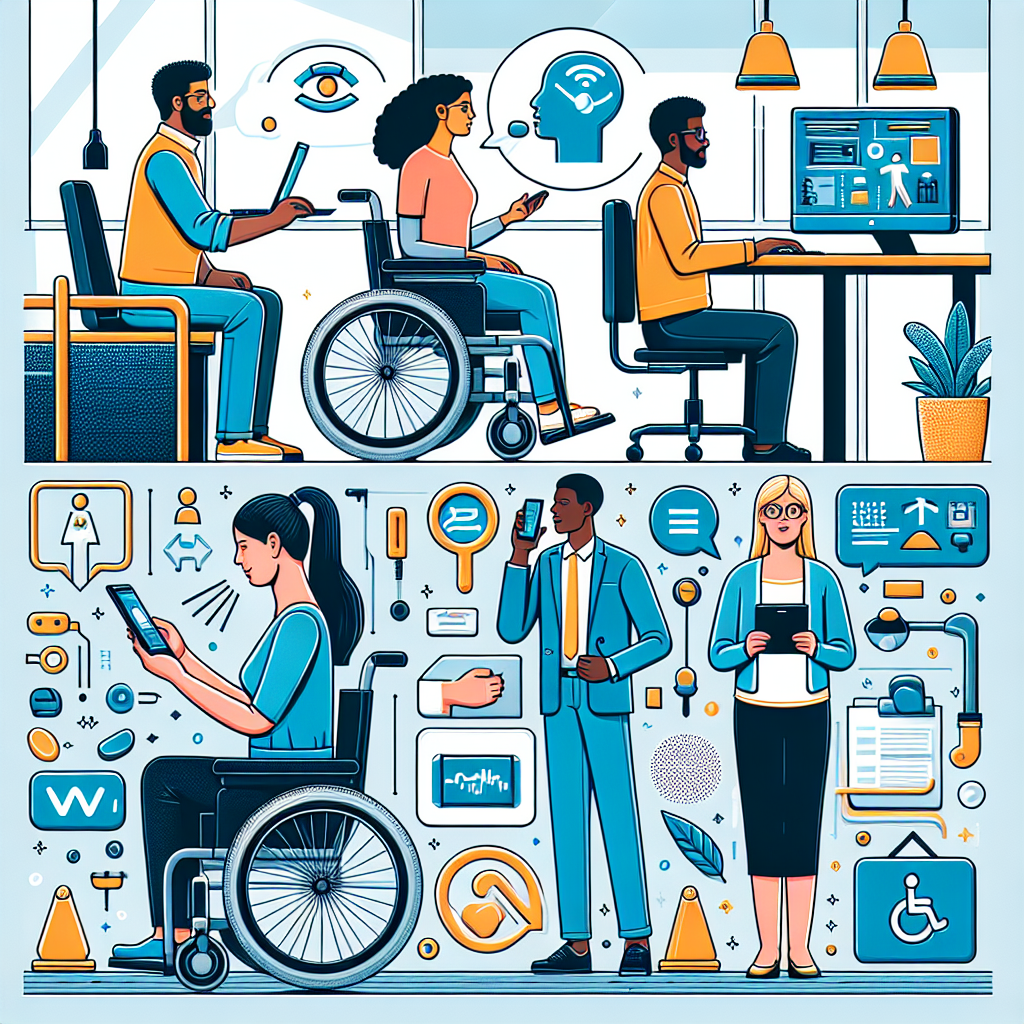
Assistive technologies play a crucial role in making workplaces more accessible. These tools help individuals with disabilities perform tasks that might otherwise be difficult or impossible. When implementing accessible technology in the workplace, it’s important to familiarize yourself with available assistive technologies and integrate them into your digital ecosystem.
Screen readers, for example, convert text on a screen into synthesized speech, enabling visually impaired individuals to navigate and interact with digital content. Another example is voice recognition software, which allows users to control their devices and dictation tasks through spoken commands. Additionally, hardware tools like Braille displays and adapted keyboards can further enhance accessibility.
Providing training and support for employees who use assistive technologies is equally important. Ensure that your IT team is well-versed in the functionality and troubleshooting of these tools. Regularly update software and firmware to maintain compatibility with assistive devices, and offer ongoing training sessions to keep users informed about new features and best practices.
Creating an Inclusive Digital Culture
While technology plays a significant role in creating a more accessible workplace, fostering an inclusive digital culture is equally important. An inclusive digital culture ensures that accessibility considerations are embedded in your organization’s values, policies, and practices.
Start by raising awareness about the importance of accessibility and providing training for all employees. Accessibility training should cover fundamental concepts, practical strategies, and the specific tools and technologies used within your organization. Encourage open dialogue and create channels for employees to share feedback and suggestions related to accessibility.
Leverage internal communication platforms to promote your accessibility initiatives. Highlight success stories and recognize employees who make exceptional contributions to creating an inclusive environment. This not only reinforces the importance of accessibility but also motivates others to actively participate in your efforts.
Utilizing Resources and Continuing Education
Digital accessibility is an ever-evolving field, with new tools, technologies, and best practices emerging regularly. To stay current and ensure your workplace technology remains accessible, it’s essential to utilize available resources and participate in continuing education opportunities.
Many organizations and online platforms offer resources and training on digital accessibility. The W3C Web Accessibility Initiative (WAI), for instance, provides extensive documentation, tutorials, and guidelines for implementing accessible web content. Similarly, professional organizations such as the International Association of Accessibility Professionals (IAAP) offer certification programs and continuing education opportunities.
In addition to formal training, consider attending conferences, webinars, and workshops focused on digital accessibility. These events provide valuable opportunities to network with industry experts, learn about the latest trends, and exchange ideas with peers. Engaging with the accessibility community can help you stay informed and inspired to advance your organization’s accessibility efforts continually.
Conclusion
In conclusion, implementing accessible technology in the workplace is not only a legal requirement under the ADA but also a means to foster a more inclusive and innovative work environment. By understanding the principles of ADA compliance, embracing inclusive design, utilizing assistive technologies, and creating an inclusive digital culture, organizations can ensure that their digital tools and platforms are accessible to all employees.
Remember, accessibility is an ongoing journey, not a destination. Continuously evaluate your digital landscape, seek feedback from users, and stay informed about the latest developments in accessibility. Utilize available resources and invest in continuing education to keep your accessibility efforts up to date.
By committing to accessible technology, you not only comply with legal requirements but also demonstrate your organization’s commitment to diversity, equity, and inclusion. Accessible technology empowers all employees to perform at their best, driving productivity and innovation. Ultimately, creating an accessible workplace benefits everyone and contributes to a more inclusive and equitable society.
Frequently Asked Questions
1. What is accessible technology, and why is it important in the workplace?
Accessible technology refers to digital tools and platforms designed to be usable by all people, regardless of their physical abilities or disabilities. This includes features such as screen readers, voice recognition, and keyboard navigation, which help individuals with disabilities access the same information and perform the same tasks as their colleagues. It’s important because it ensures inclusivity, allowing everyone an equal opportunity to contribute to and succeed in the workplace. Establishing accessibility is not just about compliance with laws like the Americans with Disabilities Act (ADA); it’s about acknowledging that people are diverse and that our digital environments should reflect that diversity to foster a more inclusive workplace.
2. What are the best practices for implementing accessible technology in the workplace?
Implementing accessible technology effectively requires a strategic approach. Start with conducting a thorough accessibility audit of your current digital tools and platforms to identify areas that need improvement. Engage with employees who have disabilities to understand their specific needs, which can provide invaluable insights beyond what standards alone suggest. Prioritize training for your IT and design teams on the principles of universal design and accessibility guidelines to ensure that all new technology initiatives are inclusive from the get-go. Collaborate with vendors and technology partners to ensure that third-party products and services are also accessible. Include accessibility as a criterion in your procurement processes. Finally, continuously review and update your accessibility strategies, making use of feedback from users to drive improvements and adaptations over time.
3. How can businesses ensure compliance with the ADA for digital tools?
Businesses can ensure compliance through several key practices. They should familiarize themselves with the Web Content Accessibility Guidelines (WCAG), which provide a detailed framework for digital accessibility. Conduct regular audits using automated tools and manual reviews to check for issues. Include accessibility clauses in contracts and agreements with technology providers to ensure compliance from all angles. It is also crucial to stay updated on legislative changes and technological advancements that affect ADA compliance to ensure that your business remains in line with current requirements. Remember, compliance is not a one-time task—it requires ongoing effort and dedication to inclusivity and equity in the workplace.
4. How does introducing accessible technology benefit a company’s overall productivity and workforce morale?
Introducing accessible technology can greatly enhance a company’s overall productivity by ensuring that all employees can perform to their best abilities. When technology is accessible, everyone can focus on their work without experiencing unnecessary barriers, leading to increased efficiency and job satisfaction. Creating an inclusive environment reflects well on the company, fostering a sense of belonging among employees. This can also improve morale and reduce turnover, as workers feel more valued and understood. Furthermore, demonstrating a commitment to accessibility can enhance a company’s reputation, attracting diverse talent and demonstrating corporate social responsibility, which can also contribute to broader business success.
5. What challenges might a company face when implementing accessible technology, and how can they overcome these obstacles?
Implementing accessible technology can pose several challenges, such as existing systems requiring extensive updates, budgetary constraints, or a lack of awareness about what true accessibility entails. To overcome these issues, companies should approach accessibility as an ongoing process rather than a one-time project. Start small, focusing on the most critical tools or platforms, and gradually expand efforts as ROI and employee feedback validate the benefits. Investing in training to increase awareness and capability within the team can bolster knowledge about the importance and implementation of accessible technology. Additionally, securing buy-in from leadership by demonstrating the long-term value and necessity of accessibility can ensure appropriate resources are allocated towards these efforts. Most importantly, continually engage with your employees to seek feedback and involve them in the process, ensuring that the changes being made really meet their needs.


