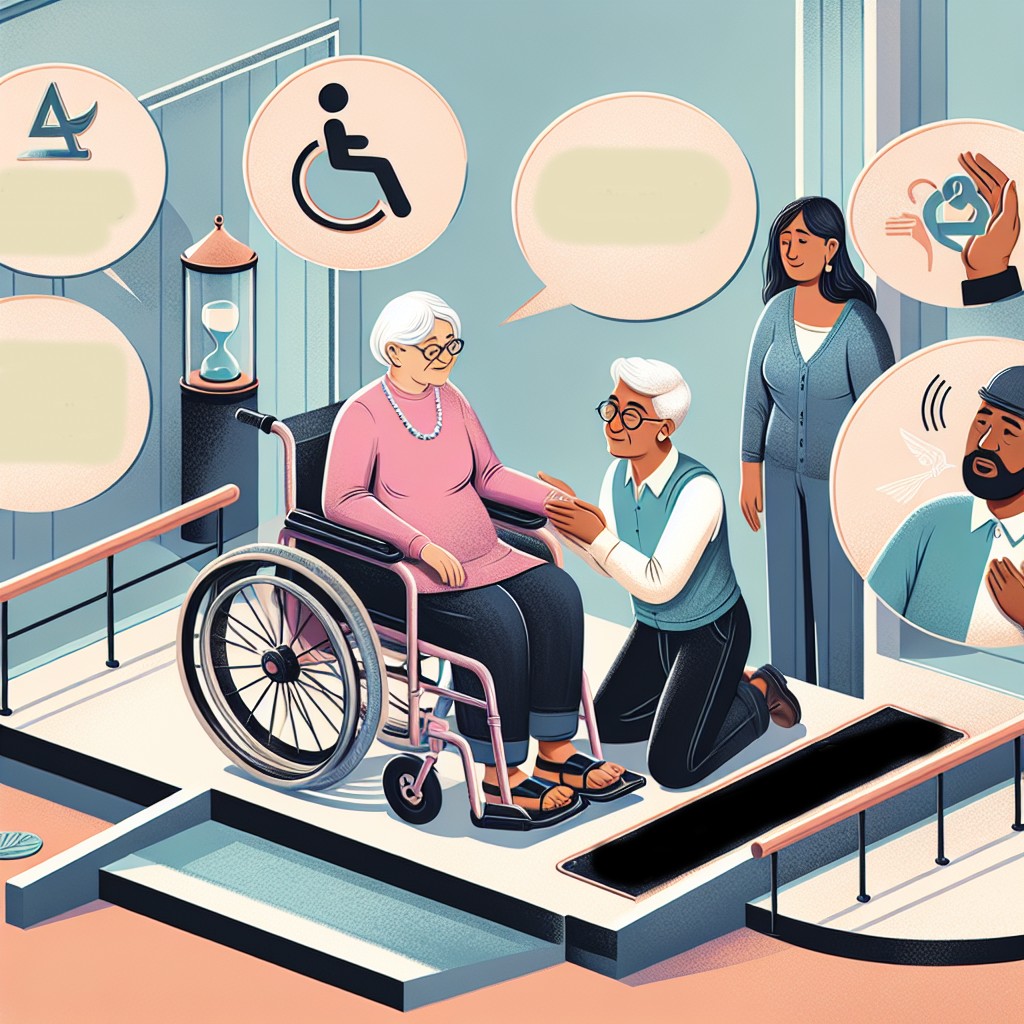
The Americans with Disabilities Act (ADA), enacted in 1990, is a landmark civil rights law that aims to prevent discrimination against individuals with disabilities in all areas of public life, including jobs, schools, transportation, and all public and private places open to the general public. As our world increasingly transitions to digital mediums, the relevance and application of ADA protections have become even more critical, particularly in online education and digital learning platforms.
Online education has grown exponentially over the past decade, and even more so due to the COVID-19 pandemic. This shift to digital learning environments has created unparalleled opportunities for students, but it has also introduced new challenges, particularly for students with disabilities. Ensuring that these digital learning environments are accessible to everyone is not only a legal requirement under the ADA but also a step toward fostering an inclusive society.
This comprehensive article will explore the various aspects of ADA protections in online education and digital learning. We will delve into the legal requirements, practical implementations, common challenges, and real-world examples of compliant digital environments. Additionally, we will examine the roles of educators, institutions, and technology developers in ensuring accessibility in virtual learning spaces. By understanding and applying ADA principles, we can create more equitable educational opportunities for all students.
Legal Requirements
The ADA establishes several key requirements to ensure accessibility in online education. Title II of the ADA applies to state and local government programs and services, including public educational institutions, mandating that all public entities provide equal access to their programs, services, and activities. This includes web-based programs and services provided by the institutions. Title III of the ADA covers private entities considered public accommodations, including private schools and universities.
The Web Content Accessibility Guidelines (WCAG), developed by the World Wide Web Consortium (W3C), are the most widely accepted guidelines for ensuring web accessibility. Although not law, WCAG standards are often referenced in ADA-related legal actions and settlements. To comply with the ADA, educational institutions and online learning platforms typically adhere to WCAG 2.1 Level AA criteria, which address issues such as:
- Text alternatives for non-text content
- Adaptable content
- Distinguishable and easy-to-use interfaces
- Compatibility with various assistive technologies
Moreover, educational institutions need to provide reasonable accommodations to students with disabilities. This can include auxiliary aids and services, modifications to policies and practices, and ensuring effective communication. Institutions must also engage in an interactive process with disabled students to identify and implement appropriate accommodations.
Practical Implementations
The implementation of ADA protections in online education involves multiple stakeholders, including educators, technology developers, and institutional administrators. Here are some practical steps to ensure accessibility:
- Conduct Accessibility Audits: Regularly audit online learning platforms and digital resources to identify and address accessibility issues. This includes checking compliance with WCAG guidelines and involving individuals with disabilities in the testing process.
- Provide Training: Educators and staff should receive ongoing training on accessibility best practices. This includes designing accessible course materials, using accessible teaching tools, and understanding the needs of students with disabilities.
- Use Accessible Technology: Choose technology and software that comply with accessibility standards. Learning management systems (LMS), video conferencing tools, and other digital platforms must be accessible to students with disabilities.
- Offer Multiple Formats: Provide course content in various formats to accommodate different disabilities. For example, include captions and transcripts for video content, provide text-to-speech options, and ensure that documents are screen-reader friendly.
- Involve Students: Engage with students with disabilities to understand their unique needs and preferences. This feedback can help tailor accommodations and improve the overall accessibility of online learning environments.
Common Challenges
Despite the clear legal requirements and practical solutions, there are still significant challenges in achieving full accessibility in online education. Some of these challenges include:
- Resource Constraints: Many educational institutions, especially smaller ones, may lack the necessary resources to implement comprehensive accessibility measures. This can include financial constraints, limited access to trained staff, and insufficient technological infrastructure.
- Rapid Technological Advancements: The fast-paced evolution of digital learning tools and platforms can make it difficult for institutions to keep up with the latest accessibility standards and practices. Continuous updates and maintenance are required to ensure ongoing compliance.
- Lack of Awareness: In some cases, there is a general lack of awareness about accessibility requirements and best practices among educators and institution administrators. This can lead to unintentional non-compliance and inadequate accommodations for students with disabilities.
- Complexity of Disabilities: Disabilities can vary widely in nature and severity, making it challenging to develop a one-size-fits-all approach to accessibility. Institutions must be prepared to address a broad spectrum of needs, from visual and hearing impairments to cognitive and motor disabilities.
- Ensuring Compatibility: Ensuring that online learning platforms and materials are compatible with various assistive technologies, such as screen readers and speech recognition software, can be technically complex and require ongoing collaboration with technology developers.
Real-World Examples
Several educational institutions and organizations have successfully implemented ADA protections in their online education offerings. These real-world examples highlight best practices and innovative approaches to accessibility:
- University of California, Berkeley: UC Berkeley has developed a comprehensive accessibility plan that includes auditing its online courses, providing training for faculty and staff, and ensuring that its digital resources comply with WCAG standards. The university has also implemented a robust system for providing accommodations and support to students with disabilities.
- Harvard University: Harvard has made significant strides in improving the accessibility of its online learning materials. This includes captioning all video content, creating accessible PDFs and other documents, and providing training for faculty on creating accessible course materials.
- Blackboard: Blackboard, a leading learning management system, has integrated accessibility features into its platform. These include screen reader compatibility, keyboard navigation, and text-to-speech functionality. Blackboard regularly updates its platform to align with the latest accessibility standards.
- Khan Academy: The online education platform Khan Academy has taken a proactive approach to accessibility by ensuring that its content is designed to be usable by all students. This includes providing multiple content formats, captioning videos, and using clear and simple language throughout its materials.
- The Open University: The Open University, a pioneer in distance education, has a long-standing commitment to accessibility. The institution offers a range of support services for students with disabilities and continuously works to improve the accessibility of its digital resources and online courses.
The Role of Educators, Institutions, and Developers
Ensuring accessibility in online education requires collaboration between educators, institutions, and technology developers. Each group plays a critical role in creating inclusive digital learning environments:
- Educators: Educators are on the front lines of delivering accessible education. They must be trained in accessibility best practices, understand the unique needs of their students, and be proactive in creating inclusive course materials. This includes using accessible teaching tools, providing content in multiple formats, and being responsive to accommodation requests.
- Institutions: Educational institutions must establish clear policies and procedures for ensuring accessibility. This includes conducting regular accessibility audits, providing training and resources for faculty and staff, and allocating the necessary resources to support accessibility initiatives. Institutions should also engage in continuous dialogue with students with disabilities to ensure their needs are being met.
- Developers: Technology developers play a crucial role in creating accessible online learning platforms and tools. They must adhere to accessibility standards, such as WCAG, and ensure that their products are compatible with assistive technologies. Developers should also work closely with educational institutions and users with disabilities to gather feedback and make continuous improvements.
Conclusion
The Americans with Disabilities Act (ADA) is a powerful tool for promoting accessibility and inclusivity in online education and digital learning environments. While significant progress has been made, there is still work to be done to ensure that all students, regardless of their abilities, have equal access to educational opportunities.
By understanding and implementing the legal requirements of the ADA, engaging in practical actions to enhance accessibility, and overcoming common challenges, educational institutions can create inclusive and supportive learning environments. Real-world examples demonstrate that with commitment and collaboration, it is possible to achieve meaningful accessibility in online education.
The roles of educators, institutions, and technology developers are integral to this mission. By working together and being proactive in addressing the needs of students with disabilities, we can move toward a future where digital learning is accessible to all. Ultimately, ensuring ADA compliance in online education is not just a legal obligation—it is a moral imperative that reflects our commitment to equity, inclusion, and the empowerment of every student.
As we continue to navigate the evolving landscape of digital learning, let us remain vigilant and dedicated to creating a world where education is truly accessible to everyone.
Frequently Asked Questions
1. What is ADA and how does it apply to online education and digital learning?
The Americans with Disabilities Act (ADA) is a cornerstone civil rights law that was introduced in 1990 to protect individuals with disabilities from discrimination in various areas of daily life. Originally, its focus was on physical spaces and public access, ensuring that places such as schools, workplaces, and public transport were accessible to everyone regardless of their physical capabilities. However, as digital technology has evolved and the landscape of education has shifted online, the need to extend ADA protections to digital platforms has become clear. In the context of online education and digital learning, ADA applies to ensuring that all web-based educational content is accessible to students with disabilities. This includes providing alternatives or modifications to make digital content accessible, such as captions on videos, screen reader compatibility for text, and ensuring online platforms are navigable using keyboard controls. By applying ADA standards, educational institutions can make sure that digital learning environments are inclusive and accessible, giving all students equal opportunities to participate and succeed in their education.
2. How can educational institutions ensure their digital platforms are ADA compliant?
Ensuring ADA compliance in digital platforms is crucial for making online education accessible. Institutions need to conduct regular accessibility audits to identify potential barriers that students with disabilities might face. One effective approach is to follow the Web Content Accessibility Guidelines (WCAG), which provide a comprehensive framework for making web content more accessible. These guidelines include principles such as making content perceivable, operable, understandable, and robust. Additionally, institutions can utilize accessibility tools and software to test their online platforms for compatibility with assistive technologies like screen readers and speech recognition software. Engaging with students who have disabilities to get their feedback can also provide valuable insights into areas that may need improvement. By fostering an inclusive culture and continuously improving accessibility, educational institutions can ensure they meet ADA standards and provide an equitable learning experience for all students.
3. What are common barriers faced by students with disabilities in online education, and how can they be addressed?
Students with disabilities often face several barriers when accessing online education. Common challenges include poorly designed websites that are not compatible with assistive technologies, videos without captions or transcriptions, and courses that rely heavily on visual content without alternative text descriptions. To address these barriers, educators can implement several strategies. First, they should ensure all digital content complies with accessibility standards such as using high-contrast text colors, providing keyboard navigation options, and offering alternative text for images. Furthermore, it’s crucial to offer multimedia alternatives, like transcripts for audio content and captions for videos, so all students can access the information. Educators should undergo training on accessibility best practices to better understand and anticipate the needs of students with disabilities. By integrating these practices into their online courses, educators can significantly reduce barriers and enhance the learning experience for all students.
4. What role do assistive technologies play in supporting ADA compliance in digital learning environments?
Assistive technologies are integral to supporting ADA compliance and helping students with disabilities fully access digital learning environments. These technologies can include screen readers, which convert text to speech for visually impaired students; speech recognition software that allows students to control their computers and enter text using their voices; and text-to-speech software that helps students with learning disabilities comprehend written material. Additionally, magnification tools can help students with low vision by enlarging text and images on their screens. For students with mobility impairments, alternative input devices such as adaptive keyboards and mouse controllers can facilitate easier computer interaction. To ensure that assistive technologies are effective, educational platforms must be designed to be compatible with these tools. This means developers need to follow accessibility best practices and continually test their platforms with various assistive technologies. By fostering an environment that seamlessly integrates these tools, educational institutions can better support students with disabilities and uphold their commitments to ADA compliance.
5. How does ADA compliance benefit all students, not just those with disabilities, in digital learning contexts?
While ADA compliance primarily focuses on removing barriers for students with disabilities, its benefits extend to all students, creating a more inclusive and effective learning experience. Accessible online platforms often feature improved usability, consistency, and design considerations that make navigation and information retrieval easier for all users. For instance, providing captions on videos is beneficial not only to students with hearing impairments, but also to those who are non-native speakers, or in noisy environments where audio can’t be easily heard. Similarly, clear headings or well-structured content allows all students to more efficiently navigate through course materials. Moreover, considering the diverse learning preferences and challenges students might face, accessible design principles lead to creating more flexible and adaptable learning resources. By prioritizing accessibility, educators ensure that learning environments are accommodating to a myriad of needs, creating a more engaging and supportive educational experience for every student.